Welcome to the Onshape forum! Ask questions and join in the discussions about everything Onshape.
First time visiting? Here are some places to start:- Looking for a certain topic? Check out the categories filter or use Search (upper right).
- Need support? Ask a question to our Community Support category.
- Please submit support tickets for bugs but you can request improvements in the Product Feedback category.
- Be respectful, on topic and if you see a problem, Flag it.
If you would like to contact our Community Manager personally, feel free to send a private message or an email.
Connecting two extruded sketches

Hi
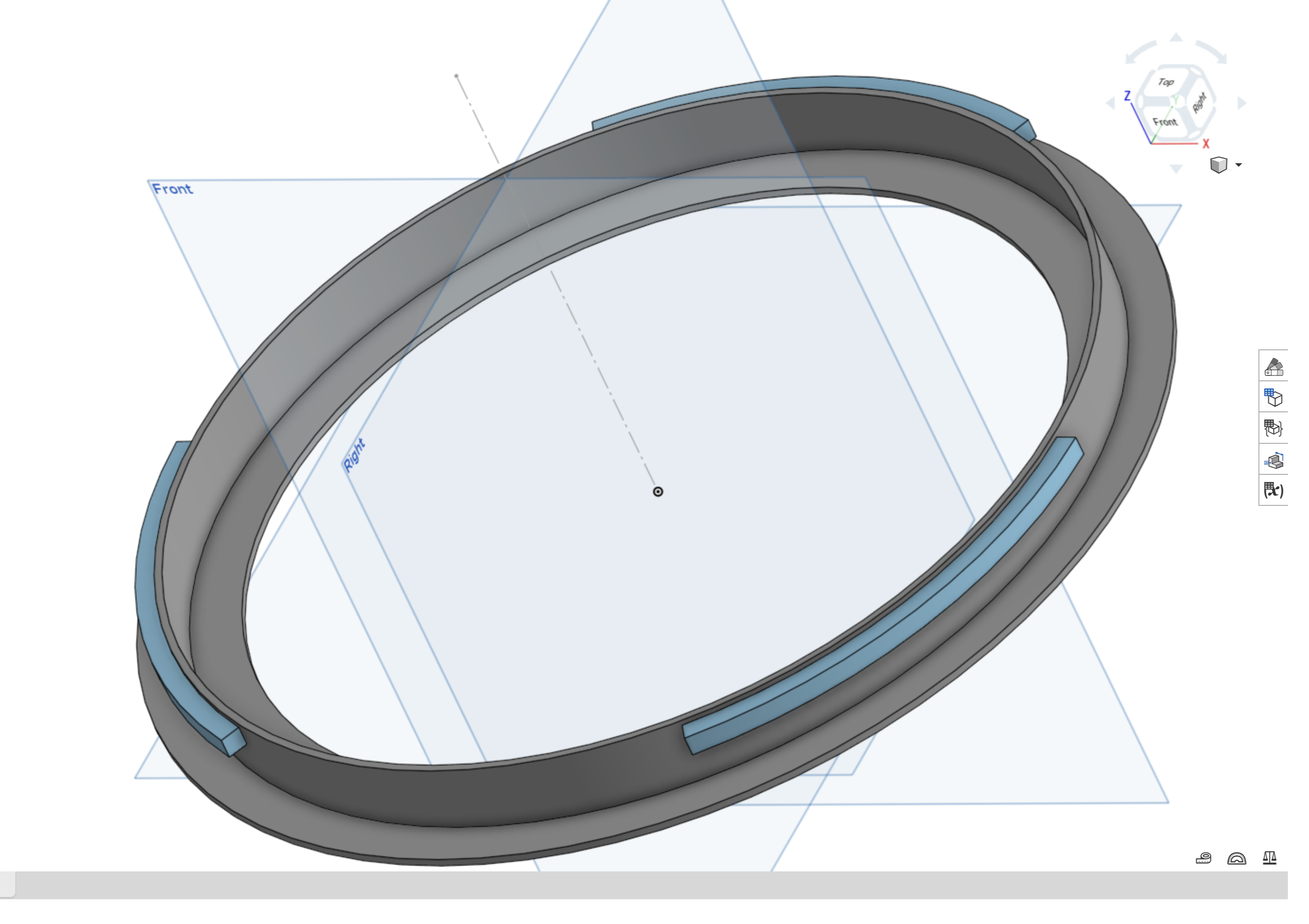
New to onshape and just trying to get familiar with some key concepts - I'm struggling to connect two extruded sketches
I can see that one extrusion is grey and the other is blue - I presume that this means they are not connected and therefore when I try to fillet the cylinder wall, it can't resolve.
I'd like the blue extruded circular shape to connect to the grey revolved extrusion on the outer cylinder wall so I can then fillet the cylinder wall to provide support to the protruding lip. Can anyone help me understand how to achieve this, please?
Answers
-
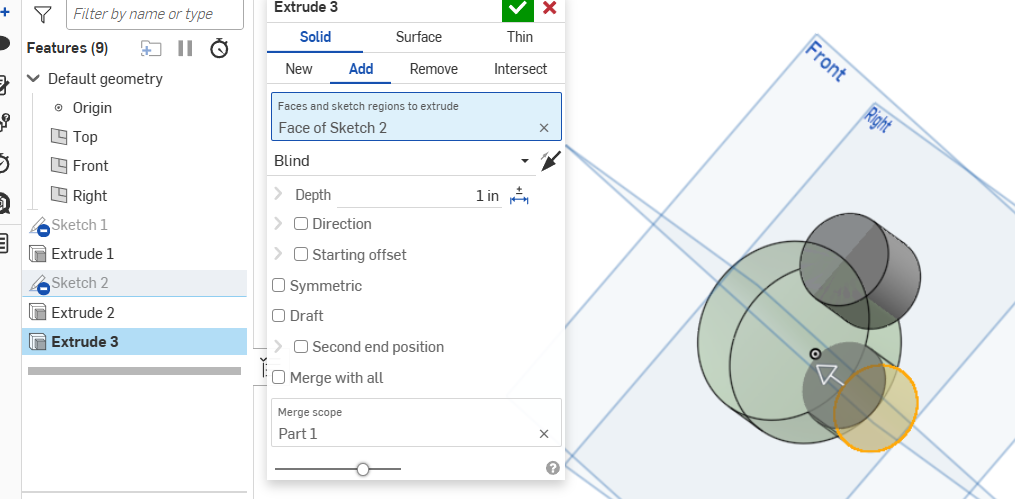
While extruding the blue rings, change selection to add instead of new. If they are in contact they'll become one part.
 0
0 -
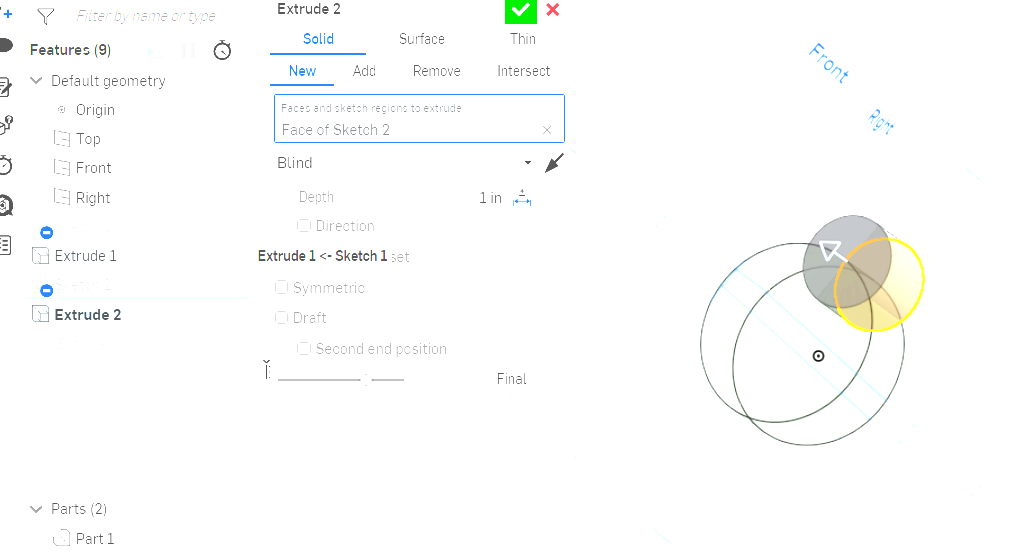
Ah OK. Thank you - I've selected Add and it's now telling me to select a merge scope but the other sketch is not appearing as a part. I can see that it is a part in the left pane when outside of the extrude action.
0 -
If it's after in the feature list then it does not exist yet. Select the final button while creating a feature and it will show. If it is in the part list in the lower left it can be selected from there.
0
