Utilizing stl/step files in partstudio w/fasteners

morgajel
Member Posts: 4 EDU
Hey folks, I'm having a hard time utilizing 3d printed parts in my design. Specifically, I have 2 parts that were 3d printed from an STL file. These have been converted to STEP files, then imported into onshape. When I insert them into my subassembly, I can't figure out how to join them with mate connectors to the rest of the subassembly; when I import the subassembly into the main assembly later, the parts don't stay together.
Is there a way to turn these primitive models (STL or STEP) into regular, functional models that can handle mate connectors?
0
Answers
-
For clarification, the best way I've found how to do it is following this tutorial-
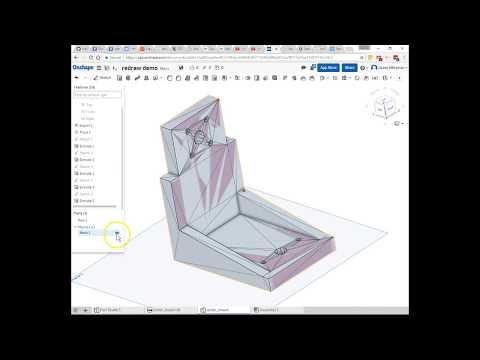 https://www.youtube.com/watch?v=b9K5f6zzb1k
But is that really the best/only way to do it?0 -
Hey @morgajel,
If you are initially getting a step export out of another parametric CAD system you won't have this issue. As you are getting an STL File these are all triangles which is not great to work with.
In that case you will need to take a similar approach to what is shown in that video, for your needs to just put them in an assembly, I would probably create a sketch with a circle or point or any other geometry that I can use to reference my mate connector inside of the Part Studio of the imported geomtry. After that it should be pretty straight forward to set up your assembly.
Hope this helps. Cheers
1

