Define thread length with a linear dimension instead of a callout

johan_vergeer
Member Posts: 2 ✭
I'm looking for a way to dimension thread length with a regular linear dimension, instead of a callout, because some situations would make it much clearer where the depth should be measured from.
In the drawing below, for example, the reference for the depth of the M10 hole is "A", but the callout dimension starts somewhere in the hole ⌀16.2.
I can set the depth of the hole for predrilling (32), but I'm unable to set the depth for the thread.

In the drawing below, for example, the reference for the depth of the M10 hole is "A", but the callout dimension starts somewhere in the hole ⌀16.2.
I can set the depth of the hole for predrilling (32), but I'm unable to set the depth for the thread.

1
Best Answer
-
@johan_vergeer Threads are not yet able to be dimensioned because of reasons not within the drawing editor. This is a topic we are looking at soon. Many ISO styled drawing users prefer not to see hole information in our current callout form, but as dimensions all placed on the geometry.2


Answers
-
@johan_vergeer Threads are not yet able to be dimensioned because of reasons not within the drawing editor. This is a topic we are looking at soon. Many ISO styled drawing users prefer not to see hole information in our current callout form, but as dimensions all placed on the geometry.2
-
@PeteYodis is this topic still being considered? It would be very useful to have it.
1 -
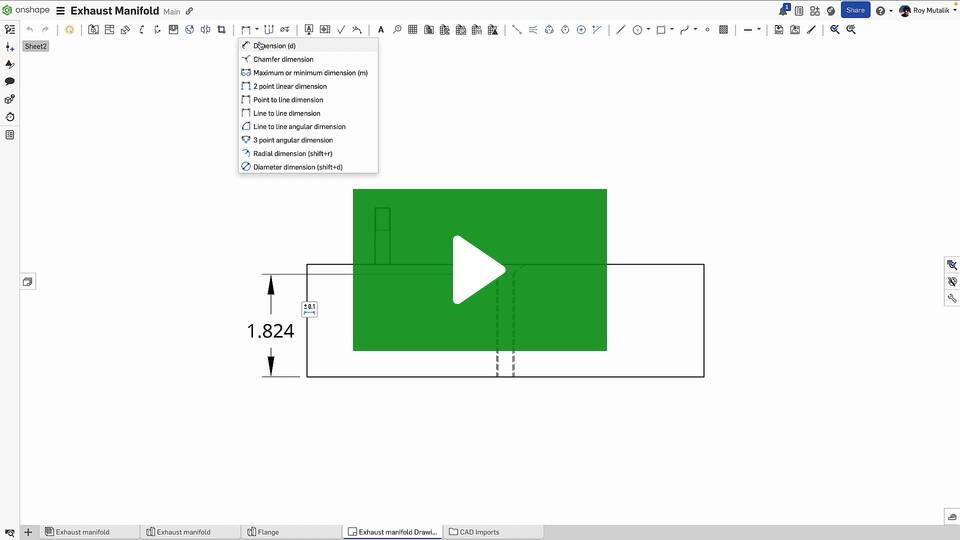
@Ervin_Kaca We added some support back here on this release:
Improvements to Onshape - March 13th, 2025 — Onshape
There will be more to come with an option for the hole callout tool to create all dimensions (especially for side profiles of holes) if that is your preference over the note/callout style - but that work is not yet in progress.
1