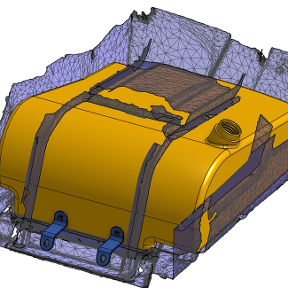
How to find gaps in a model?

Hi,
I have a large and complex model that has come through as a surface. There must be a gap or missing face somewhere but I can't find it. Is there a way to have Onshape tell me where the offending area is so I can fix it?
Answers
-
Thanks for the suggestion. I tried switching on the Highlight boundaries but it didn't show anything.
0 -
I've done a series of encloses to narrow down the problem for your example and for narrowing down shell limitations. Just set up an offset plane to be adjusted to get down to the problem more quickly by changing the offset dimension.
0 -
Aha! Got there in the end. Going back to S1mon's suggestion, I switched on Highlight Boundaries then clicked on Move Boundary. It took a bit of searching but I found the broken area highlighted in red
1