Funnel Exercise - CAD Basics

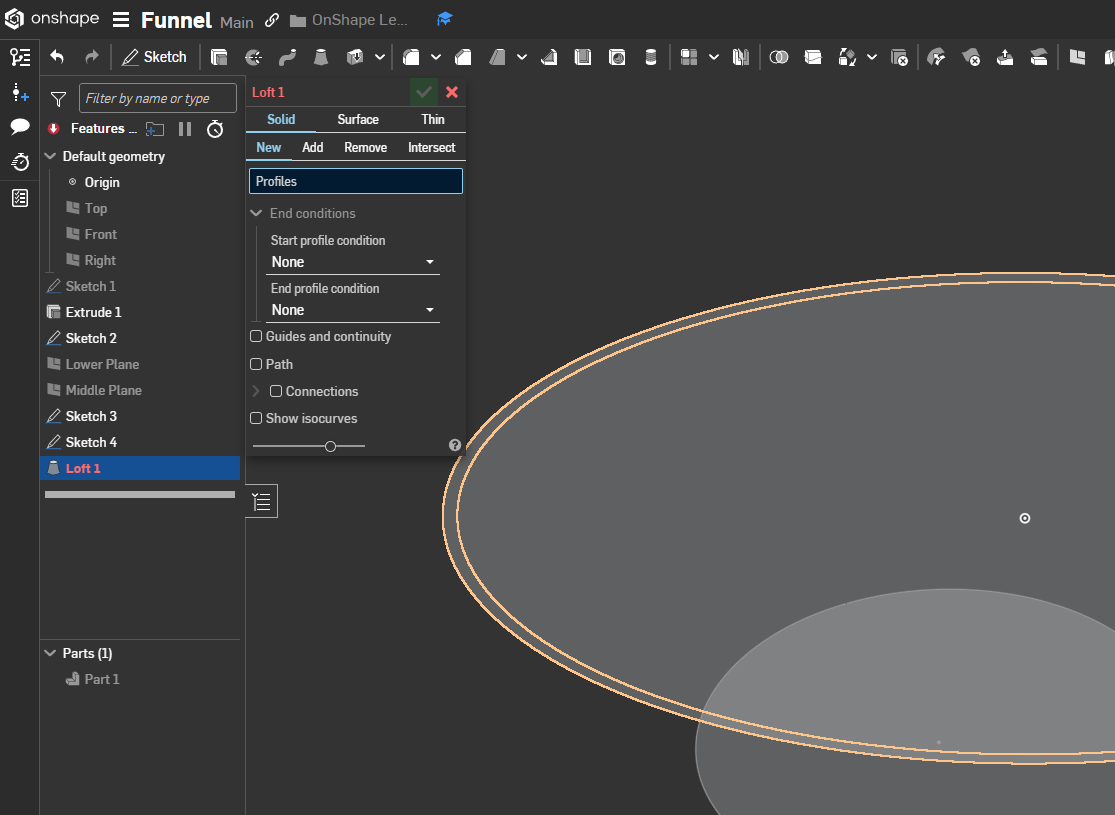
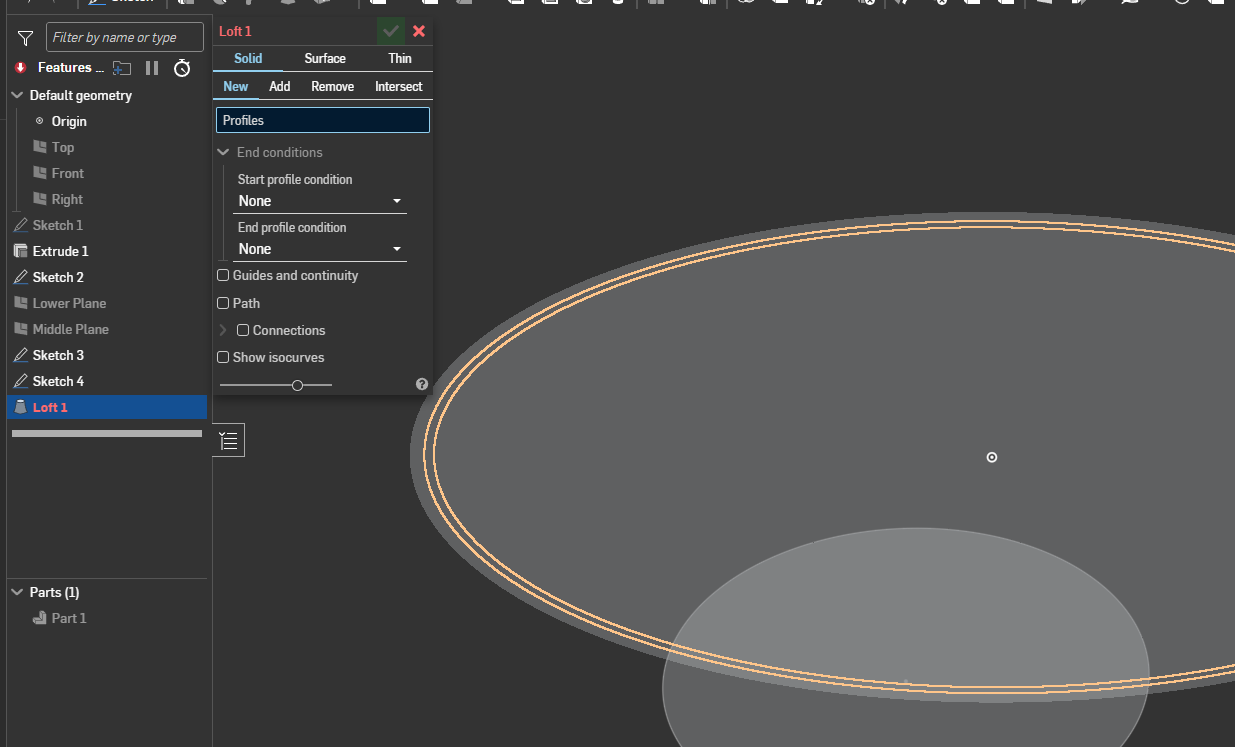
Hello - I'm currently going through the CAD Basics Learning Path, which I thought would be ( should be ) fairly straightforward. However, I'm stuck on the Funnel exercise, Slide 9, in the Introduction to Parts Studios. Nothing I've done previously up to that slide is unfamiliar, nor is creating a loft. However, in following the instructions while trying to create the loft from the Top Plane, I cannot click/select ONLY the 0.5" offset ellipse. When I try, I get either the 0.5" offset ellipse plus the original outside ellipse,
, or the 0.5" offset ellipse plus the inside ellipse ( offset from the original by 0.125" ).
I've tried a couple different ways around this including adding the 0.5" offset ellipse to Sketch 1, but I always get the same result.
The link to my document is here: https://cad.onshape.com/documents/3ca052ca87da2e895ca6be37/w/5138a8020b6a4e88660897ef/e/af5a6eb96f0b31bc6323f19b.
Can anyone explain this?
TIA,
Tim
Answers
-
Does this help?
https://forum.onshape.com/discussion/comment/107442#Comment_1074420