STL not exporting correctly in app but will on website

I have designed a draw system which is parametric. Link below. I sent the parameters to 120mm deep, 180mm width and 160mm tall. However the depth was ok but the other 2 parametric came out to 100mm x 100mm.
However the website downloaded an STL that i was able to print to the correct sizing. Any ideas please.
Answers
-
Same Here.
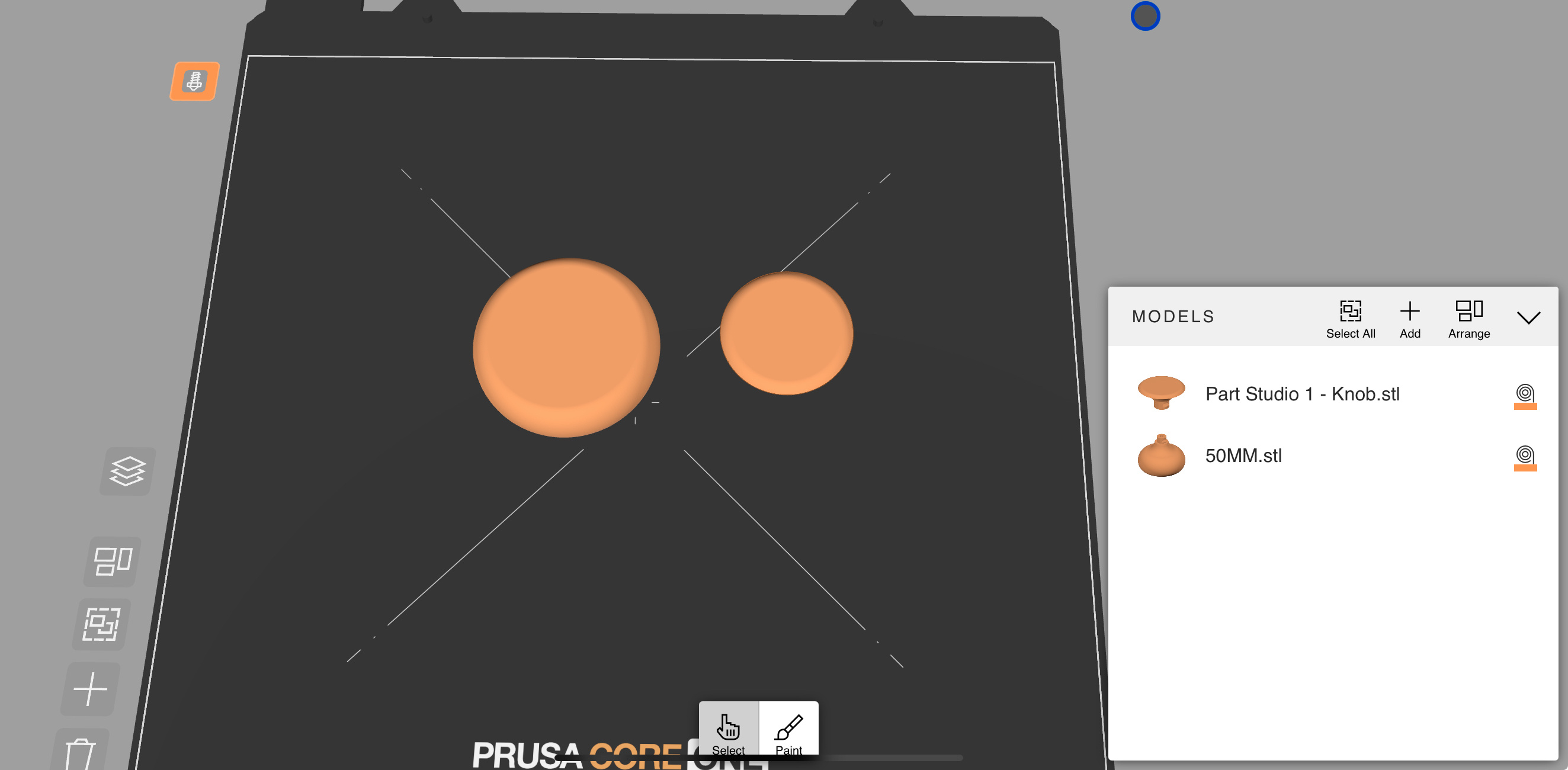
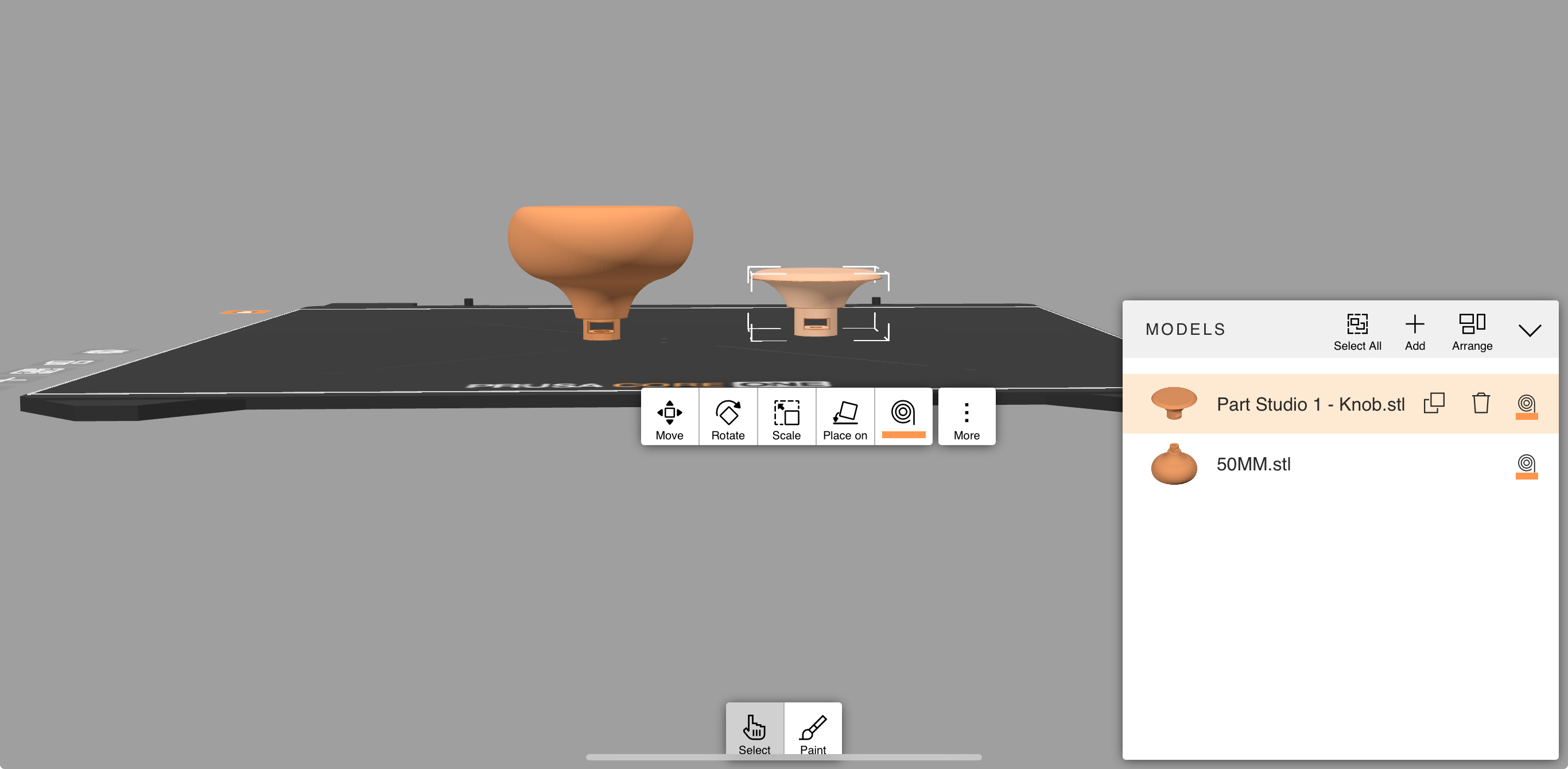
For inFo I am using an an M2 IPad using Onshape App Version 1.199.7220. The design to the left was download using safari on the IPad (realise unsupported but still works ok, also downloaded off Chrome that was ok too)
So the design to the left called 50MM was download from website and is true to design, the design named Knob was from App and as seen is way off
No idea why yet
 0
-
If you exported as stl, it may be a unit issue. stl often does not declare the units used. Try exporting as step instead. step does declare units used. See if that solves the issue.
0 -
So immediately I see that there are errors in this document which might cause it to export differently, however if it exports fine on the website then that makes it more unlikely to affect it but just in case try to fix it and see what happens. And as for the app I would look if there are any settings that auto scale these features in both Onshape and the slicer software you are using.
0

