New Custom Feature: Group by Color (not sure if it's useful yet)

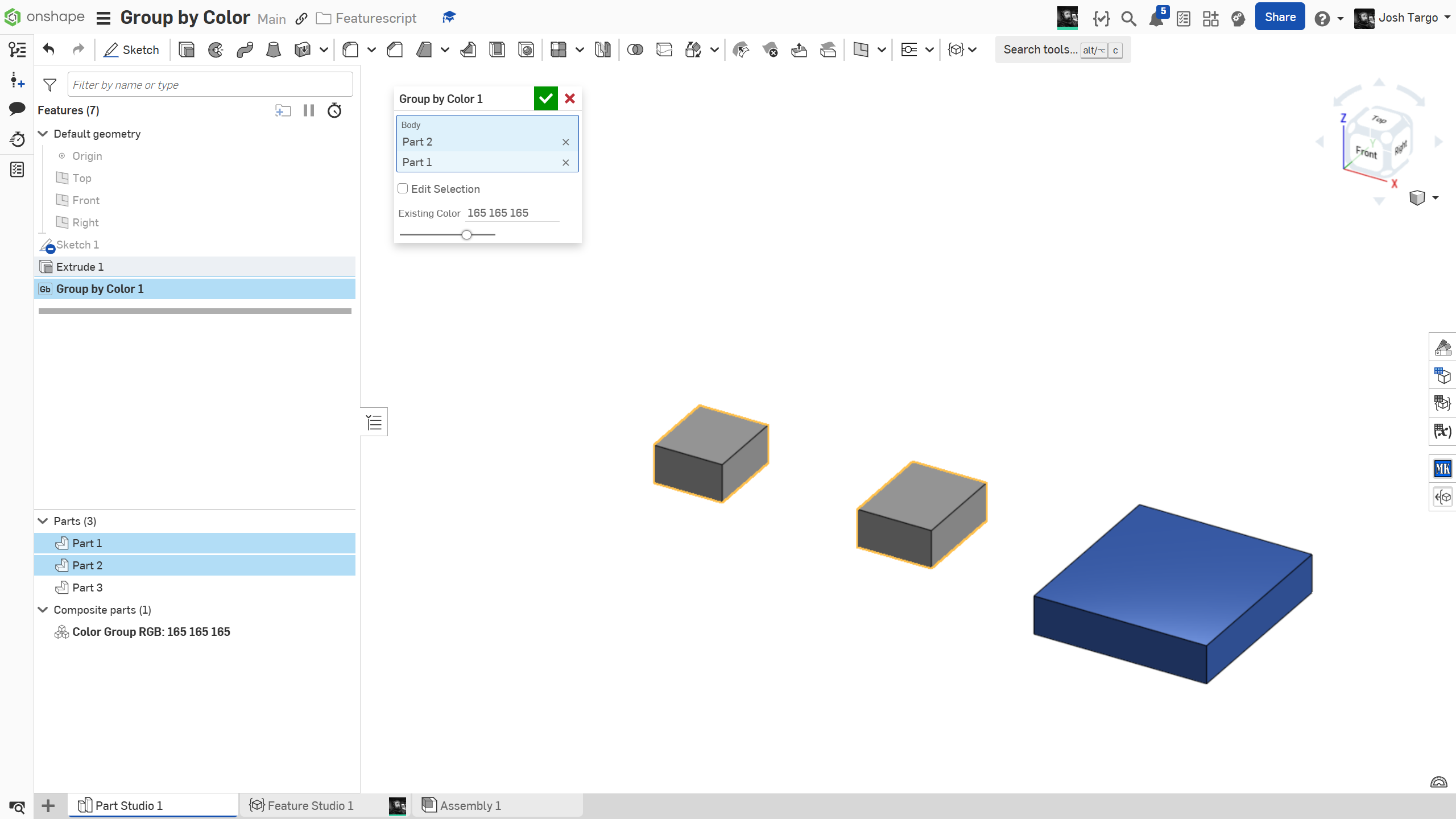
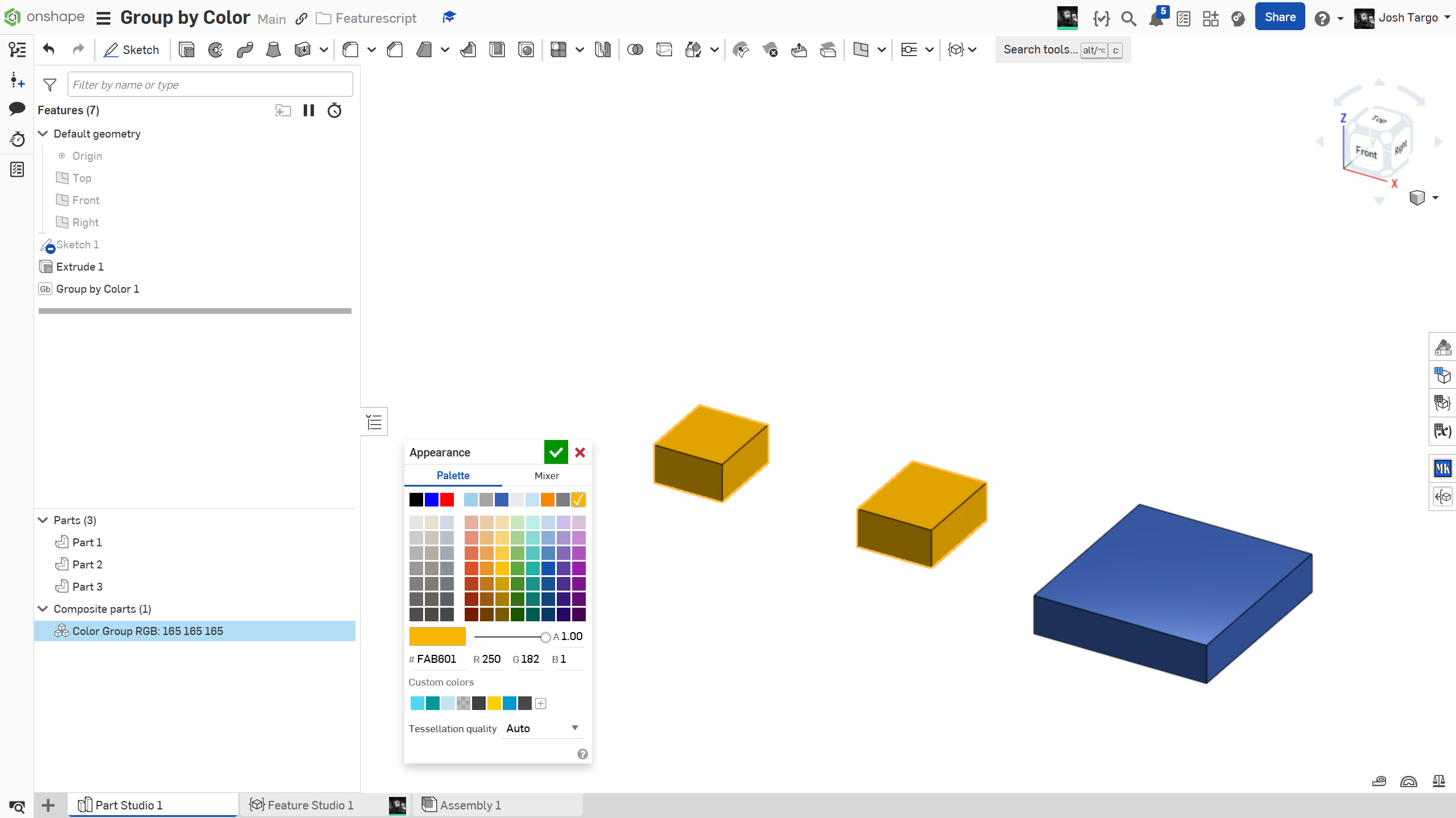
Though , sadly, we can not reset the color of parts in FS once they have been set in the studio, this will select all parts of the same color and make a composite part, which will allow the user to re-color all of them at once in the studio. Part of the reason I want this is that sometimes we import large assemblies and some of the parts are dead black, and impossible to see detail, so I wanted to be able to select them all and make them dark gray. Can anyone else think of something to do with this ability?
Start FS, select one part, and it will instantly add all parts of the same color to the selection and make an open Composite.
https://cad.onshape.com/documents/470590a881d3accc9842184b/w/a1e535b49545bccbe54be0ad/e/7f123e8e7063863a5274b6a5
Comments
-
I'm pretty sure you can also set all the face colors of a part to fix imports without having to reset the properties. I've used a FS based on @EvanReese 's Part Color FS to do this.
Simon Gatrall | Product Development, Engineering, Design, Onshape | Ex- IDEO, PCH, Unagi, Carbon | LinkedIn
0 -
-
the problem is selecting those parts, since Inventor imports and maybe all STEP, just put all 800 parts at the origin of a part studio.
0 -
could be, the code is very simple, so you could change the Getproperty to anything you want.
0 -
updated the FS to allow you to select by any property!
0