How can I reset the appearance of parts in a part studio?

I'm trying to use Part Color by @EvanReese and it works great, but for a certain configuration the colors set by Part Color get overridden and I can't figure out how to make it stop doing that. I think I had set an appearance earlier on and now I can't remove those colors.
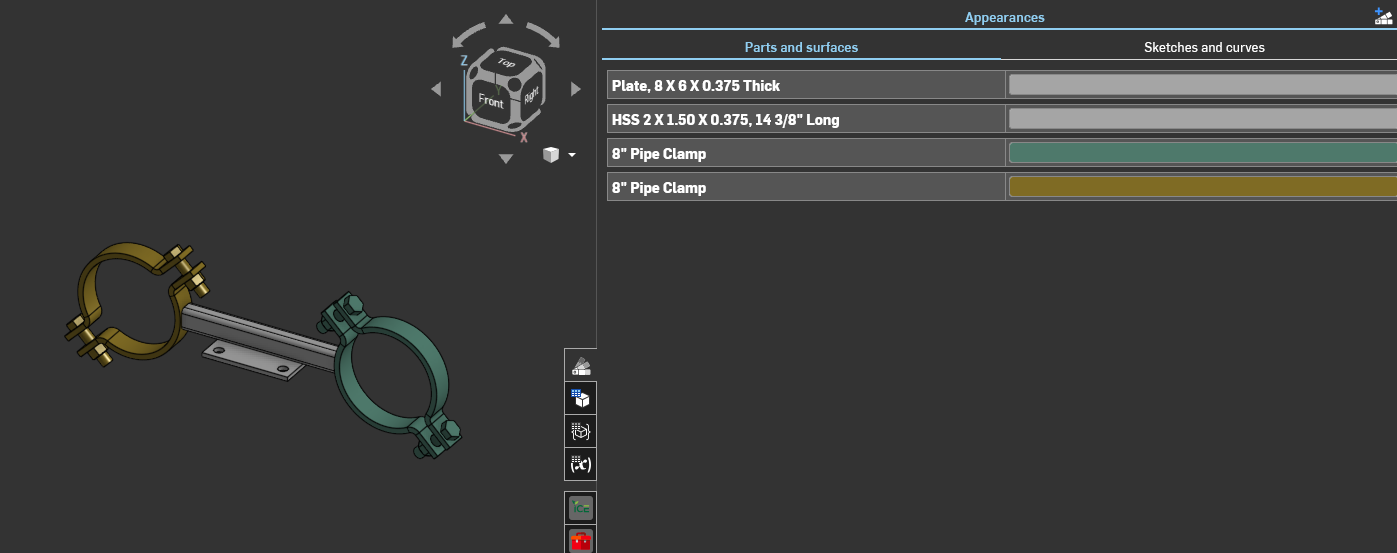
Config 1 - Takes the colors set by Part Color in the config table
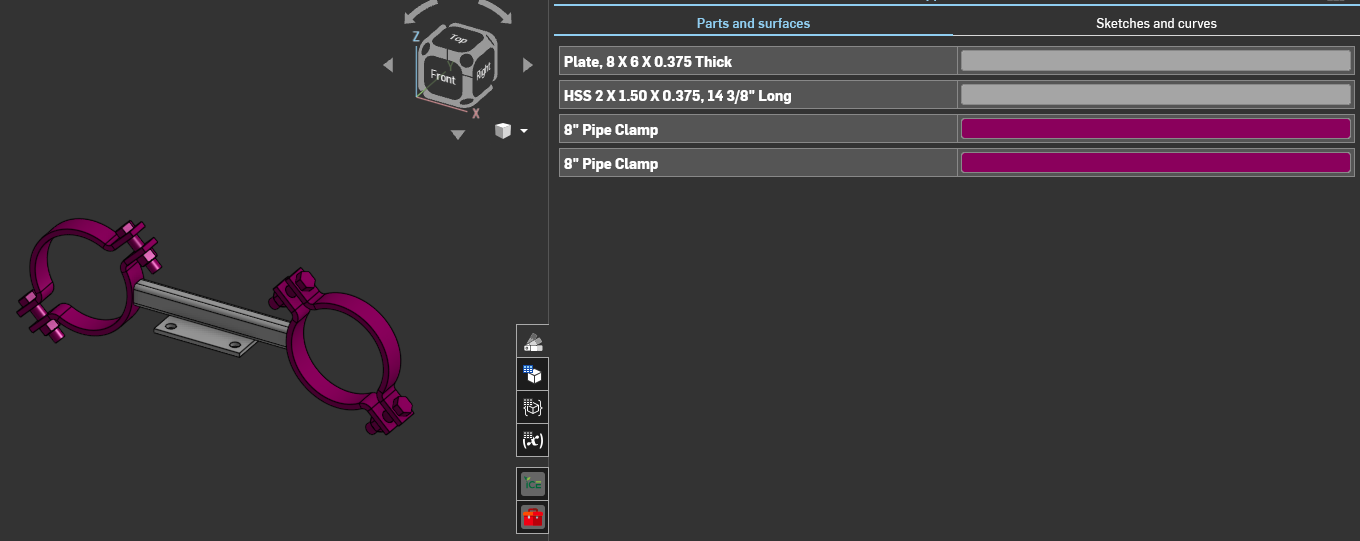
Config 2 - Sets them both to this color when one should be a dark blue (#111481)
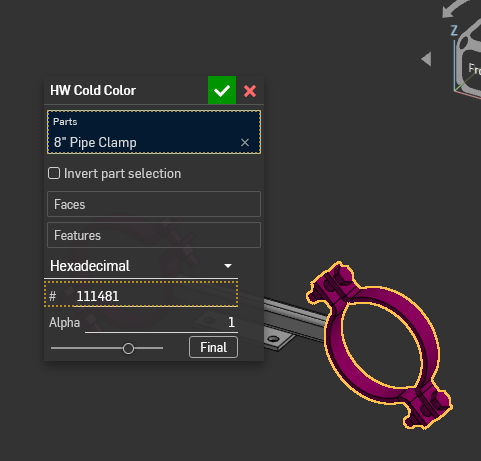
If I look at the feature properties it's calling out the color set in the configuration table but it's not applying it properly.
How can I find out why it's not applying the right color? Thanks everyone!
Best Answers
-
Unfortunately you need to edit the part properties and click the blue "Reset all" button, which will also get rid of all other properties. Still waiting on a way to reset only one, or not need to do it at all.
0 -
I take that back…you're right @EvanReese
In addition to setting an appearance I had also tried configuring the color in Configured Properties. I had to set the view to the correct part and delete that color config table I had made and boom! It's fixed.
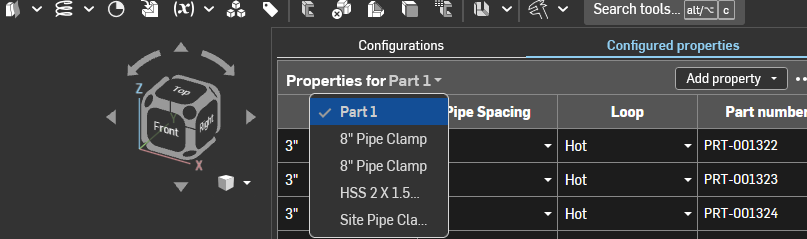
Lesson learned — Check ALL your configuration properties tables folks!
0

Answers
-
Unfortunately you need to edit the part properties and click the blue "Reset all" button, which will also get rid of all other properties. Still waiting on a way to reset only one, or not need to do it at all.
0 -
Thanks @EvanReese I tried that but it still keeps the wrong color. That's what I figured was the fix as well but for some reason this color is extra sticky!
0 -
I take that back…you're right @EvanReese
In addition to setting an appearance I had also tried configuring the color in Configured Properties. I had to set the view to the correct part and delete that color config table I had made and boom! It's fixed.
Lesson learned — Check ALL your configuration properties tables folks!
0 -
Glad you got to the bottom of it
0 -
Hi @EvanReese , I’ve run into this behavior—or rather the need to reset the properties—quite a few times now. Do you know if Onshape is working on a fix for this?
0 -
I'm not aware of any movement on it, but I'm sure @GregBrown has some idea where this falls in terms of priority and feasibility.
0
