Offset problem inwards a multi point sketch.

I have created a clark-y profile to make wing spars using "Profile Generator".
When I have extruded the suface I want to make an offset inwards to create a thin frame.
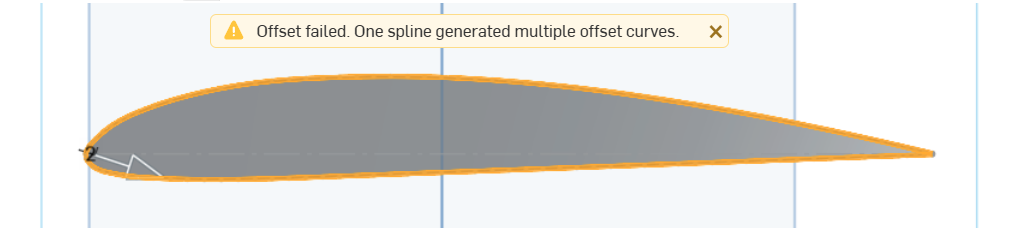
I get an error message, see picture one. How can I get around this?
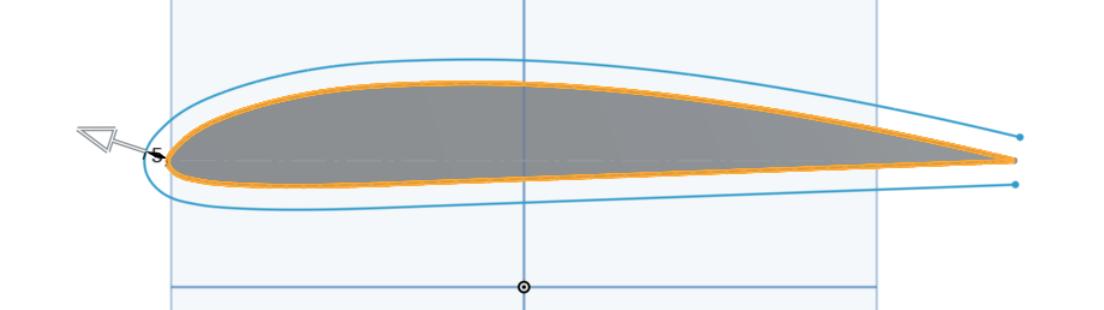
Offset outwards, no problems, see picture two.
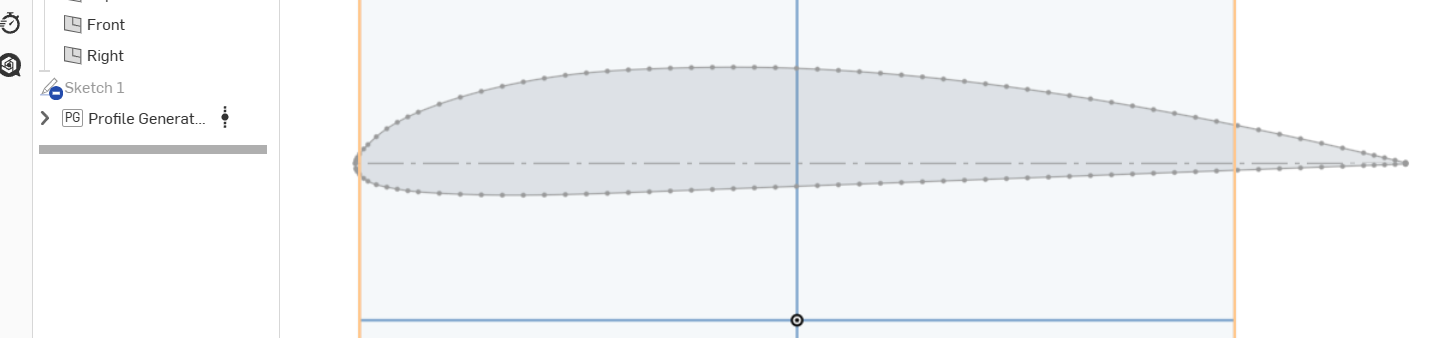
Without extrude, picture three.
What is it that I did wrong?
Answers
-
I would highly recommend using the HVAF airfoil generator instead:
https://www.onshape.com/it/blog/streamlining-airfoil-design-custom-features
It will create smoother curves which will cause fewer issues.
Offsetting outwards with a convex shape is almost always easy. Offsetting inwards often causes issues either because there are areas with unexpectedly higher curvature or things need to be intersected in a weird way. If you check the curvature using Shift-C and turn on the minimum radius option, you'll be able to see where there might be issues.
Simon Gatrall | Product Development, Engineering, Design, Onshape | Ex- IDEO, PCH, Unagi, Carbon | LinkedIn
0 -
Also, as a general rule, offsetting surfaces is more robust than offsetting sketch entities. So if you already have a surface you are more likely to be able to offset that instead of the sketch.
Also, it seems like you should be able to use a "thin extrude" from the sketch or a "thicken" of the surface
1 -
Thank's for the answers. I tried thin extrude but it didn't work, I also tried thicken but I had no success with that either.
I simply dropped my design and did it another way.0

