Help with make a change to my model

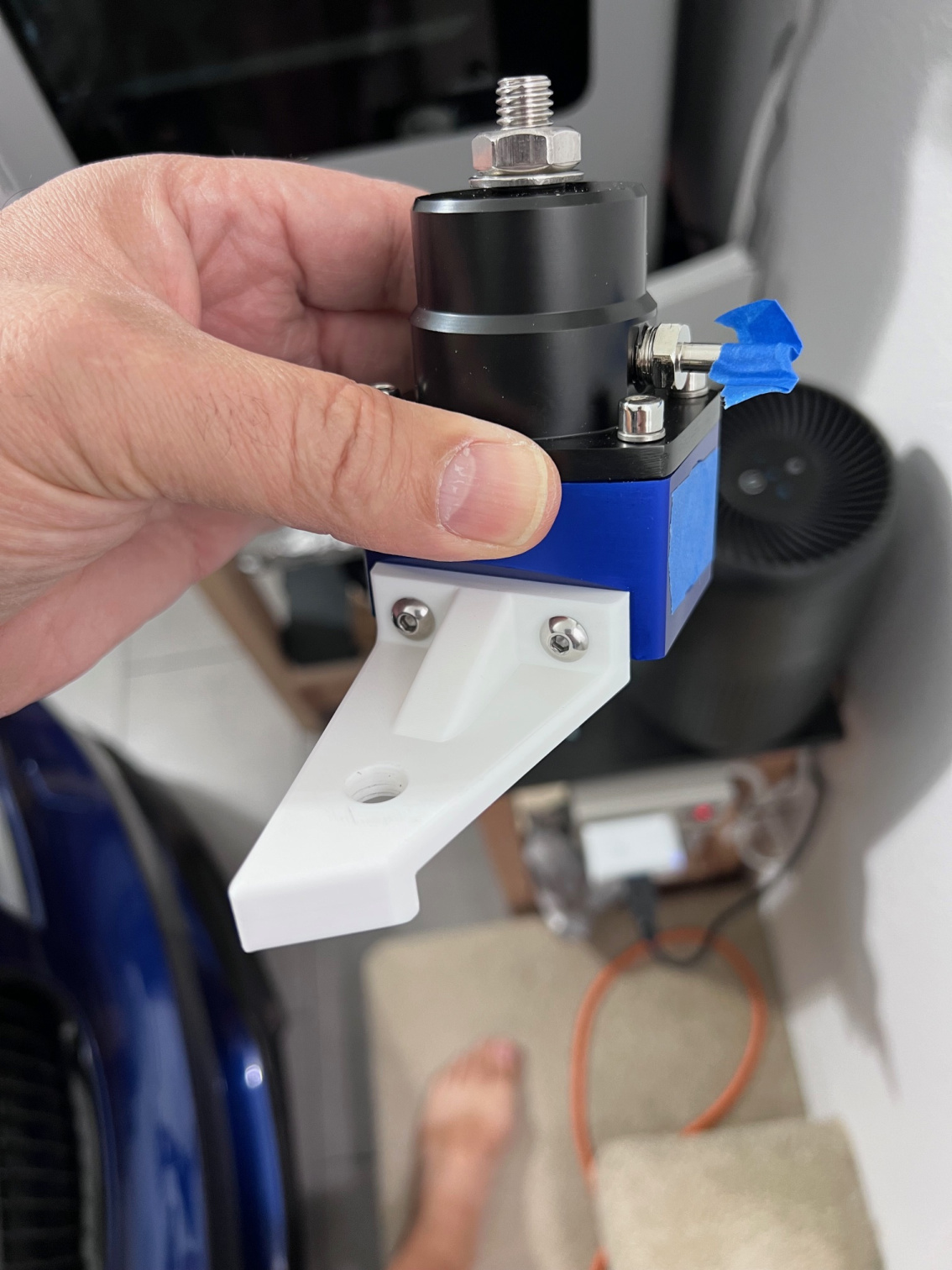
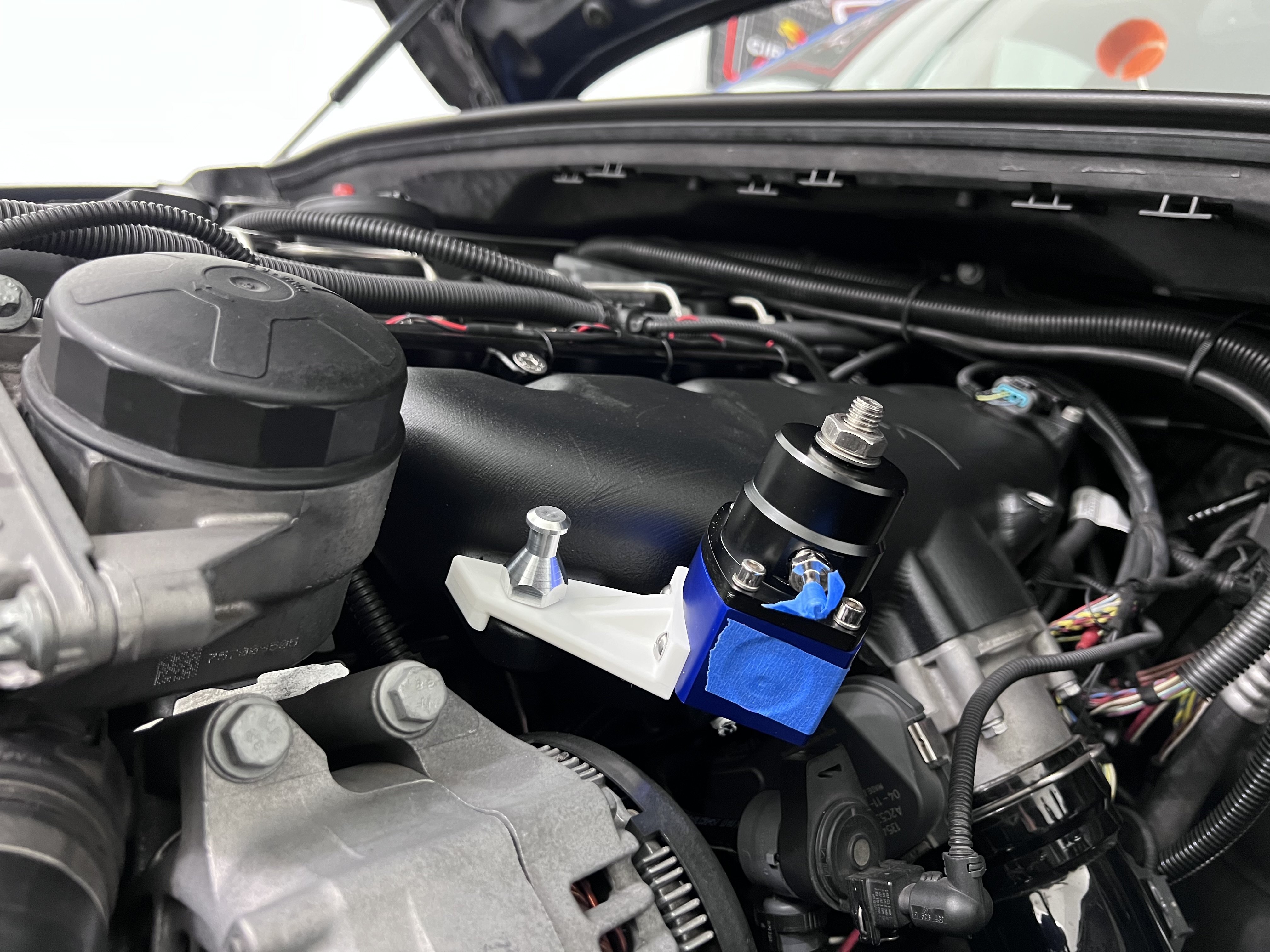
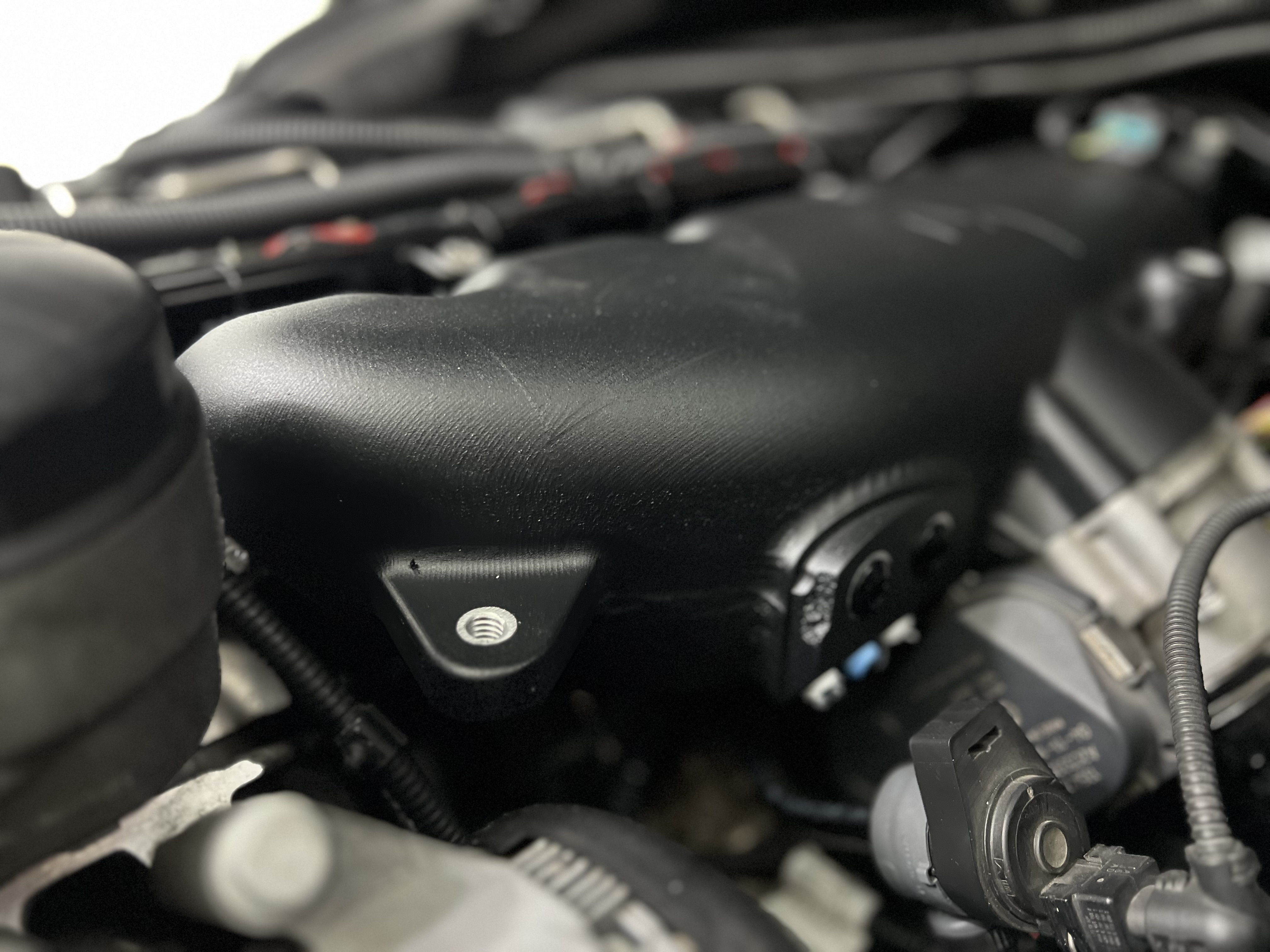
hello all. I would greatly appreciate help to make a tweak to an external fuel pressure regulator I have been designing for my car. The FPR mounts to an available mounting spot on my intake manifold. I have managed to get everything in the correct locations and am stuck on one last part. I would like to rotate the side the FPR mounts to by 10 degrees so the FPR sits more vertical to the floor (basically 10 degrees towards the main mounting location) , so my PTFE connection on the bottom is more straight. Unfortunately, I cant figure out how to do that. Could someone please help? Also, i am open to modifications or changes, I have no clue what i am doing. The only constraints are the location of the mounting holes and the two locator taps below. Here is a link to my file with part studio 7 being my most recent version. https://cad.onshape.com/documents/28680d793a29a0086413eae8/w/252a520a7980cc8e91feb87a/e/71c54d89d17ee5c7506df310?renderMode=0&uiState=693716355ed173822e8684ceError
I am also attaching pictures that may help understand what i am talking about. Thanks again for your help, I really appreciate it!

Best Answer
-
Couldn't come up with a solution for the trapezoidal direction that the FPR mounting face takes that doesn't mess up other faces except to take a different approach that includes that face having a curve to match the FPR. See the 'curve match' part studio. Perhaps another member will chime in.
0
Answers
-
Hello. If I understand your intent correctly, part studio 7 shows a quick method. I can think of two other methods to use but this one is super easy. - Scotty
0 -
thank you. I missed a few pictures I wanted to upload. What you did is very close but I need it going the opposite way, so towards the big hole.
 0
0 -
I made a copy and tried to make the 10 degree lean go to the left instead of the right but the part stays at the original position before the shift.
0 -
I was successful with getting the lean to go the opposite way. What do you mean 'the part stays at the original position before the shift'?
0 -
Ok, I think I got it! I couldn't do it with one "Move Face", so I tried with two, one for each side, and it worked. Can you please take a look when you get the chance? Would really appreciate it and would be glad to know if there was an easier method to implement the change. Thanks again for your help! I made the change on part studio 7. thank you!
https://cad.onshape.com/documents/86b148714d3c1180cc9dfaab/w/7590e84284b2057a743863b7/e/f885cfad5233881d6cd24ae8?renderMode=0&uiState=69386c78865f23307fc1e1c50 -
Thanks. You can ignore the vertical comment I did a poor job explaining.
The change you made the parts are not symmetric on both sides and one side loses its thickness. If you look at the change I made, the part that is shifted 10 degrees keeps its thickness, however if you look from the "right" view, the sides are no longer vertical, they go inward. Is it possible to make the sides go straight up and down so it is not like a trapezoid?0 -
Couldn't come up with a solution for the trapezoidal direction that the FPR mounting face takes that doesn't mess up other faces except to take a different approach that includes that face having a curve to match the FPR. See the 'curve match' part studio. Perhaps another member will chime in.
0 -
thanks again for your help. I decided to keep it as is. It works for now.
0