Centre of gravity

Hi someone
A quick question - can someone tells me how I scale a part in part studio around the Centre of Gravity? How do I set the CoG as reference point for scalling?
Thanks in advance
Comments
-
If the part is made of one consistent material, then you could use Transform scale + Approximate Centroid by @EvanReese
▚▞▚▞▚▞▚▞▚0 -
Sorry I am too inexperienced to understand this. I work in part studio and I cannot find anything about
Approximate Centroid by @EvanReese
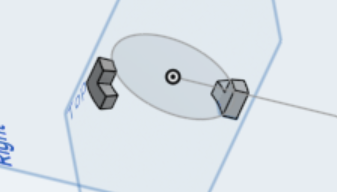
Can you help a bit more? it is simply these two legs, which need to be scaled uniformly in all directions
0 -
It is a bit confusing at the moment without a Feature Store.
Go to the approximate centroid document, and near the top there is a (+) button where you can add custom features to your toolbar.
How to add a custom feature to your toolbar while in a specific custom features document:

▚▞▚▞▚▞▚▞▚0 -
Fantastic - It works for me. This saves me a lot of time, great thanks
I see the benefit of these features - is there not at all a list perhaps unofficially or how can I search them out?
0 -
Here are all the different lists created by developers: Feature Lists.
And here is how to search via needle in a haystack method (Scroll down to method 2)
https://forum.onshape.com/discussion/comment/73106#Comment_73106….
▚▞▚▞▚▞▚▞▚0 -
The haystack method has a lot of good needles hiding in it.
0 -
thx appreciated
0