How to fully define a sketch

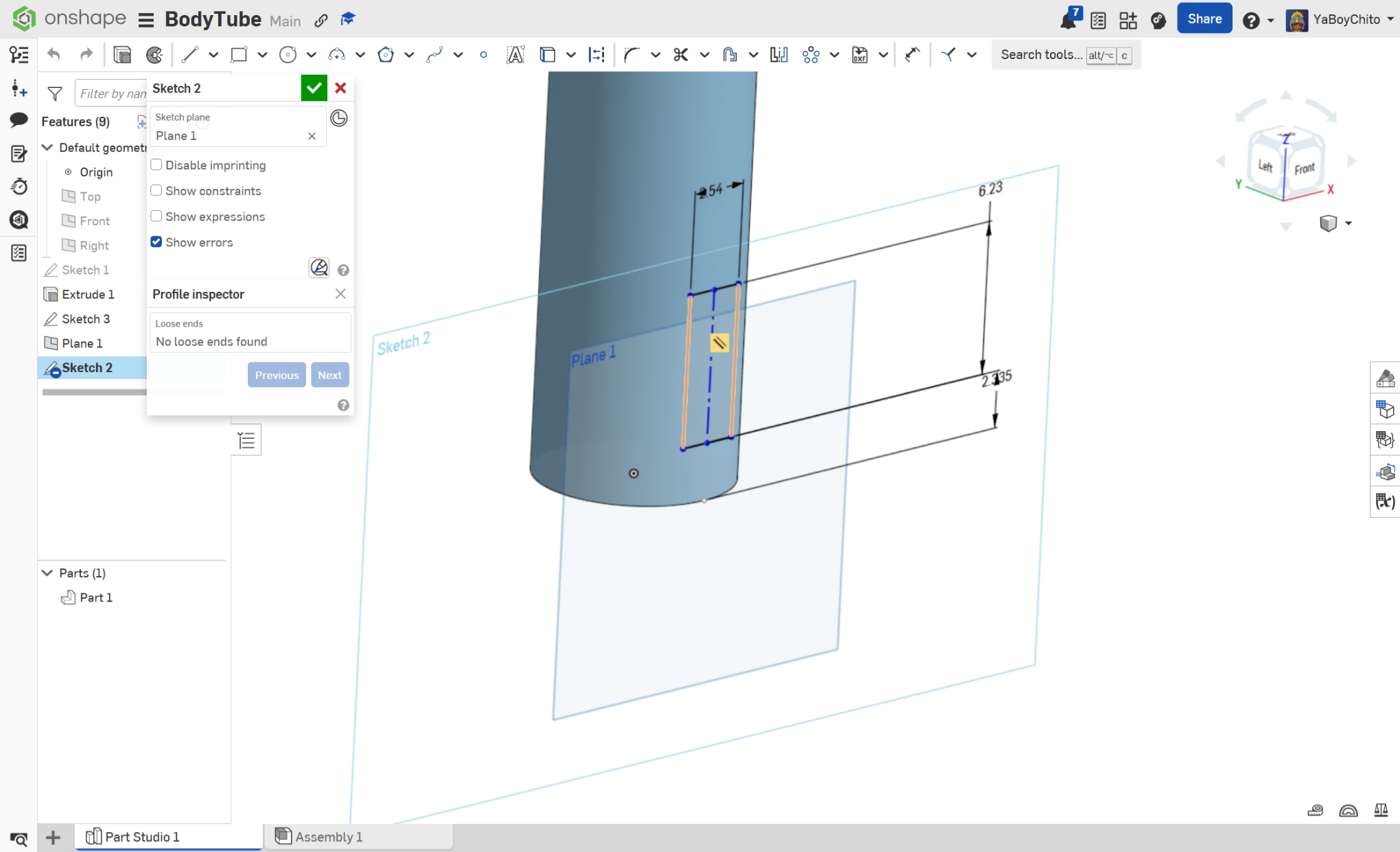
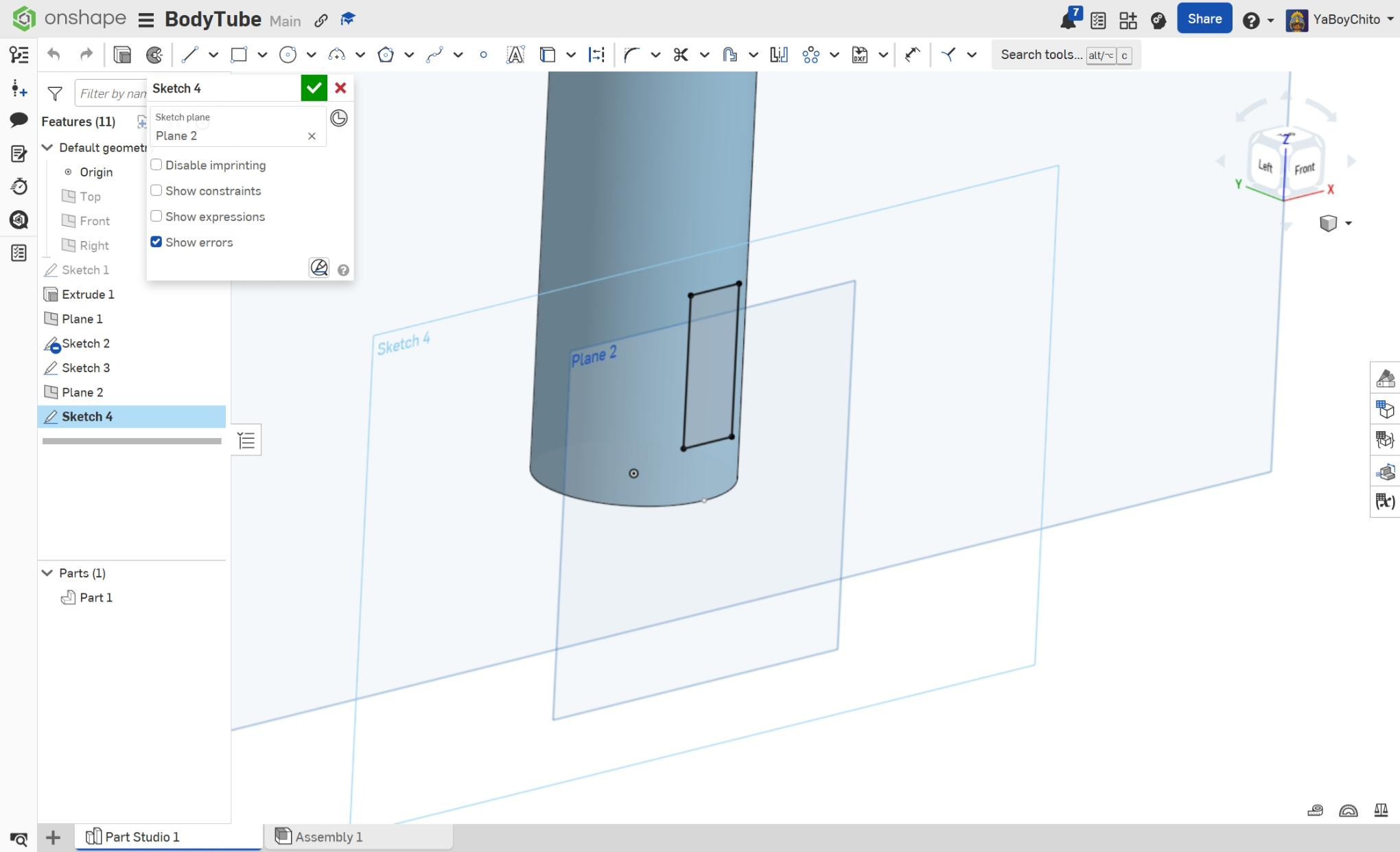
I don’t know if I’m doing something wrong or if I’m just not understanding, but I’m trying to make a body tube for a model rocket and I’ve been stuck trying to do a simple circular pattern around the Z‑axis of my body tube (a cylinder). I’m new to Onshape, but I have experience with other CAD software, and for some reason I can’t get my sketch of a rectangular slot to fully define. I created an offset plane to place the sketch on the edge of the cylinder, but no matter what I try, I can’t get it to fully constrain. I’ve tried making the offset plane tangent, I’ve tried constraining the rectangle, and I’ve tried offsetting to a point on the cylinder, but nothing seems to work, even when I somehow got it to be fully defined, I still can't perform a circular pattern on a different axis. Is there something I’m missing? I've attached a video for reference.
Answers
-
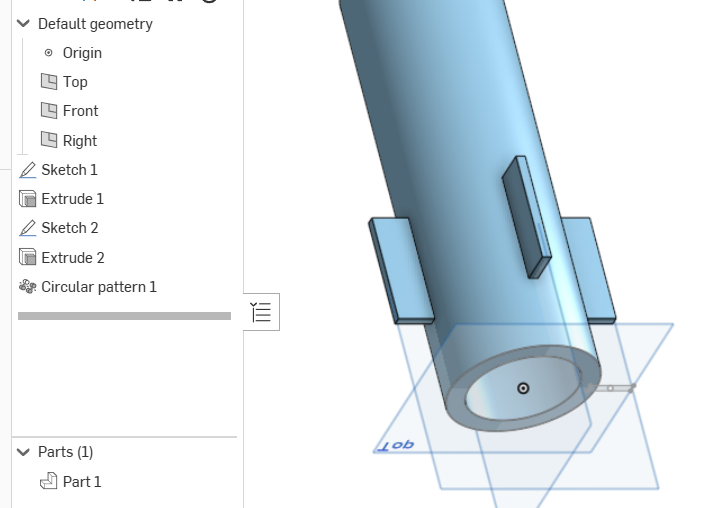
You may want to try something like this. No tangent plane needed.
 0
0 -
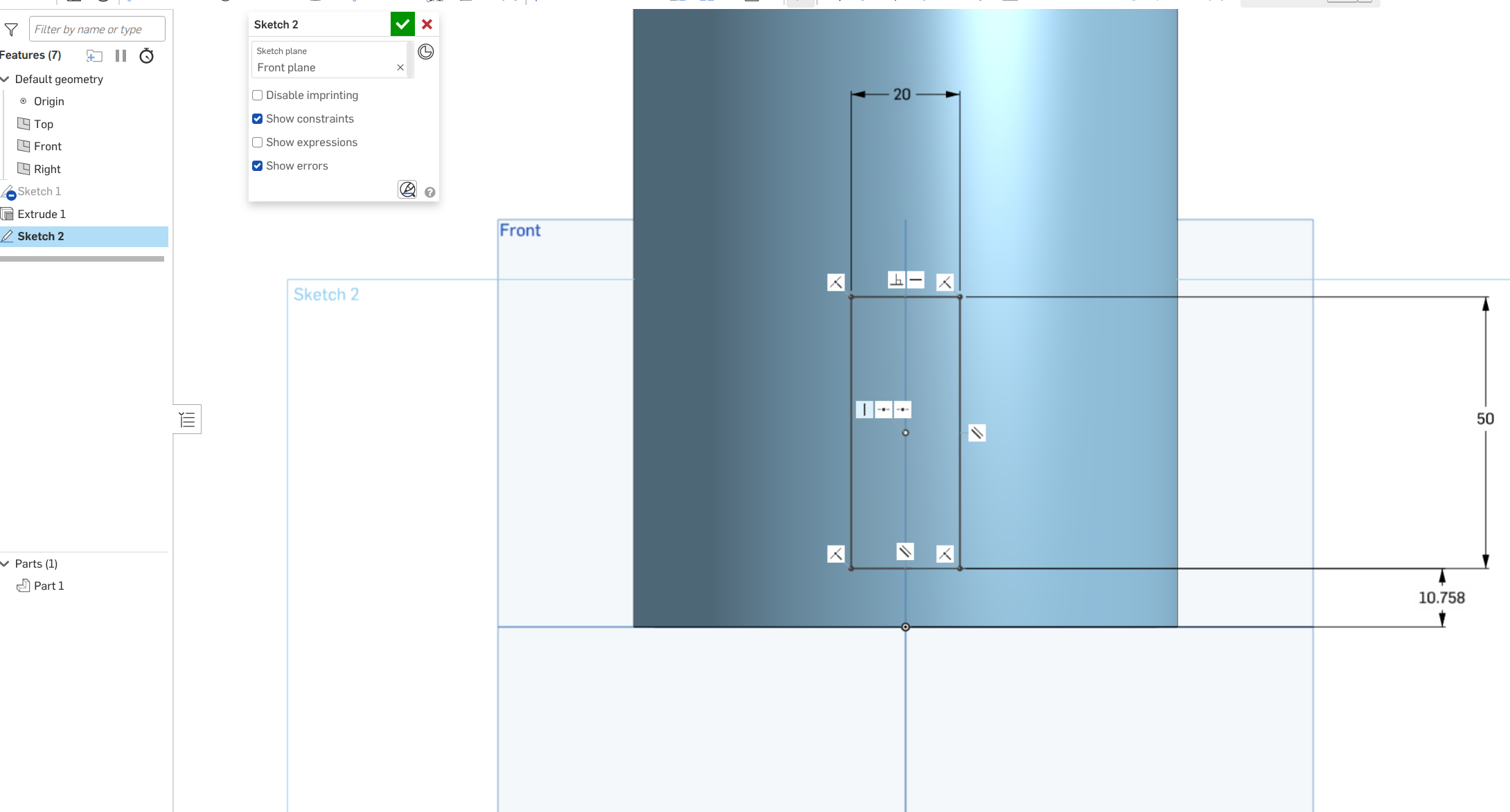
You don't need to reference the tube geometry at all when creating the sketch. Use the existing Front planes to create the sketch. Use Center Point Rectangle and align the center point with the Right plane. The rectangle feature will automatically create symmetric, with orthoganal constraints. Should look something like below.
Try creating the slot sketch before extruding the tube, this may help you understand.
-S
 0
0

