Sheet metal adding weird extension to my part...

Hi there,
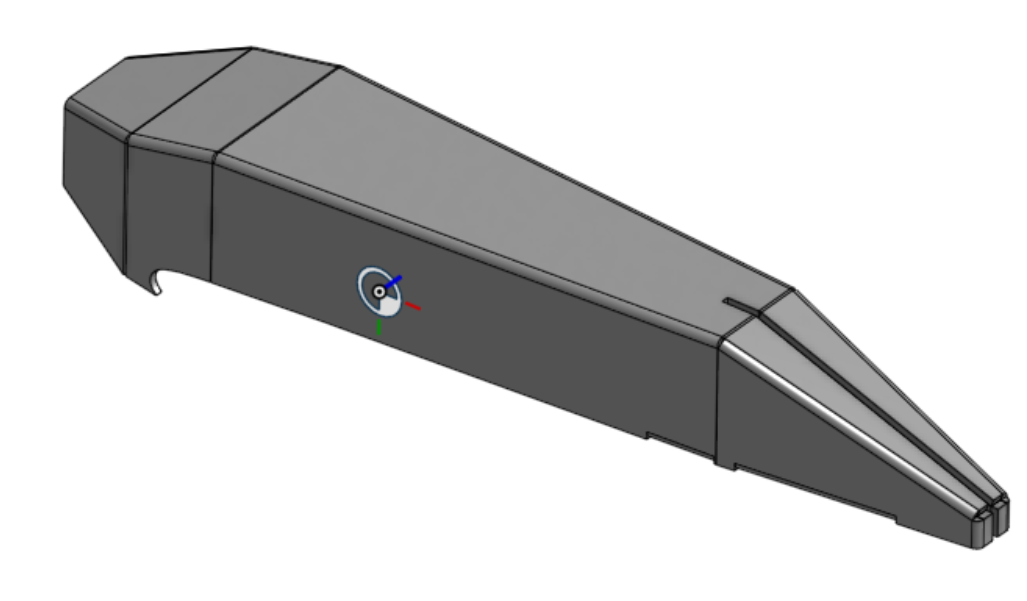
I trying to mock a drone and to build it from cardboard. I have a laser cutting machine that I will export DXF from Onshape. I built the part, and with Sheet metal, I used the Convert option. I wonder why the sheet metal add this two long beams at the back of my plane. Any ideas what I am doing wrong?
Thanks
https://cad.onshape.com/documents/608fc2af26fb3e851128e043/v/d969d381fb0698cd1a27de1e/e/8b62d02f72f6dbaaf4429823?renderMode=0&uiState=69ac7e4e2f678833ca3968e2
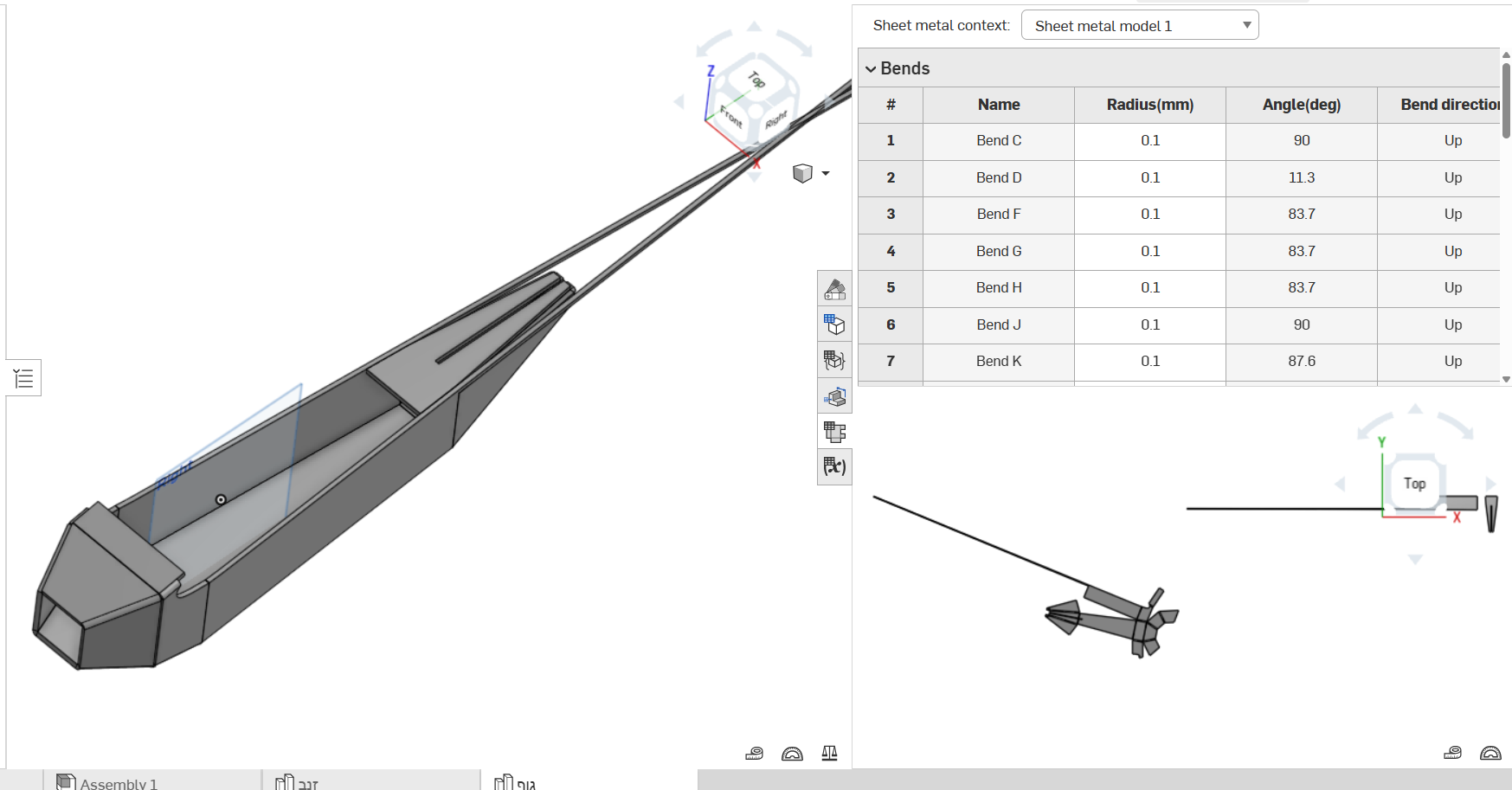
https://cad.onshape.com/documents/608fc2af26fb3e851128e043/v/d969d381fb0698cd1a27de1e/e/8b62d02f72f6dbaaf4429823?renderMode=0&uiState=69ac7e4e2f678833ca3968e2
Answers
-
Change the document so we can copy to help diagnose?
0 -
Hi,
You can copy it.
https://cad.onshape.com/documents/608fc2af26fb3e851128e043/w/4e591d7e51d765266255e27c/e/f7f16a906f5ed5c287e1ab8d?renderMode=0&uiState=69aed3fc49946a0631f39395
Please try again, maybe from this link?
0 -
You fixed it?
 0
-
Hi,
I managed to bypass the problem, but not to solve it. I was trying to share the old version of the document without the bypass.
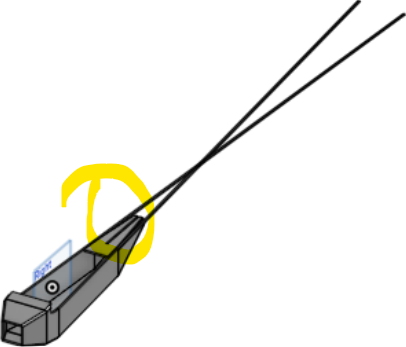
I fixed it by removing a part from the sheet metal. I marked it with yellow.
I am sharing a new link, hopefully this time without the fix, so I can learn what I am doing wrong.
Thanks again for your time and effort,
Try to play with the last sheet metal in the "body" tab.https://cad.onshape.com/documents/d70c846c36843ea25f3a7d9f/w/476c2757d0d98f577d3ff93e/e/d261b13e754564a5dd412189?renderMode=0&rightPanel=sheetMetalPanel&uiState=69b12db4b0a1a8ab7dbc1b1d
 0
