
Welcome to the Onshape forum! Ask questions and join in the discussions about everything Onshape.
First time visiting? Here are some places to start:- Looking for a certain topic? Check out the categories filter or use Search (upper right).
- Need support? Ask a question to our Community Support category.
- Please submit support tickets for bugs but you can request improvements in the Product Feedback category.
- Be respectful, on topic and if you see a problem, Flag it.
If you would like to contact our Community Manager personally, feel free to send a private message or an email.
Official onShape > STL > 3D printer RAMP based using Repetier [animated GIF's]
daniel_chow
Member Posts: 108 ✭✭✭
Hello everyone,
I see there are a number of threads for onShape to STL to 3D print, here is the official one LOL.
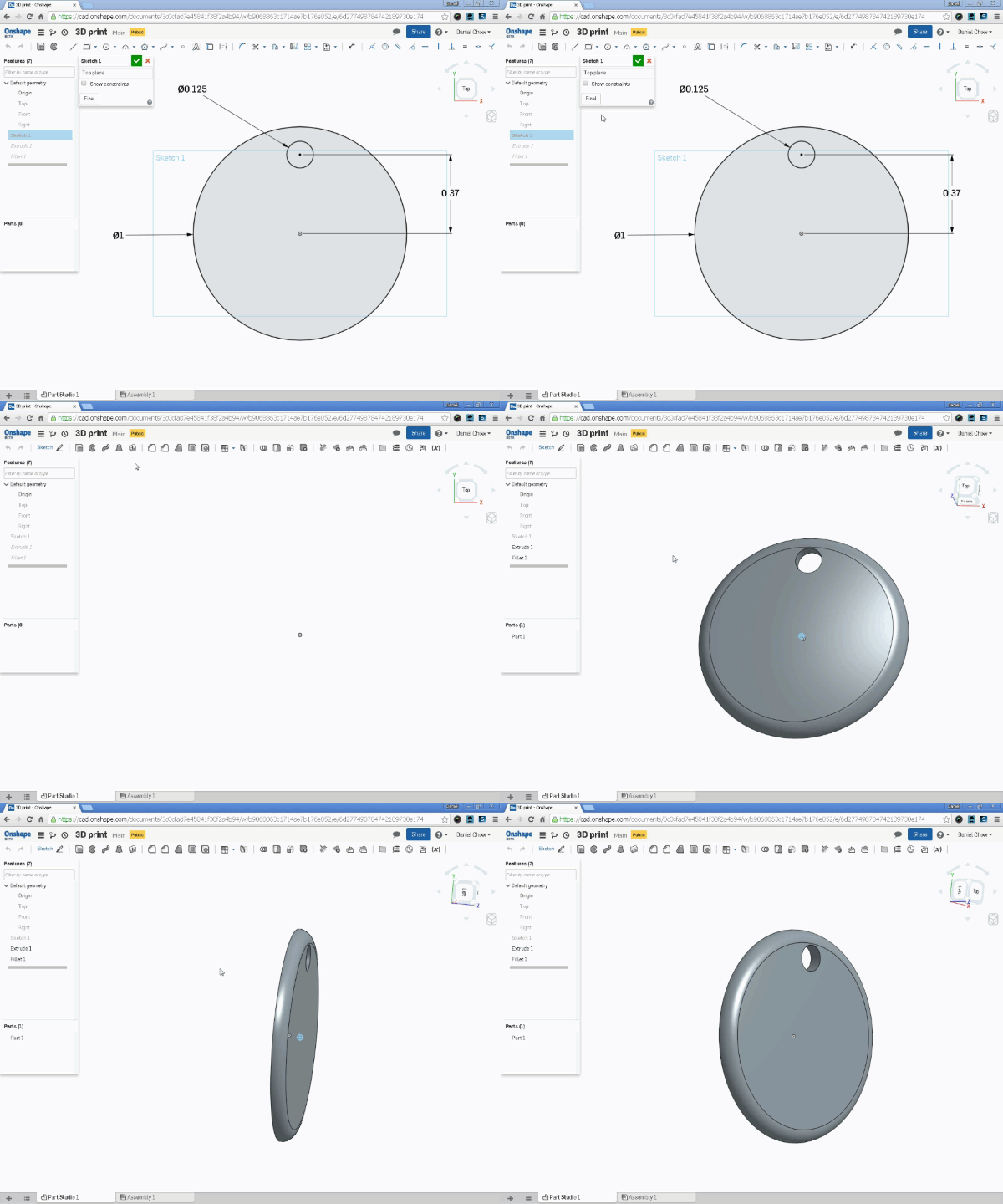
Here is the object I am trying to print. Its fully constrained, 1" in diameter, 1/16" thick. It is the easiest object I could design for print.
Gear:
Repetier Host V1.5.6
RAMP based Velleman K8200 3D printer
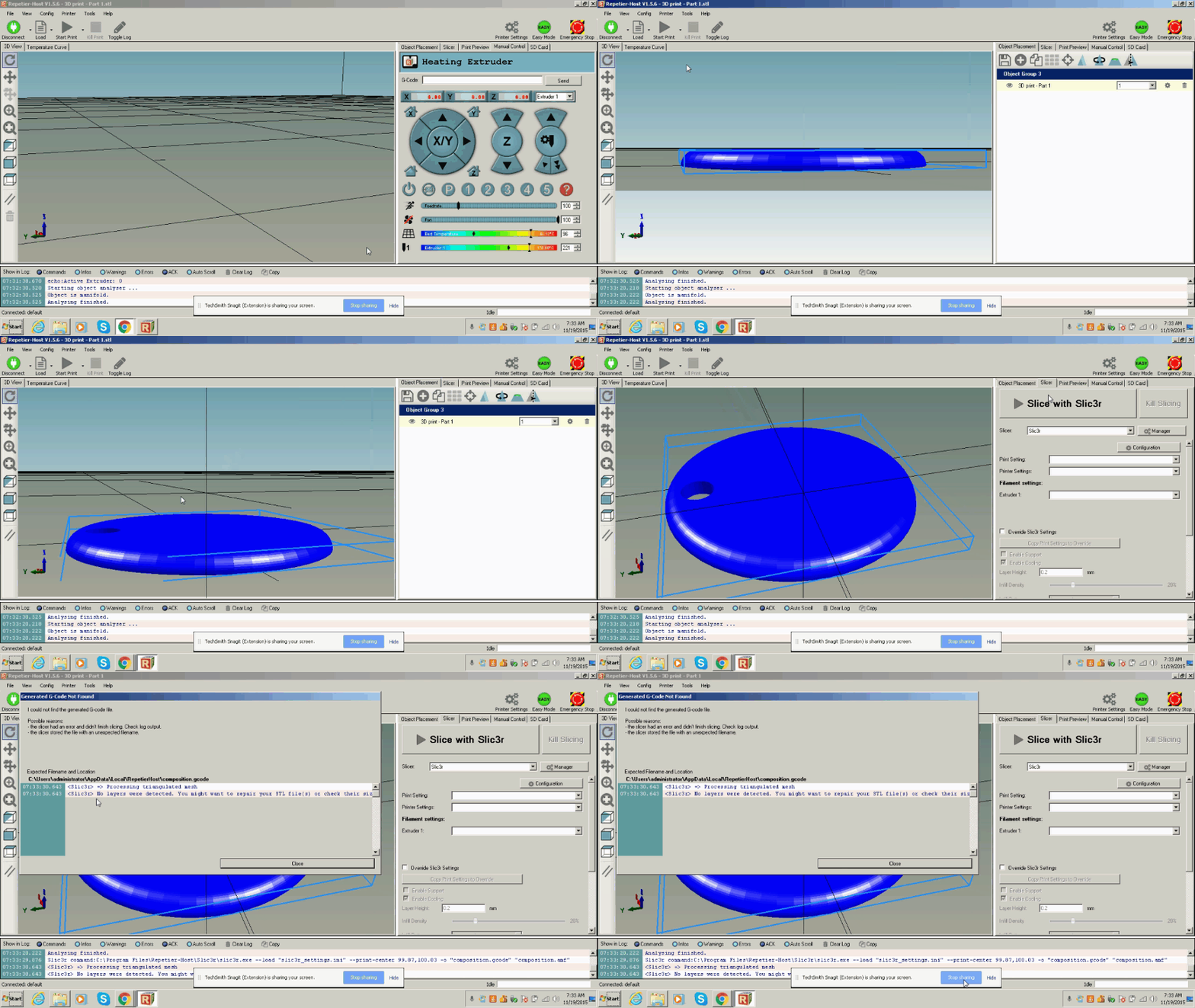
Problem: "No layers were detected. You might want to repair your STL files."
Any ideas??

I see there are a number of threads for onShape to STL to 3D print, here is the official one LOL.
Here is the object I am trying to print. Its fully constrained, 1" in diameter, 1/16" thick. It is the easiest object I could design for print.
Gear:
Repetier Host V1.5.6
RAMP based Velleman K8200 3D printer
Problem: "No layers were detected. You might want to repair your STL files."
Any ideas??

0
Answers
-
Here is the actual problem, when I go to slice it in Repetier, it says I have no layers?
(for other beginners, slicing is the process of generating the G-code instructions for the tool path of the printer)
0 -
-
@daniel_chow That link is not working for me. I get this resulting URL in my browser http://www.homeimprovement.com/cad.onshape.com/documents/3c0cfad7e45841f38f2a4b94/w/b9068863c1714ae7b176e052/e/6d277498784742189730e174
I was thinking of exporting to STL and trying to setup up a run on my Stratasys Fortu$ 250 printer I have access to.
0 -
@daniel_chow Just a quick check on another design. STL export worked no problem on the Forus($) 250 I have access to .... I can check your design if you get to the bottom of the link issue I mentioned.

0 -
+1pete_yodis said:@daniel_chow That link is not working for me. I get this resulting URL in my browser http://www.homeimprovement.com/cad.onshape.com/documents/3c0cfad7e45841f38f2a4b94/w/b9068863c1714ae7b176e052/e/6d277498784742189730e174
......0 -
Thanks Pete,
HERE is the working link. I checked it on a different onShape account. Should work now.
I'm not sure what Repetier is referring to when it says I'm missing layers.
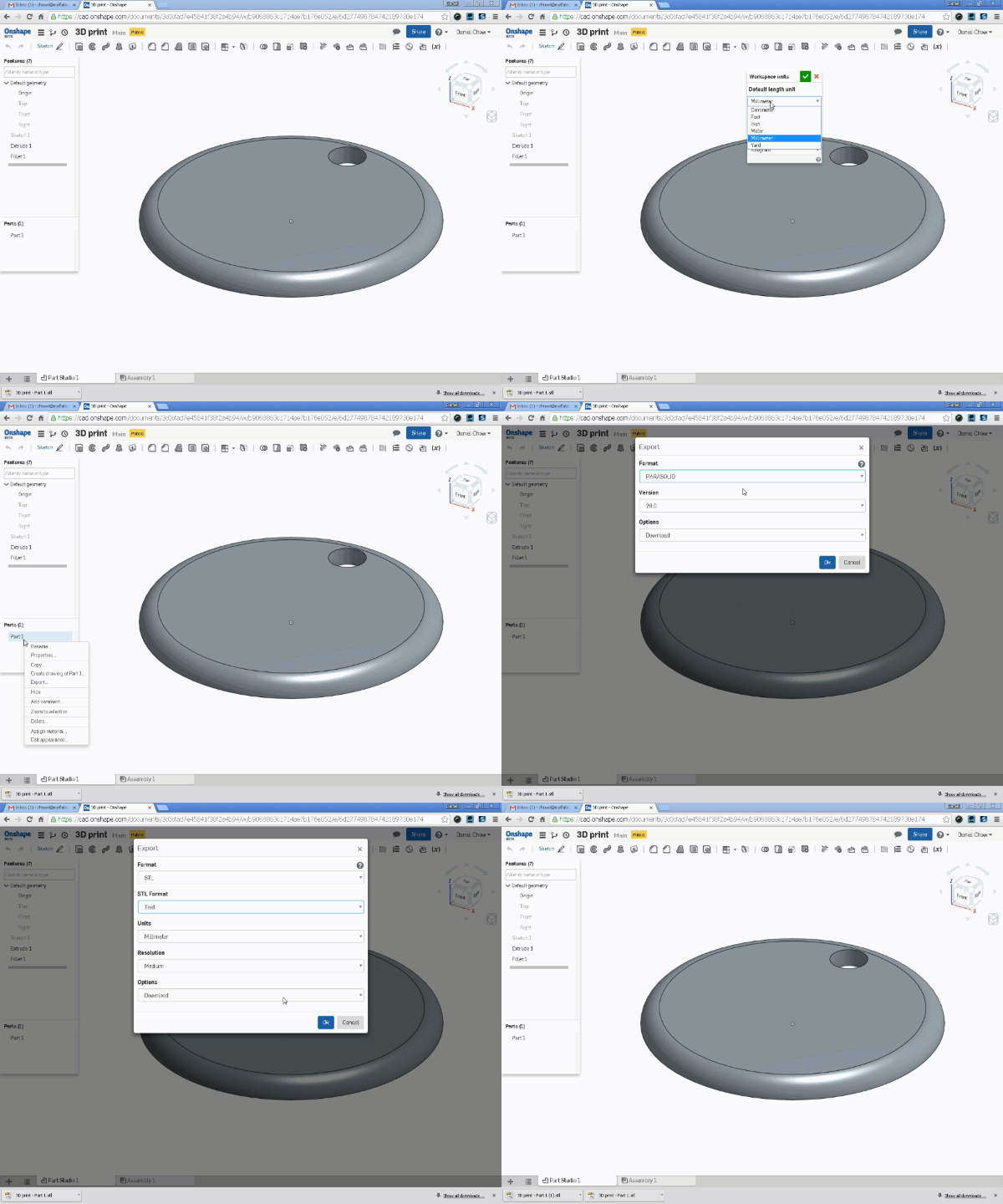
I've switched my units to mm and will try a STL > Text and STL > Binary export.
0 -
@daniel_chow
Is it possible it's being misinterpreted as a metric model, 1/16mm ie 0.06mm thick (less than the 0.2mm layer the slicer is set to) ?0 -
@daniel_chow I tried opening your model on my Micro3D (a toy, honestly
) and I get no errors, perhaps is the slicing software ?
Nicolas Ariza V.
Indaer -- Aircraft Lifecycle Solutions0 -
@daniel_chow I exported your design with these settings....

I opened the STL file and got this message....
I didn't see that message on my other test. I clicked yes here... and had success...
I think like @andrew_troup and @navsuggested there is an issue with expected units and the "slicer" software.
0 -
Thanks for your responses guys,
I ended up switching the units to mm and it worked! Screenshots and animated gif soon to follow.
I should also mention I exported it to STL file using TEXT format instead of binary. Not sure which of the two made it work.0 -
Hey guys, so here's the scoop:
You guys were bang on. It appears to be mismatched units was the problem.
onShape defaults to imperial measurement where Repetier defaults to metric (mm's). So I believe it was simply a case of either changing onShape default to metric or Repetier default to imperial. I changed onShape default to format to TEXT instead of binary. Although I'm not sure if that made a difference.
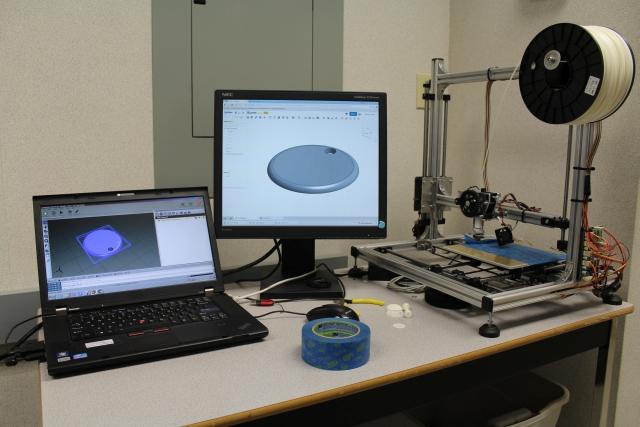
And here is the finished product. Its not much but we are just getting started. I feel if we can design and print this, then it opens up a WORLD of possibilities. Again the context of this is that I am a teacher in a secondary school classroom environment.
Here is our setup.
onShape ROCKS!3 -
Those are some really fortunate students
0 -
Yes, they are.
I run a STEM (science, technology, engineering, math) program. Right now, we're working on an interactive Christmas tree using Arduino Unos / Nanos and a bunch of 12VDC LED Christmas lights (safer to work with than 110V). We hope to design and print our own Christmas ornaments and put some LED lighting in them. Also need to design the star or ornament that sits on top of the tree. Remember this is high school.
Later on, one group wants to make a Smarty sorter, that is sorting by colour. We'll be using onShape Assembly Studio to design it and hopefully print the parts we need. Arduino will handle the electronics with various servos and a TCS3200 color sensor. Fun stuff!0