Welcome to the Onshape forum! Ask questions and join in the discussions about everything Onshape.
First time visiting? Here are some places to start:- Looking for a certain topic? Check out the categories filter or use Search (upper right).
- Need support? Ask a question to our Community Support category.
- Please submit support tickets for bugs but you can request improvements in the Product Feedback category.
- Be respectful, on topic and if you see a problem, Flag it.
If you would like to contact our Community Manager personally, feel free to send a private message or an email.
Problem with modeling non-symmetrical teeth using Chamfer and Circular pattern

Hi everyone,
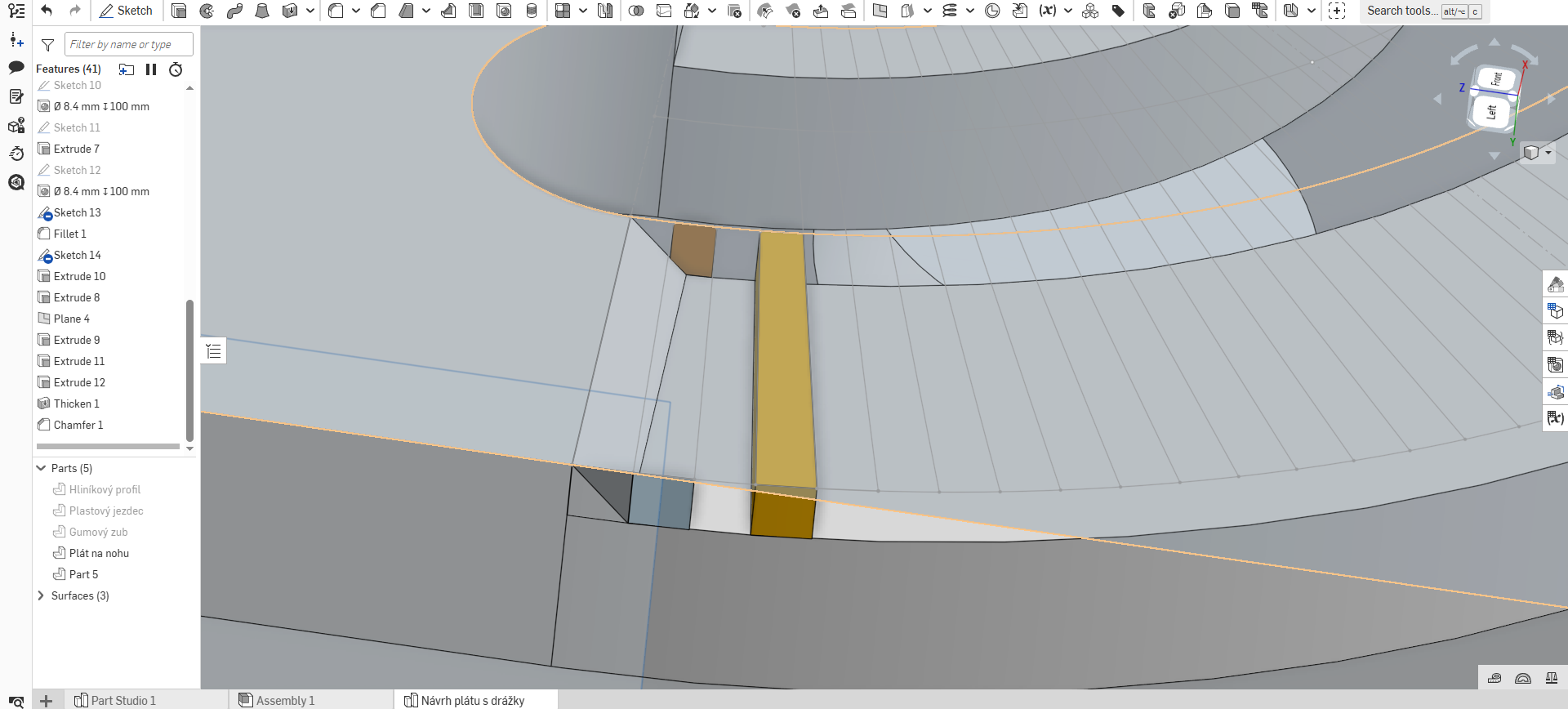
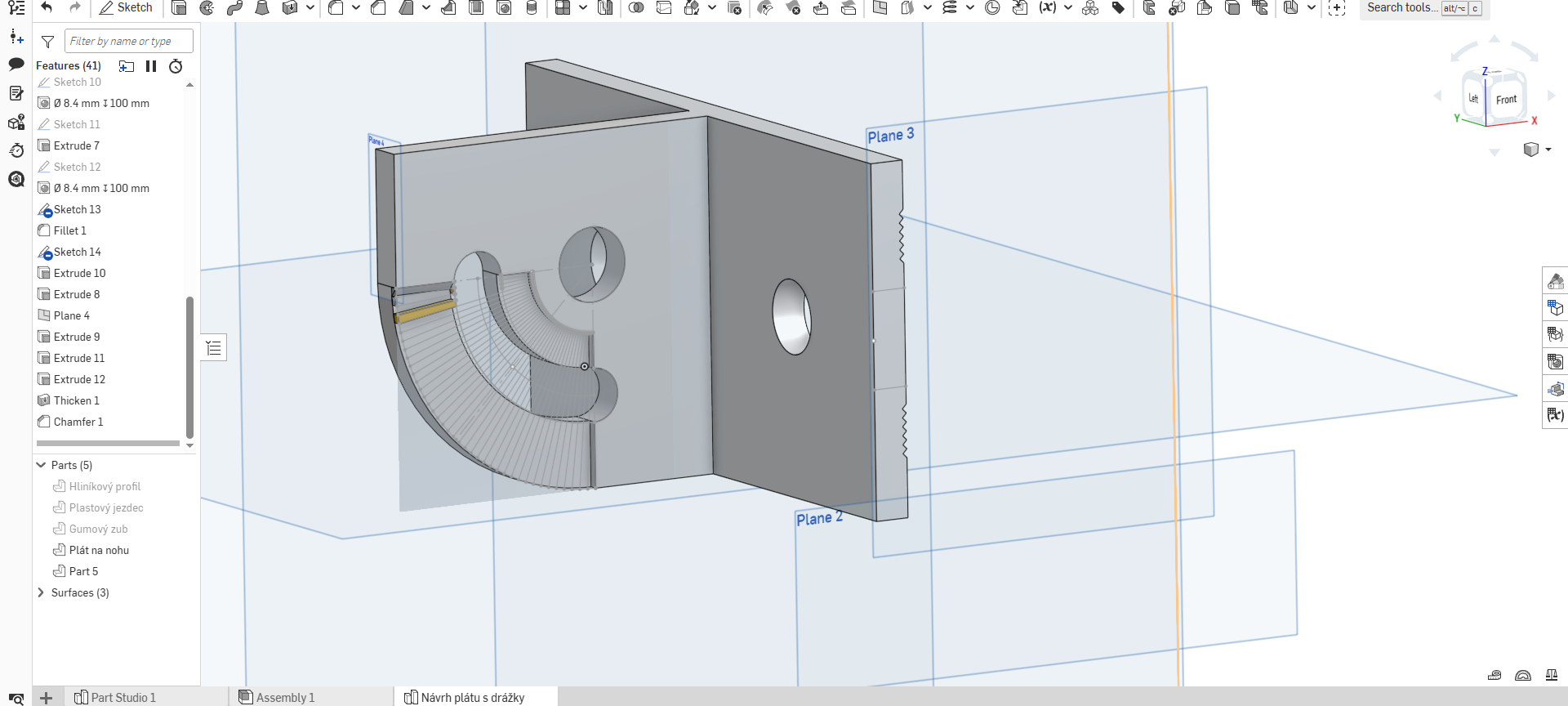
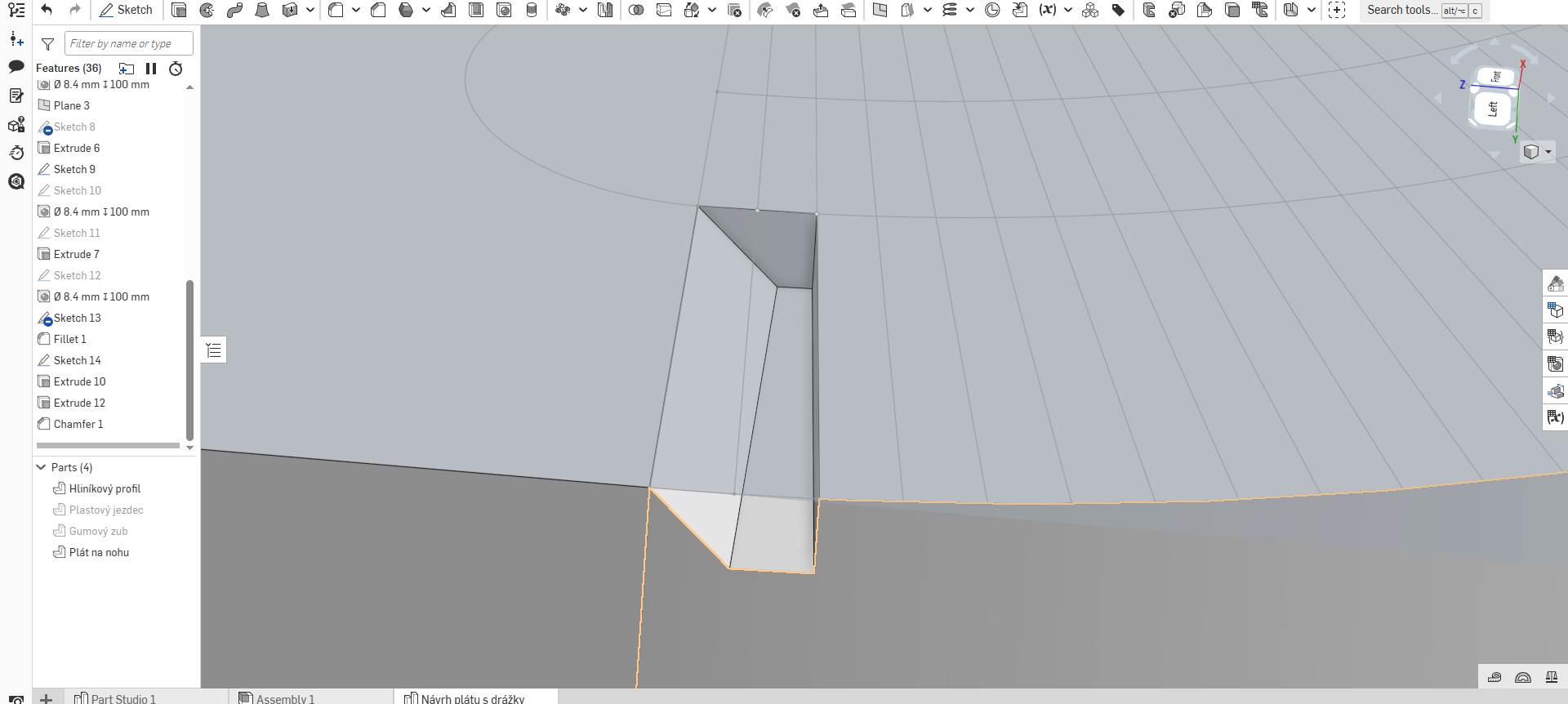
I’m having trouble modeling teeth along the edge of a metal plate for my project. I sketched a circular pattern line (top of the tooth – bottom of the tooth - top of the tooth and so on), but every time I try to use the Chamfer function, the geometry overlaps with the adjacent part (as shown in the photos).
The main issue is that the teeth are not symmetrical; they get thinner as they reach the midpoint of the plate.
I’m not sure if I’ve explained the issue clearly enough, so please check the photos or the link below for a better look. (Please ignore the extra extruded parts and faces—those were just desperate attempts to fix it)
Thank you very much for any help or advice.
Best regards,Lukas
link: https://cad.onshape.com/documents/a34edaa61818aa9dcf8eaf0c/w/f7f93b808a1535dfabbfa0bb/e/cbddc15d8a5e26e8838c2419?renderMode=0&uiState=69d8b875f33a31ef2fa90e7e
Best Answer
-
Hello Lukas. I think the problems you are having is due to your approach to create the teeth. Rather than use extrudes with a draft to create the teeth the better, simpler tool is the loft tool. From there, the Circular Pattern tool is used to make copies of the loft feature. - Scotty
0
Answers
-
Hi again,
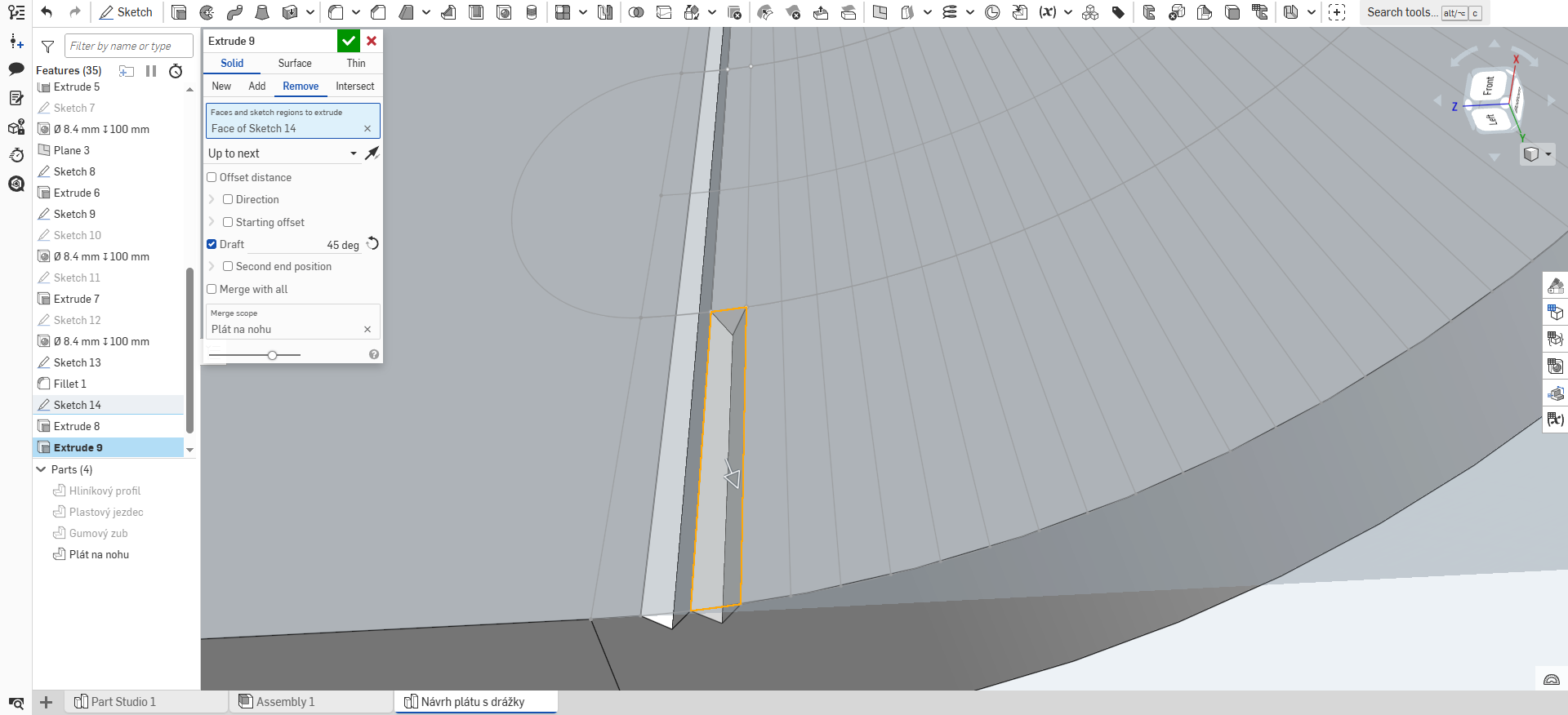
I’ve made some progress and managed to create the symmetrical cut I needed. However, I’ve run into a new issue :D - there is a small piece of leftover geometry at the end of the shape that I can't seem to get rid of (see attached photo).
Does anyone have an idea how to make the cut/extrusion run cleanly from the very beginning to the very end without leaving this "cap" or residue?
Thanks again for your help!
 0
0 -
Hello Lukas. I think the problems you are having is due to your approach to create the teeth. Rather than use extrudes with a draft to create the teeth the better, simpler tool is the loft tool. From there, the Circular Pattern tool is used to make copies of the loft feature. - Scotty
0