Circular pattern on text

Is there a way to use the circular pattern tool on a text element in a sketch? I like to place several text elements on a circle radially facing to the center of the circle (like the numbers on a watch face). My idea was to create one text element at the 12 o'clock position and them use the circular pattern tool to copy them around the circle.
However I can't select a text element when in the circular pattern tool. Do I really have to create and then move in place each individual text element?
Johannes
Answers
-
Hi Johannes! Give this custom feature a try, it might be worth it!
https://cad.onshape.com/documents/af4540b0f586b075547f113c/v/8e83cec879545a8ea0ccf9d2/e/356601fab345f97ab49ca4e8
Principal Technical Services Engineer, EMEAI0 -
This is still completely nonfunctional as far as I can tell. Gemini recommends creating an entirely separate sketch with the text element, then using that sketch as the element for the circular pattern.
The tool suggested in the other answer is strictly limited to creating Embossed text.
0 -
@johannes_becker the text tool in sketch is very limited and not good for this sort of layout work. There are a number of custom features that do what you want. Surface Text is very capable, and I wrote "Text" specifically for your use case:
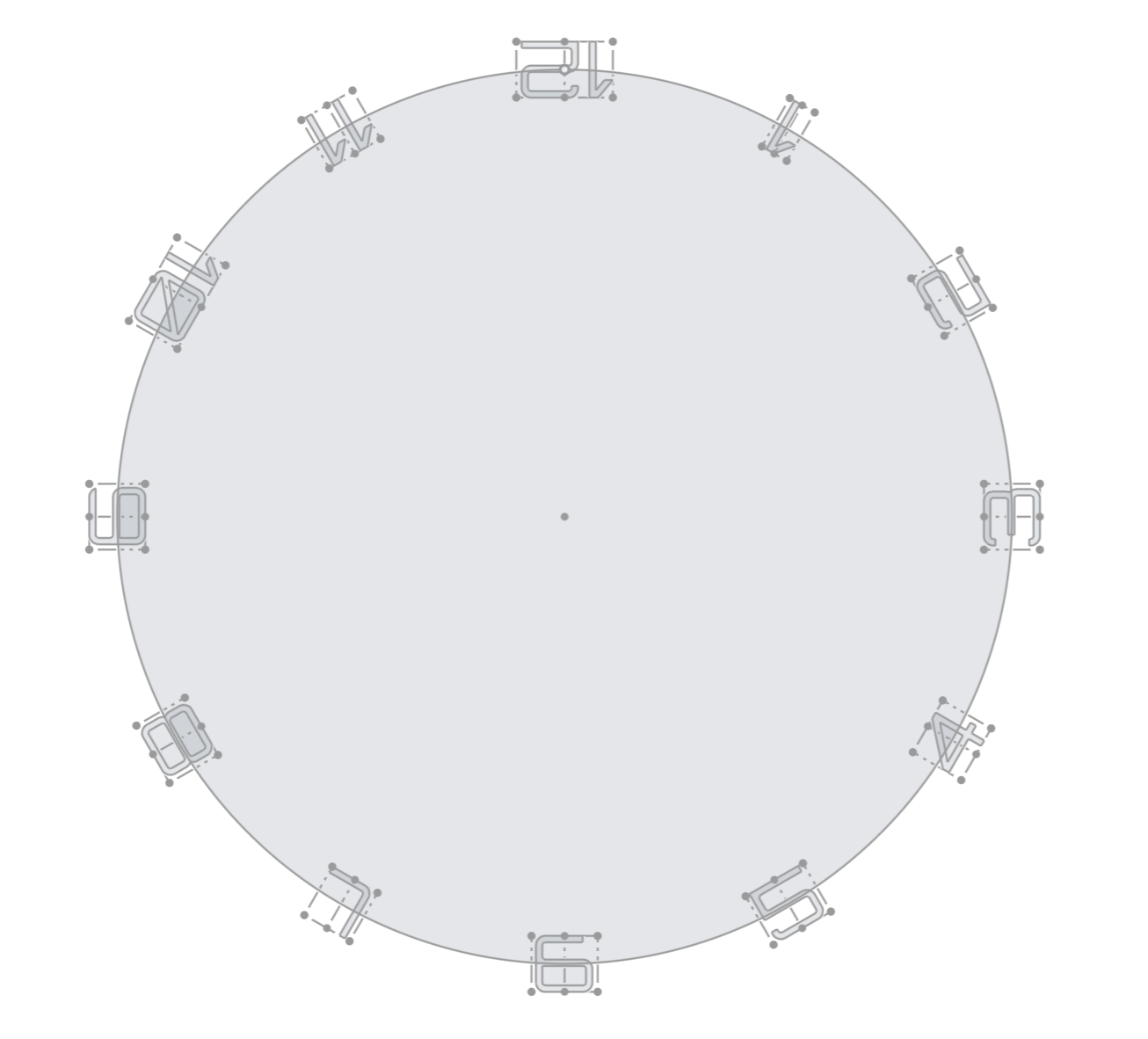
You can find the custom feature "Text" here: https://cad.onshape.com/documents/4e187c2b2f7f4974f4e2b612/w/80858e92cd1df9de7ace30c1/e/e8c85370413ae1136b63f9df
And that doc has a whole lot of examples to see how to use the controls to get the layout you want: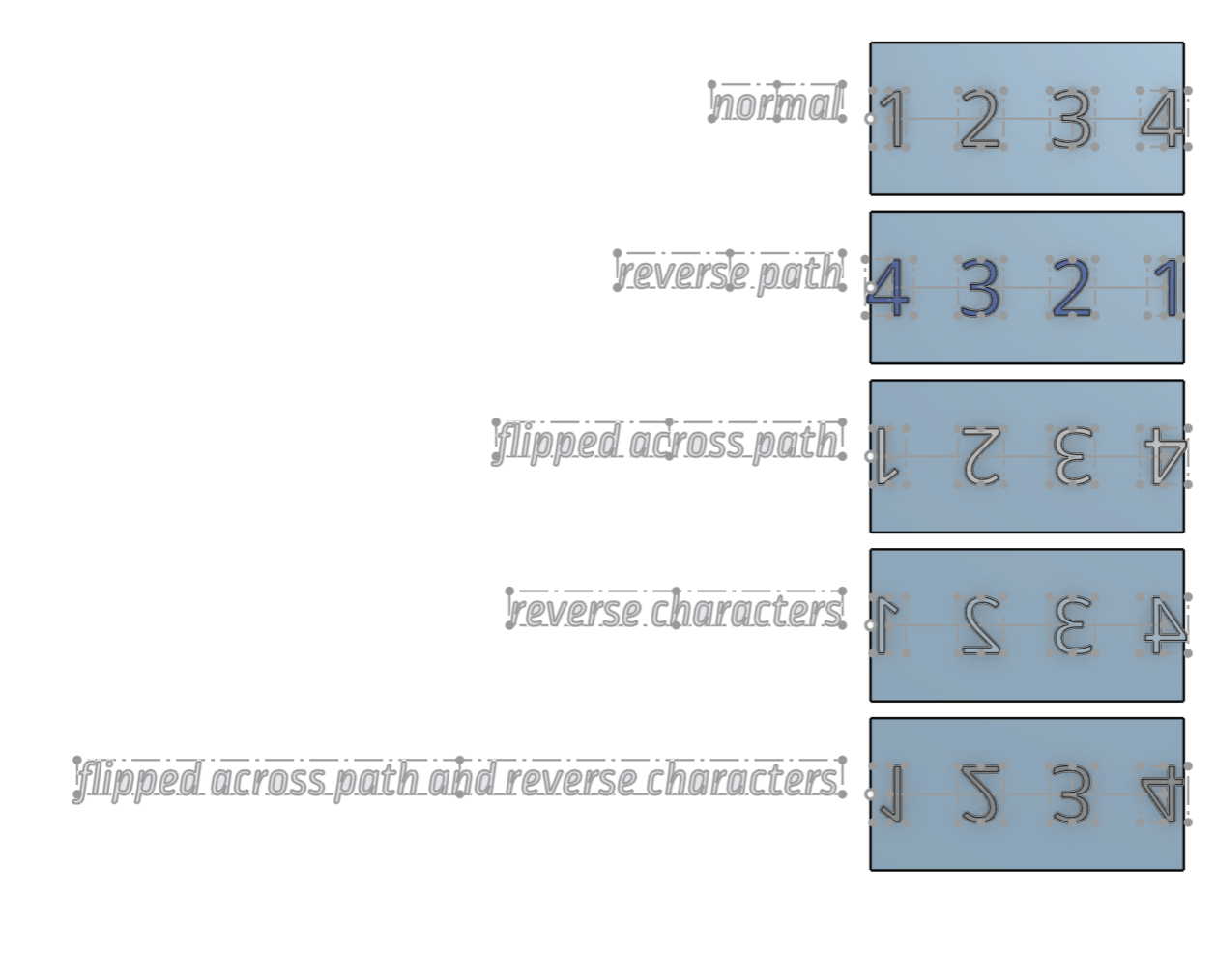
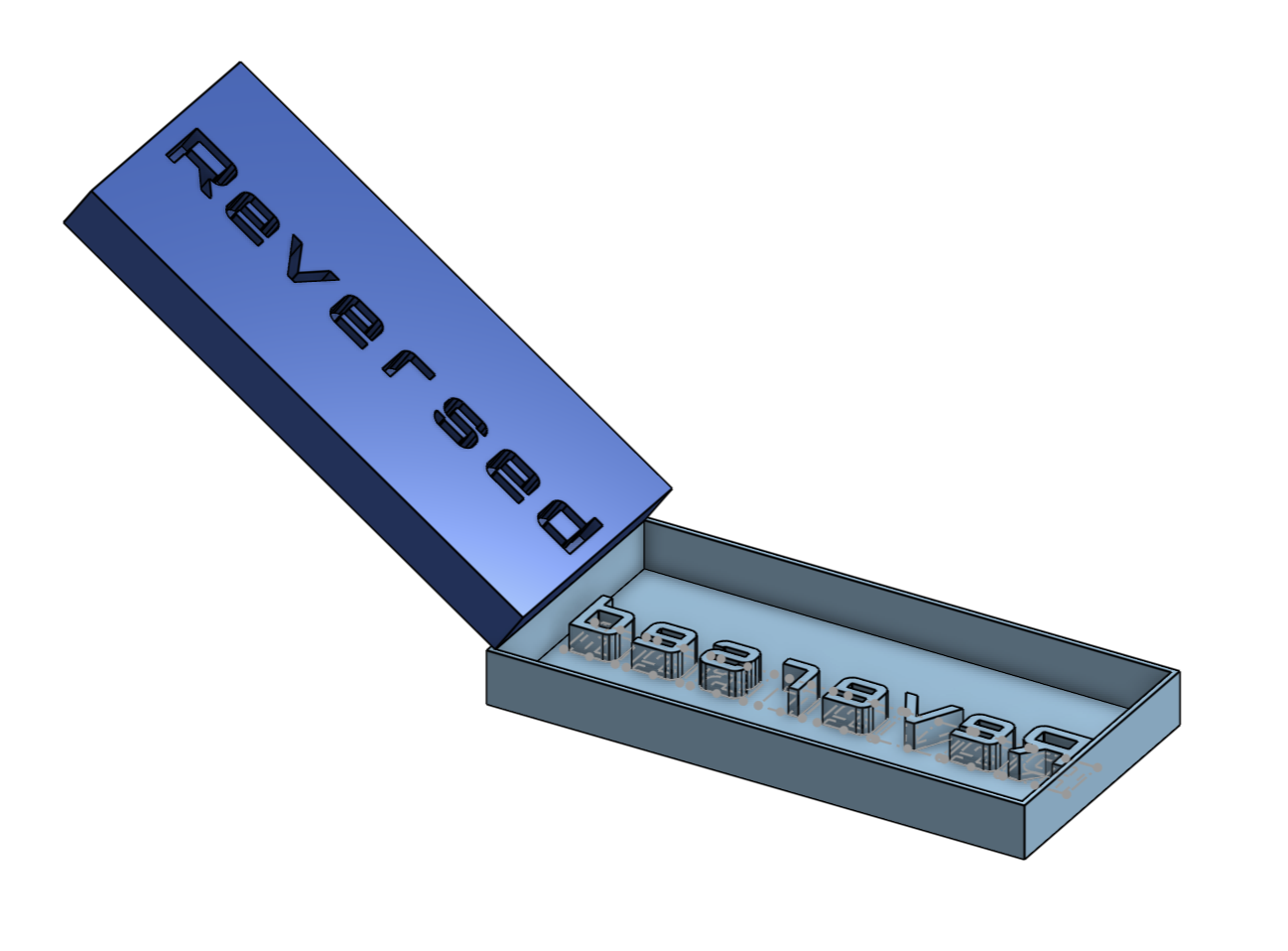
It can make solids if needed, or sketch elements. If you want to make embossed or debossed, just extrude in one direction or the other (or both) and boolean with the target part a needed:
You can read about the custom feature on this thread:2

