Welcome to the Onshape forum! Ask questions and join in the discussions about everything Onshape.
First time visiting? Here are some places to start:- Looking for a certain topic? Check out the categories filter or use Search (upper right).
- Need support? Ask a question to our Community Support category.
- Please submit support tickets for bugs but you can request improvements in the Product Feedback category.
- Be respectful, on topic and if you see a problem, Flag it.
If you would like to contact our Community Manager personally, feel free to send a private message or an email.
Knit surfaces without removing splits (to keep colors)
 eric_pesty
Member, pcbaevp Posts: 2,760 PRO
eric_pesty
Member, pcbaevp Posts: 2,760 PRO
Background:
So I have an existing feature to create "graphics" by removing solid bodies from a base and compositing everything together, it's limited to planar faces. This works fine for most purpose but in cases where we want to export a DXF we end up with "doubled up" contours.
One of the reason we don't like using splits is that it doesn't play well with assigned face colors when the regions change (eg. configurable text or input bodies).
I had this idea to convert this feature to create a face with the splits in it by collecting all the coplanar faces faces that I already have: I have the front face of the base bodies with cutouts already, and other bodies with their front faces all filling the "holes".
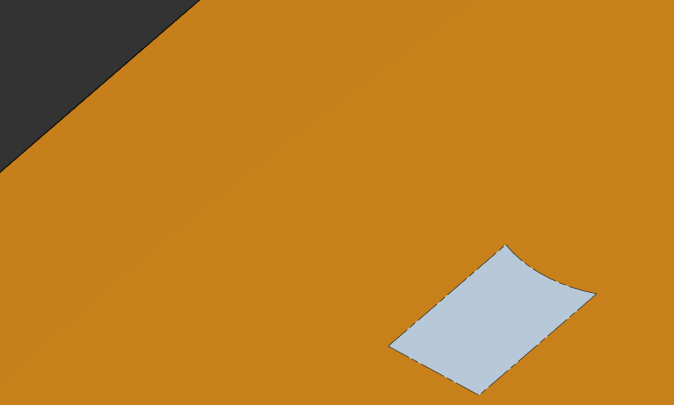
Basically I want to boolean these bodies/faces together without merging the coplanar faces into one, i.e. keeping the splits and their colors. Is there a way to do this?
TLDR:
How do I go from this:
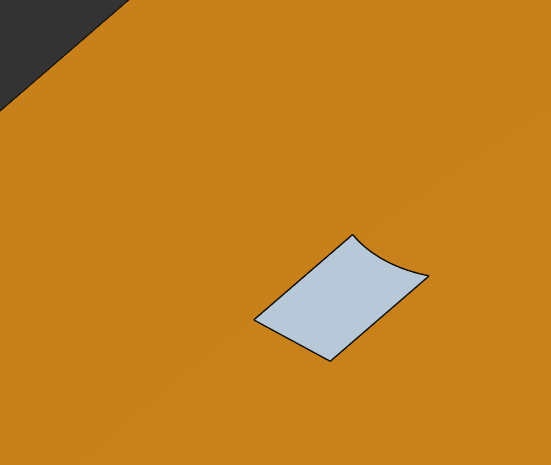
To this (keeping the colors) in FS:
Comments
I realized I can get to this using
"eraseImprintedEdges" : false
but it doesn't retain the appearances
Can you split and then assign appearances to the faces based on a clever query? ("Clever" because I don't know how you deal with the counters of "O", "P" etc.)
Simon Gatrall | Product Development, Engineering, Design, Onshape | Ex- IDEO, PCH, Unagi, Carbon | LinkedIn
Never mind, I didn't have face colors assigned…
Looks like I've found an answer to the main hurdle I was facing… Now I just need to massage my original feature to be able to do this (probably as a boolean toggle so I can switch between the different behaviours) but that should be doable!
That's the problem with "split", if I can create the different color regions separately and knit them together it should be more deterministic!
The other way that I've treated things like this without FeatureScript, is to extrude a very small amount (e.g. some number of microns) for the pad printing or whatever marking method and then color that feature. I've also done offset surfaces and split them and added the appearance to that.
Simon Gatrall | Product Development, Engineering, Design, Onshape | Ex- IDEO, PCH, Unagi, Carbon | LinkedIn
The problem we are trying to solve is avoiding doubled up lines when exporting a DXF, I guess an extruded face would still show up as a single line.
We've done this in the past but it this short little face can sometimes show up in unexpected way when doing a drawing or rendering etc…
This seems like a fund Friday afternoon FS challenge so I'll see where that takes me!