how to apply embossed text to an uneven surface

ivo_matrakchiev
Member Posts: 2 ✭
0
Answers
-
Here's one way. - Scotty
P.S. When posting, please try to give enough information to give other members a good idea of what you are trying to accomplish. A link to your document would surely help. Also, by viewing your document, perhaps some other advice can be suggested about other elements of your document that may be of help to you.
0 -
You can try this method as well.
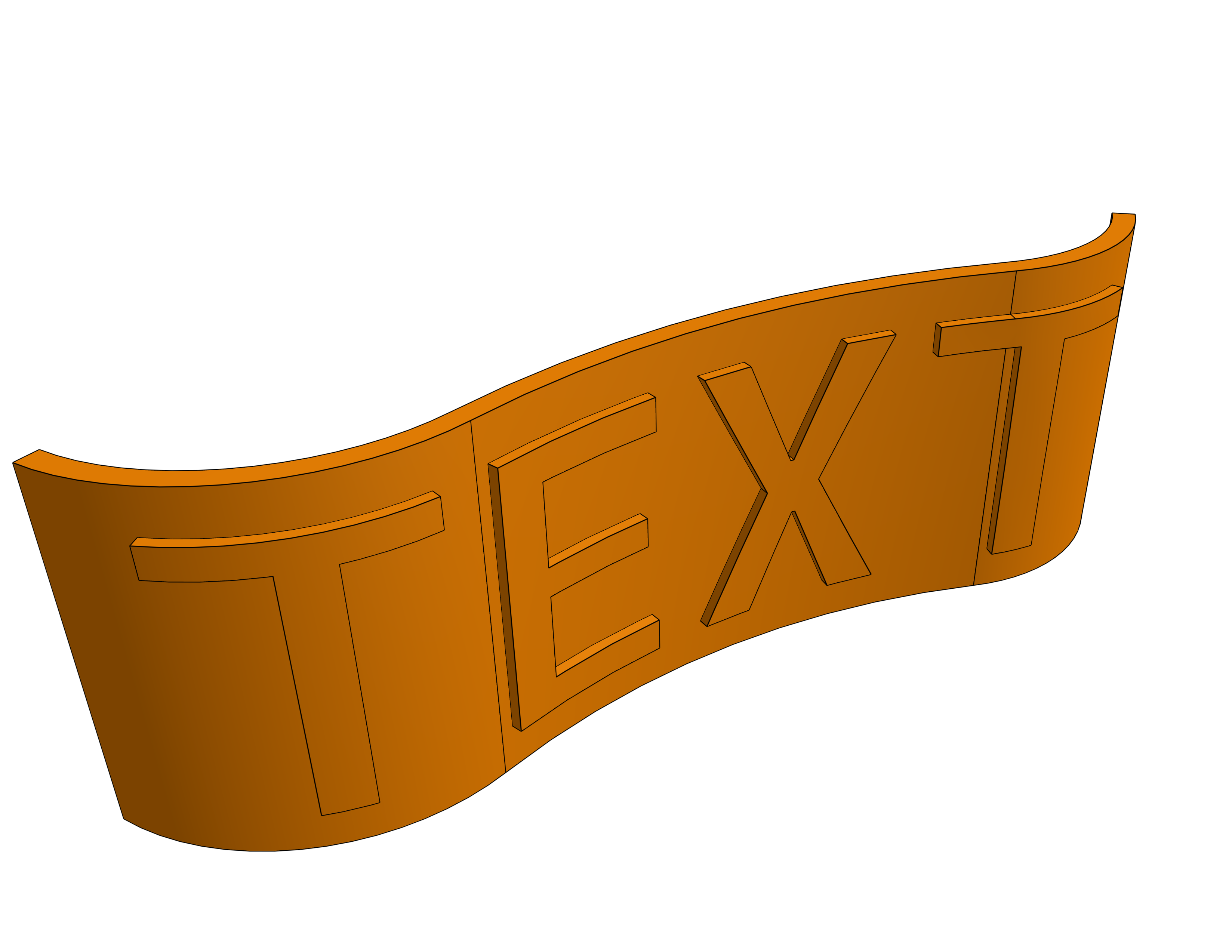 1
1 -
Those workflows are quite quick and work with all kinds of surfaces - but they distort the text/logo/pattern you want to emboss…
With @MichaelPascoe deform custom feature , you could get any shape fitted to any shape - in theory :) but it certainly does not like loose letters.I'd go with the surface text custom feature for everything text. It works really nicely. her's my take
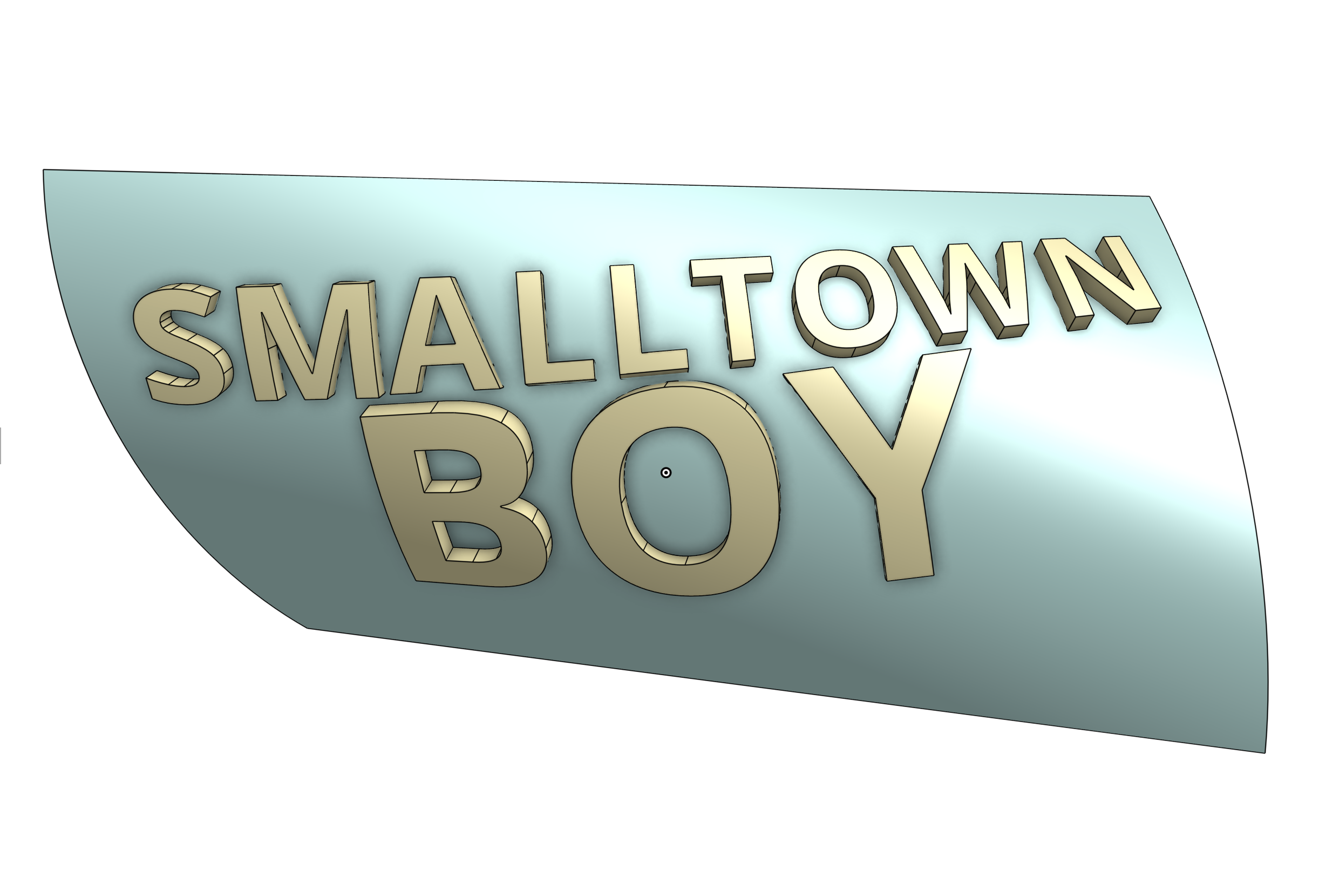 0
0

