Welcome to the Onshape forum! Ask questions and join in the discussions about everything Onshape.
First time visiting? Here are some places to start:- Looking for a certain topic? Check out the categories filter or use Search (upper right).
- Need support? Ask a question to our Community Support category.
- Please submit support tickets for bugs but you can request improvements in the Product Feedback category.
- Be respectful, on topic and if you see a problem, Flag it.
If you would like to contact our Community Manager personally, feel free to send a private message or an email.
how do i begin ( where is the CAD program?

so I have been looking arund clicking on tabs and asking questions to the best of my ablility
is there more do i just wait until someone gets back to me?
what are "Tags"….the line below this box right here
.
.
.
.🙃⤵️⬇️
Best Answer
-
Hmmm … Have you tried https://cad.onshape.com ?
0

Answers
-
Hmmm … Have you tried https://cad.onshape.com ?
0 -
Click on the hamburger menu at the top, near the Onshape logo. Choose "Create Document", and give it a name. It will open a new document with a Part Studio and an Assembly Studio.
You should really consider going through the tutorials at Doing that first will save you a lot of frustration. There are also tutorial videos by Onshape and Too Tall Toby available on YouTue.
0 -
I have come to the conclusion that the screen I am seeing is not the sme screen as anyone else
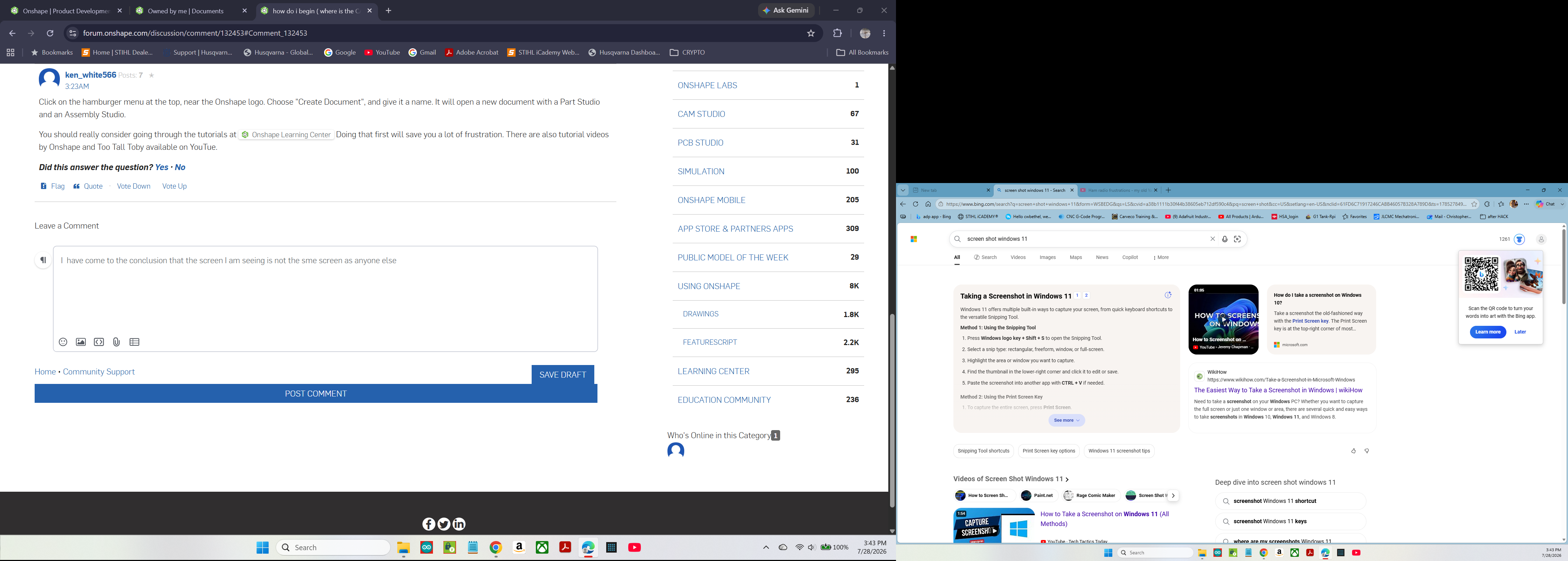
i currently have a second screen on my right and the main laptop screen in front of me . i typed screen shot into the search window in the menu bar of primary screen . this is what I see.
0 -
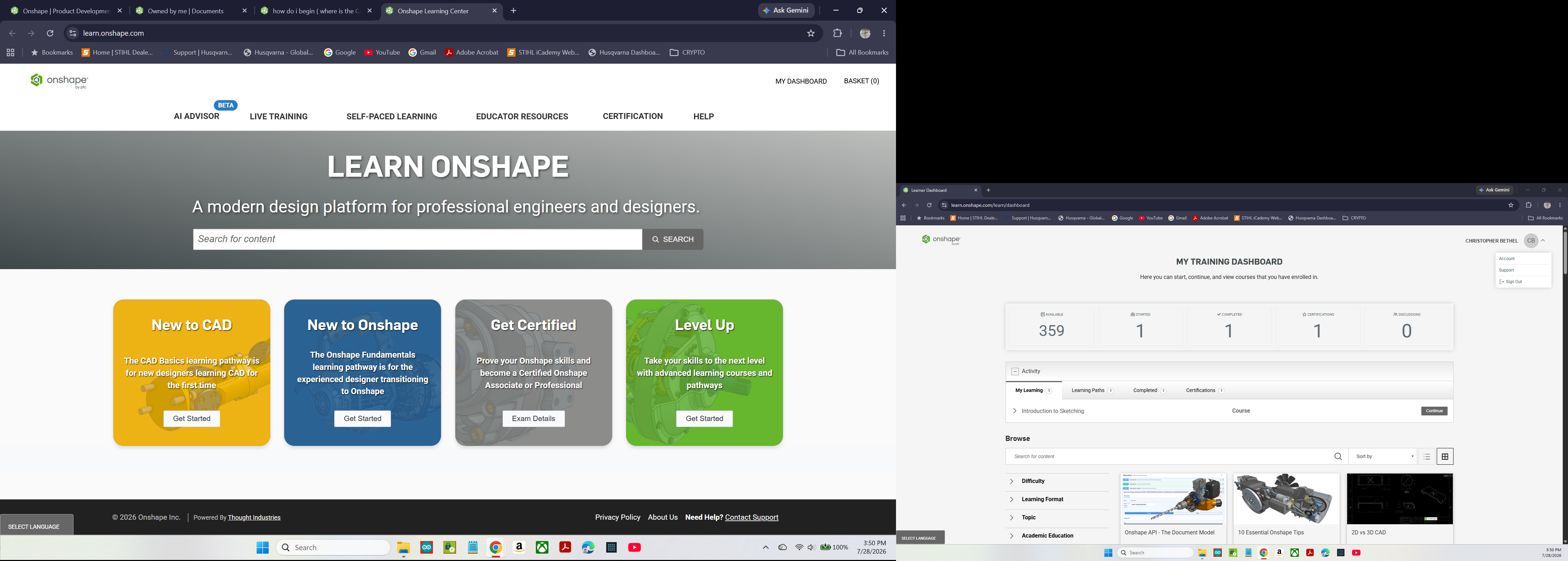
when i click on the hot lonk from your reply i see this…
 0
0 -
went to "HELP" found this…
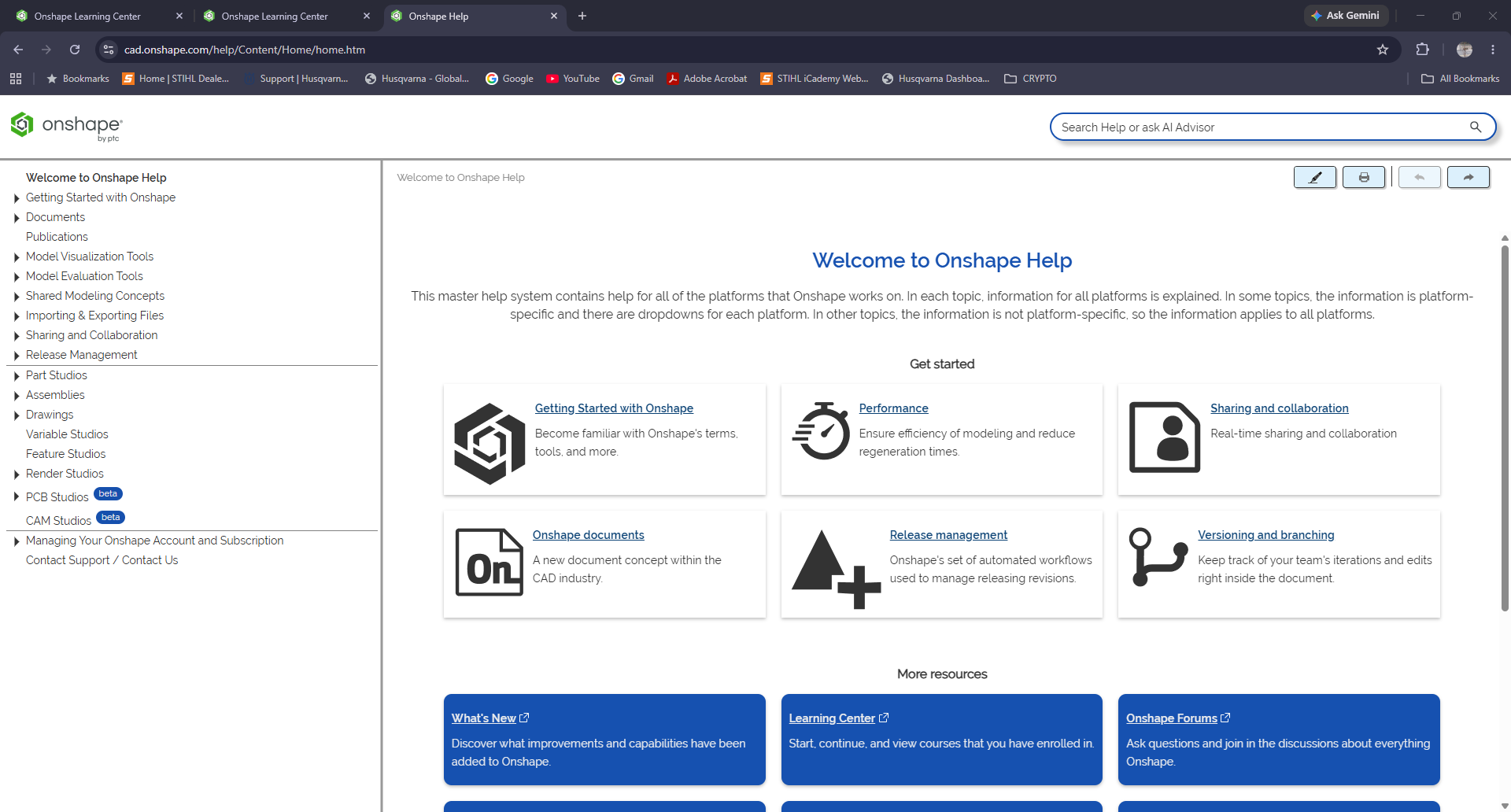
am I at least going in the right irection?
0 -
The first reply from Martin has the correct link…
0 -
type in your browser:
cad.onshape.com and then log in
cad dot onshape dot com
0
