Welcome to the Onshape forum! Ask questions and join in the discussions about everything Onshape.
First time visiting? Here are some places to start:- Looking for a certain topic? Check out the categories filter or use Search (upper right).
- Need support? Ask a question to our Community Support category.
- Please submit support tickets for bugs but you can request improvements in the Product Feedback category.
- Be respectful, on topic and if you see a problem, Flag it.
If you would like to contact our Community Manager personally, feel free to send a private message or an email.
Why won't rib work?

I do not understand why this rib won't work.
When I reverse the Parallel to sketch plane button so that the rib is facing the correct way it does not show.
Can anyone Help?
https://cad.onshape.com/documents/1b10f89d9c2693868e633d43/w/4918421a605106277736b60d/e/8a052ab8ad8066bb4581e645


Best Answer
-
Because the software doesn't know what to do when the rib gets above the plane of the cylinder. Should it cut it flush or give it batman ears? you can run your rib with a small flat to get it to work.

 2
2

Answers
-
Because the software doesn't know what to do when the rib gets above the plane of the cylinder. Should it cut it flush or give it batman ears? you can run your rib with a small flat to get it to work.
2 -
thank you.
I see it (the rib) works on flat surfaces.
Other then altering the part, Any suggestions on how to get the rib to work with a cylinder?
 0
0 -
I probably just use extrude with a sketetch that gets the job done.
0 -
I have this issue often as well. There must be some way to resolve it, no? Thin extrude works, but then you have to delete faces that come through the part, and you also have to either move faces to get it to line up right at the top of the cylinder, or have a big flat spot at the top of the rib. I've read through every post here about ribs, and I haven't found a solution to this yet, but there has to be one out there. Is there a way we can email the dev team? Thank you for any help you can give us. I really do appreciate people coming here and taking their time to help us noobs (not that OP is a noob. Speaking for myself only, but "…time to help this noob" is also problematic).
0 -
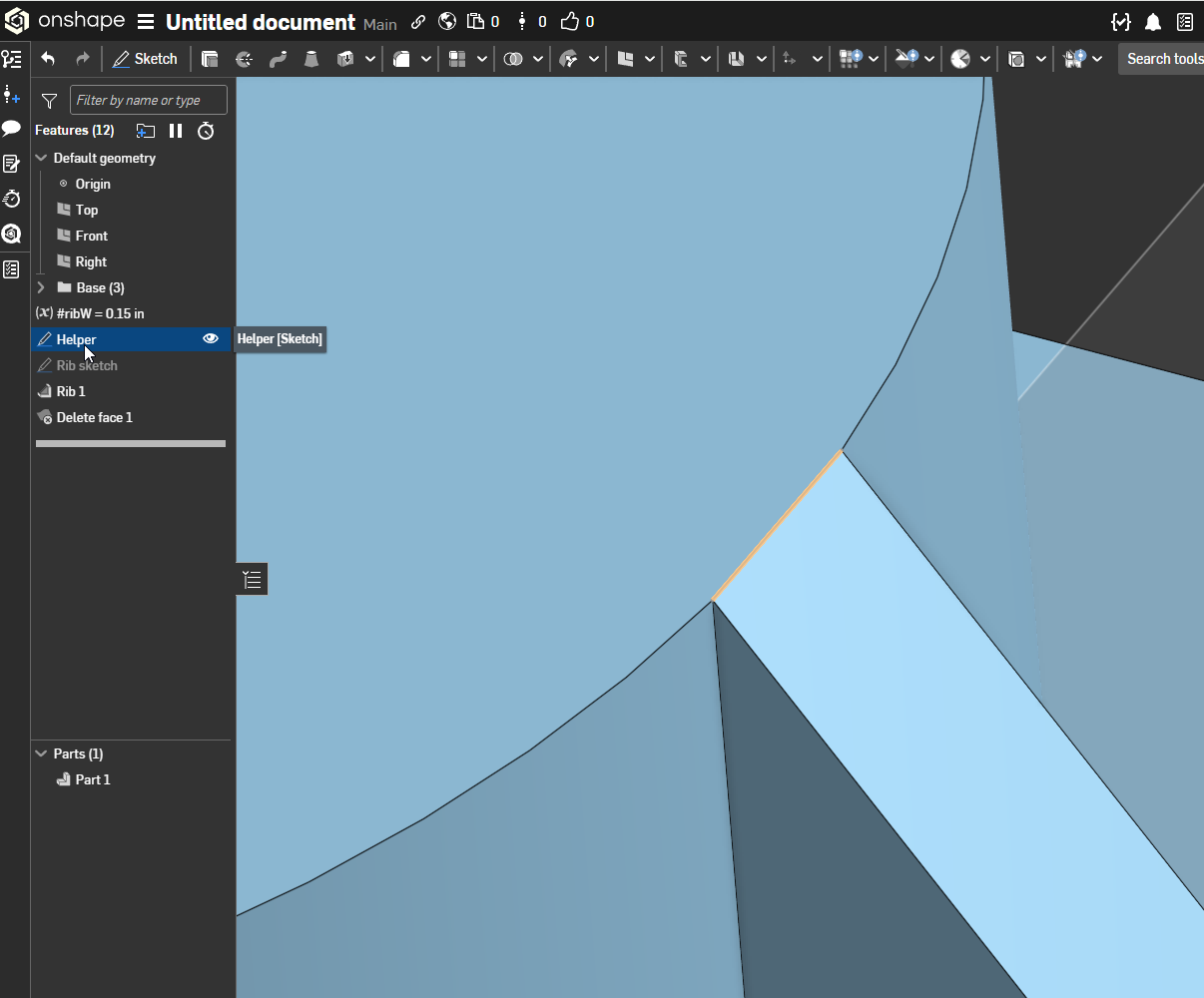
Here's one way to do it using a "helper" sketch on the top face to set up a pierce point. The "delete face" is optional but a good way to clean things up.
 0
0
