Welcome to the Onshape forum! Ask questions and join in the discussions about everything Onshape.
First time visiting? Here are some places to start:- Looking for a certain topic? Check out the categories filter or use Search (upper right).
- Need support? Ask a question to our Community Support category.
- Please submit support tickets for bugs but you can request improvements in the Product Feedback category.
- Be respectful, on topic and if you see a problem, Flag it.
If you would like to contact our Community Manager personally, feel free to send a private message or an email.
Help with DSI

(Sorry for reposting this but I am hoping someone will respond this time)
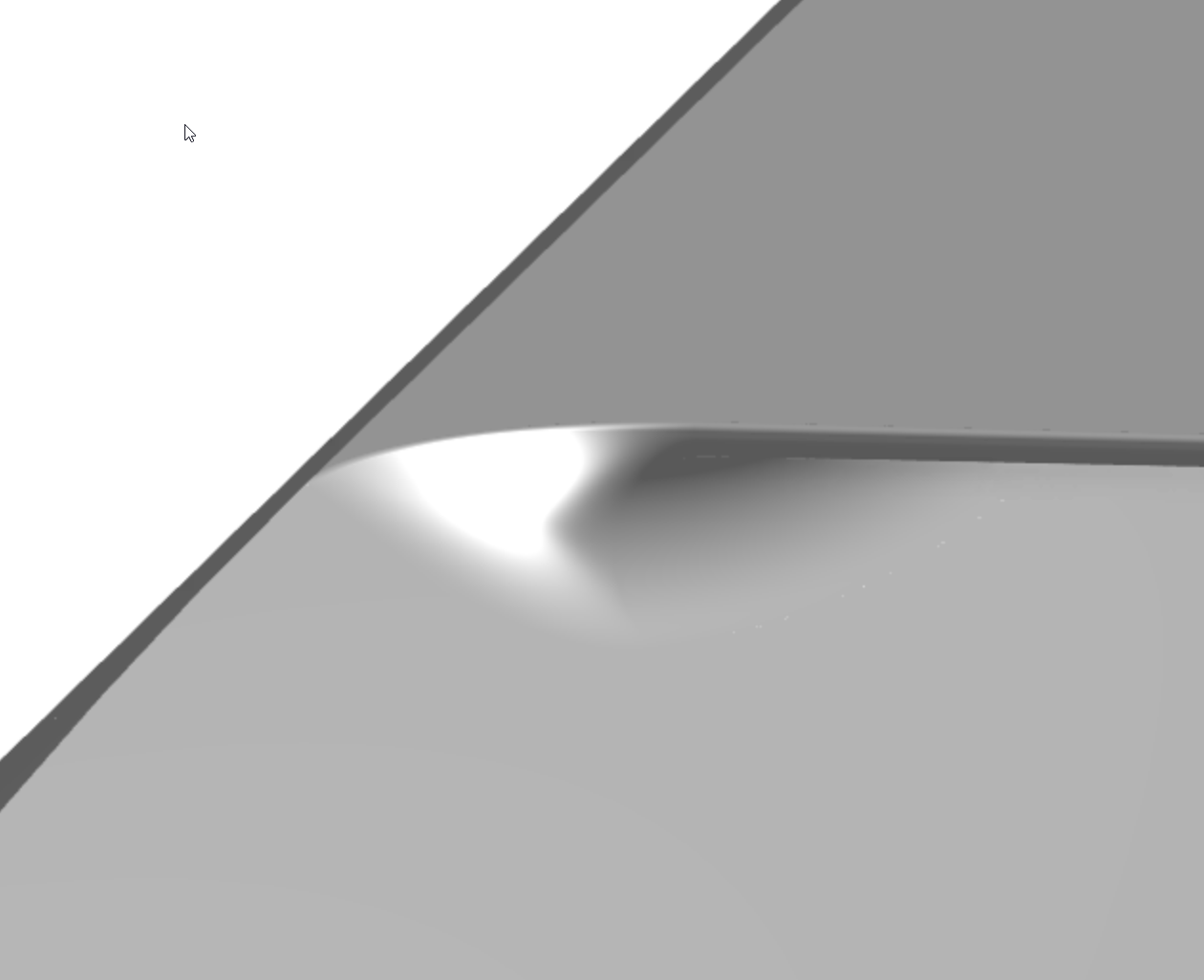
I am trying to model a diverterless supersonic inlet for my jet but none of the methods I've tried worked. Here is what I have so far:
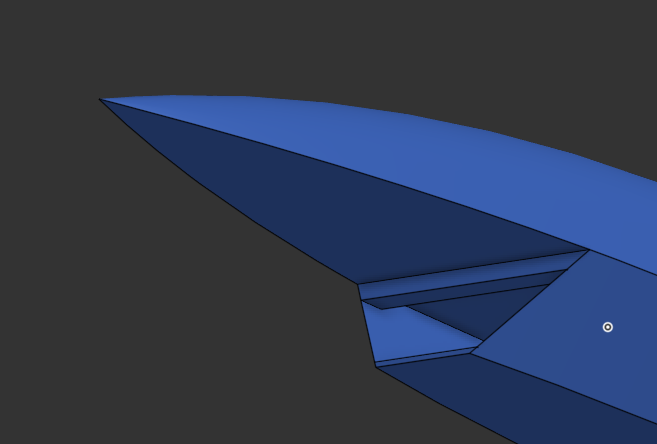
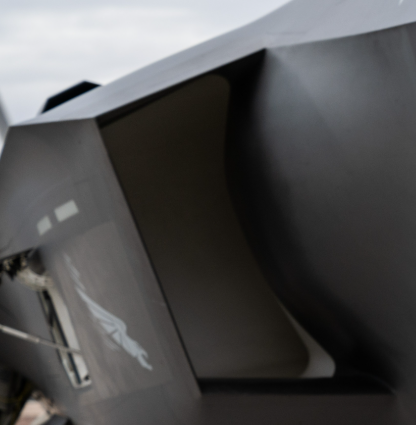
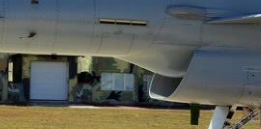
Here is what I want it to look like:
Answers
-
If nobody answered, it is possibly just because the solution is
a) so complicated it takes a loooong time to come up with one.
b) so simple that nothing can be said about it.
c) unclear because nobody understood the question.
I think it is c) with a bit of
d) you just need to proceed on the learning curve, and nobody can actually do that for you.
That's just the bumpy road these things go. In my answer to your previous problem, I wrote you should first identify the features that REALLY define your shape. Find corners, edges, surfaces and define them as curves you can base your surfaces upon. Slapping volumes together, or boolean-subtract them, might be tempting and offer early success, but won't work in the long run. Inner shapes are equally important as outer shapes, and you'll need to create them equally precise. It is also tempting to let yourself be led by the geometry already existing and by the tools you already know. But that takes away your intention and replaces it by the most obvious solutions. That is "Designed by Feasibility", then. Not by you.
You might want to work through the suface modeling courses in the learning center, to get on top of that.
2 -
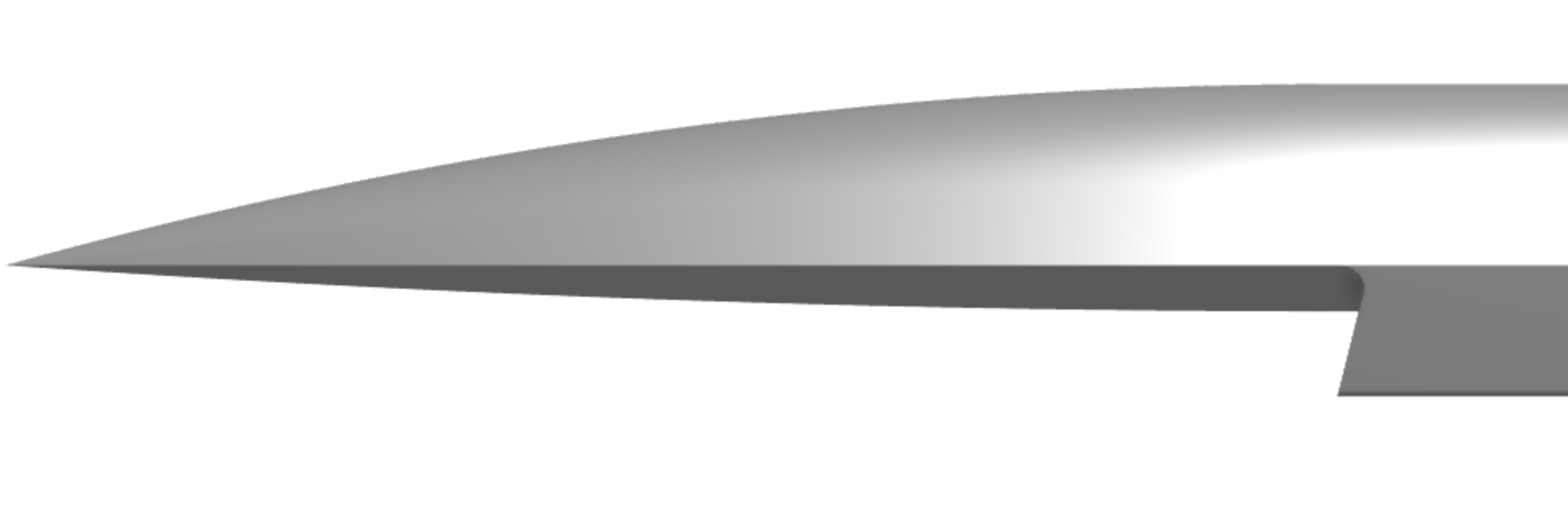
@Nameorus Not sure if this is what you are going for but it has some surfacing workflows that you can investigate and use moving forward. I agree with martin 100% that the best way to get better is to practice and go through the training material. Please post updates on your design as you move forward. Good luck!
https://cad.onshape.com/documents/b23acf8bdf0eeee5676aa251/w/7b4aeecbc73bbd861e79ecc0/e/4fac17cc3a228bc882390275
 0
0


