Tracing a shape from an image with splines, error when using offset

I am trying to trace following boardgames-tray to rebuild it:
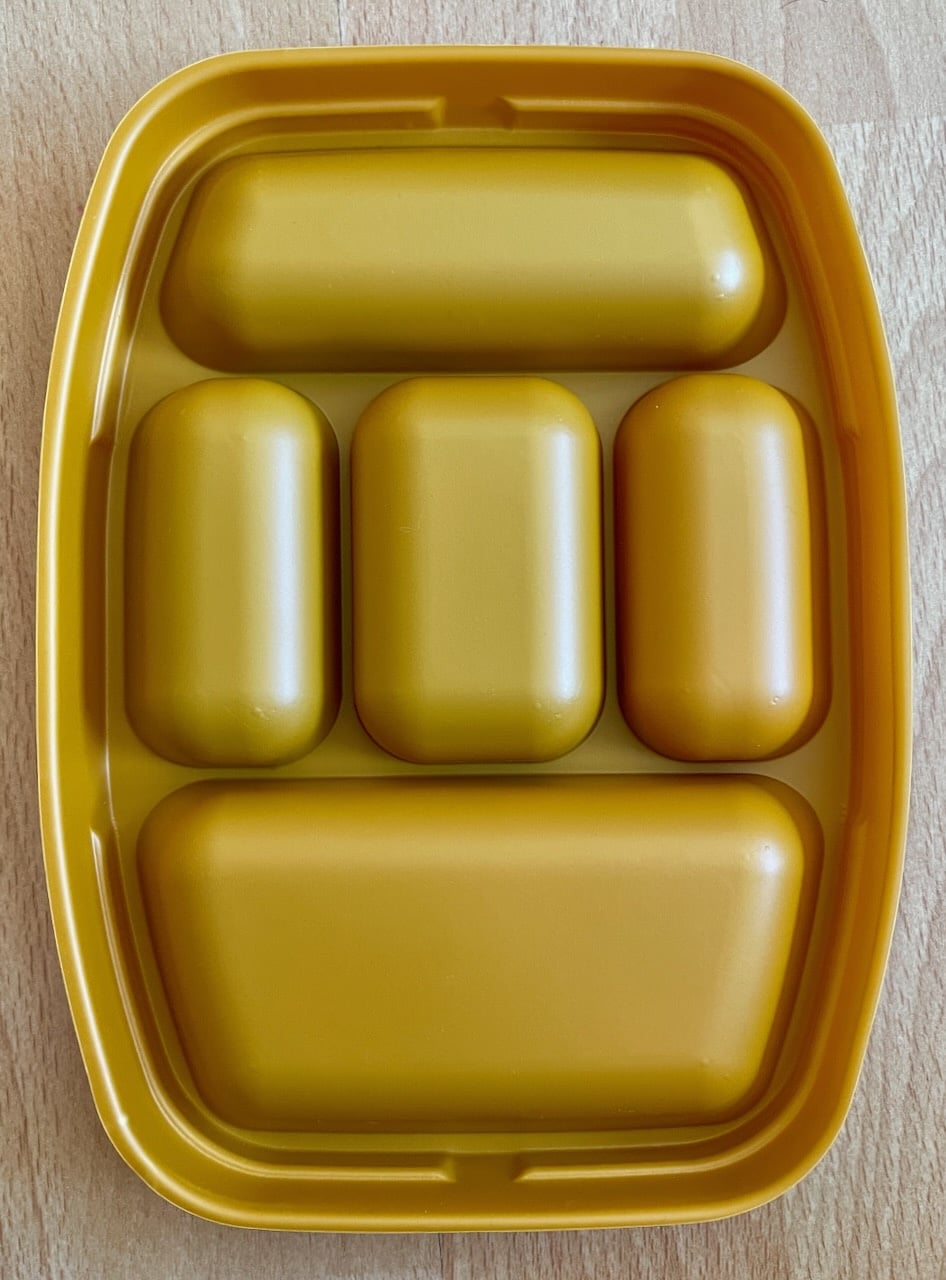
I traced the left side and mirrored it to the right, so at least the halfs are symmetrical… I really struggle with tracing it so its perfectly symmetrical. Now to create a lid I want to create an offset to my sketch, but it throws the error "can't offset multiple chains" (translated, using German language). When selecting a spline it does not select the complete sketch but only single elements of different length. Why is that? I went spline to spline. Shouldn't they all be connected? And is there a better way to trace this shape?
Answers
-
First of all,only draw half the part and mirror the solid at the end.
Offsetting splines is not a very clean process, you will get much better results offsetting faces of solids instead using thicken/move face, etc.
0 -
Thanks for your response. I did trace only half, even tried only a quarter so the lid would fit either way, didn't help. Wanted to create the lid like in this video:
0 -
There is a tool within Onshape called Offset curve. Perhaps could be of use. - Scotty
0 -
This is what I was talking about doing:
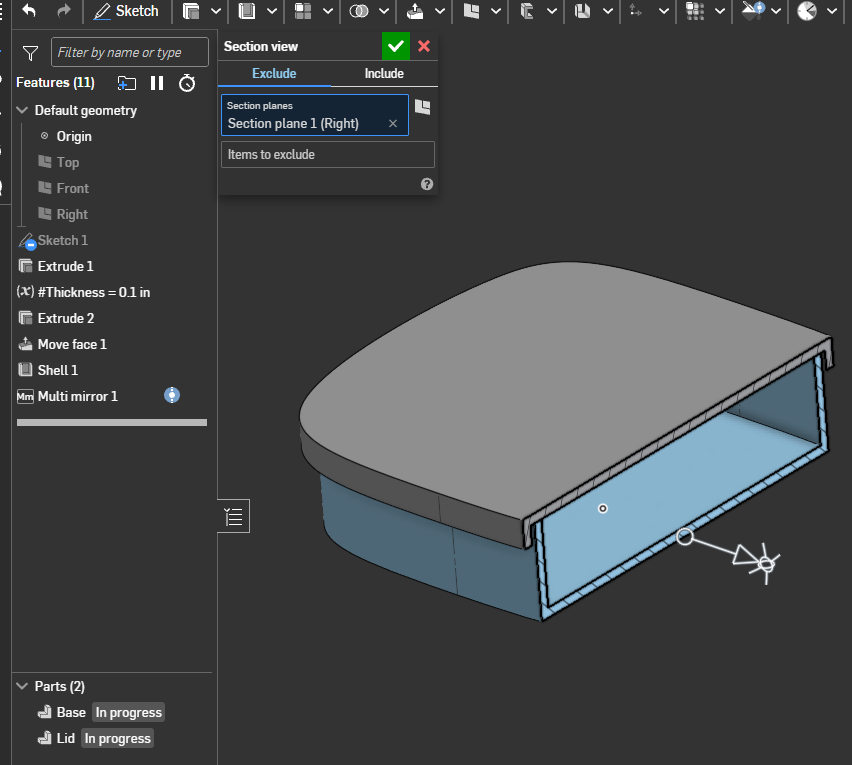
Another option using the "thicken":
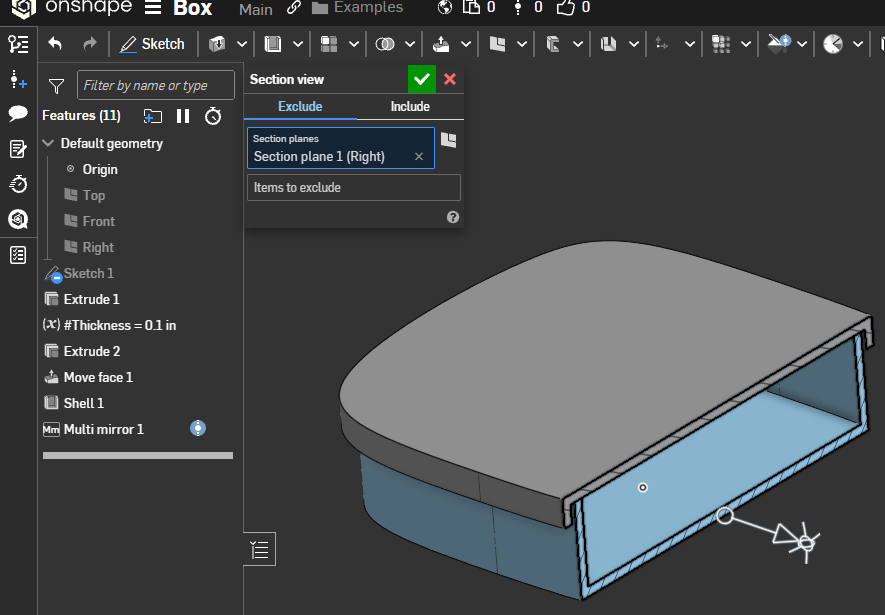
Either way no offset needed in the sketch and the model is going to be more "robust"…1
