Welcome to the Onshape forum! Ask questions and join in the discussions about everything Onshape.
First time visiting? Here are some places to start:- Looking for a certain topic? Check out the categories filter or use Search (upper right).
- Need support? Ask a question to our Community Support category.
- Please submit support tickets for bugs but you can request improvements in the Product Feedback category.
- Be respectful, on topic and if you see a problem, Flag it.
If you would like to contact our Community Manager personally, feel free to send a private message or an email.
Best Of
Re: Can you make a configurations table via CSV?
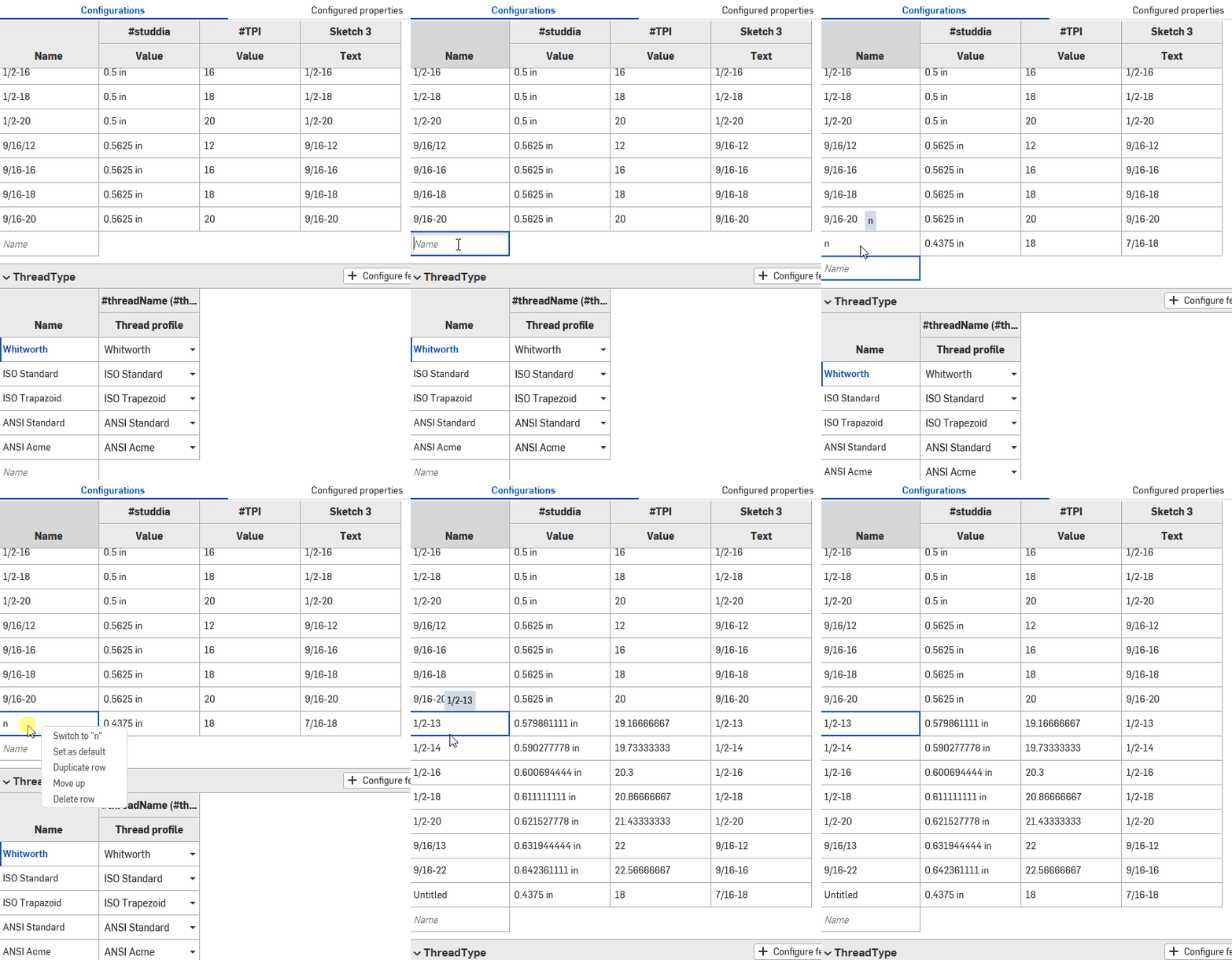
@MichaelPascoe You just have to create single junk line then ctrl+v in the first cell.
 MDesign
Re: Is there a way to set certain dimension of drawing as non-printable?
thanks, romeograham
it's a solution and both view and notes are in the same sheet.
Currently, I mark these notes dimension in same view because it's good for update and management.

Re: Improvements to Onshape - June 27th, 2025
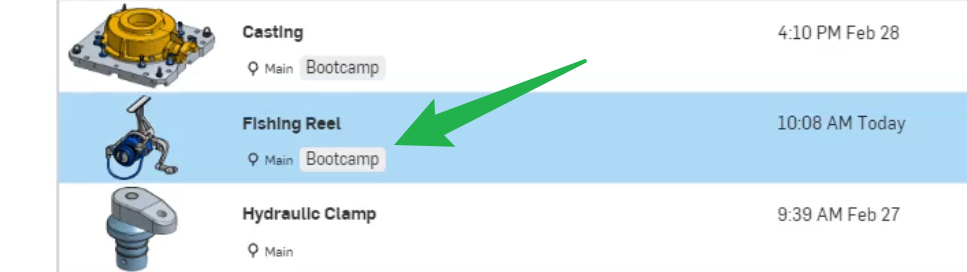
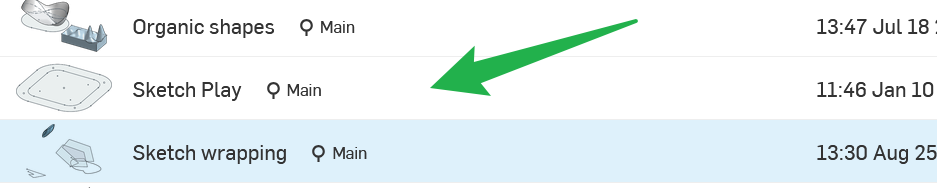
Am I missing something or are the Lables also not available in the document view anymore?
Thanks for considering the comments for future updates.

Re: How do you create "Parts" in OnShape
Step 2 , go to the Learning Centre first and check out Multi-part Studio etc.

Making a public facing profile to feature and share my creations
I spend a lot of time in onshape, mainly for open source projects that I share with others.
I also spend a lot of time writing code on github. GitHub makes it very easy to share my creations with the world.
I know there is link sharing, but there is no public facing account where I can share my projects.
It would be nice if I could just link my account in my bio in other places.
Just a thought, not a huge deal. Thanks!
Re: Autodesk to acquire PTC
Autodesk bought Eagle CAD (my favorite free schematic/PCB program). First they added a yearly license fee, and then they abandoned it altogether. I guess the plan was to force users like me to learn a new AutoDesk tool and pay for the privilege. That didn't work. I'm a KiCad user now.
I hate it when companies use preditory tactics to form a monopoly.


Re: Basic question: How do I create a part with exact dimensions?
Thanks everyone. I didn't think anyone replied (never got an email and there is about a 2-day gap between when I posted and the post timestamp). So I'm halfway through the project in Autodesk Fusion.
But I will bookmark this page and eventually try @MichaelPascoe 's suggestions and maybe do more tutorials (I did the very first one recommended by the site).
 lee_r709
Re: How to correct this notice: "sketch is not fully defined"?
Try the Onshape courses to get to grips with the basics.
