Welcome to the Onshape forum! Ask questions and join in the discussions about everything Onshape.
First time visiting? Here are some places to start:- Looking for a certain topic? Check out the categories filter or use Search (upper right).
- Need support? Ask a question to our Community Support category.
- Please submit support tickets for bugs but you can request improvements in the Product Feedback category.
- Be respectful, on topic and if you see a problem, Flag it.
If you would like to contact our Community Manager personally, feel free to send a private message or an email.
Best Of
Re: How to add a 1 mm deep slot in this inside offset around the whole piece
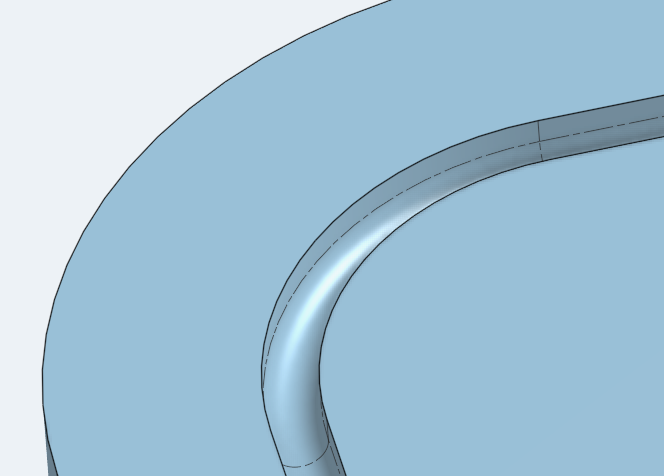
I believe the op is asking for a cut that follows the perimeter and not a full area extrude. You should use thin more often, might save some sketch time.
@pedro_carrizo I believe you mentioned a rounded slot so you'd have to build on martin's suggestion with a full round fillet to get the bottom of the slot rounded. You can also get there with a sweep profile and your path.
 MDesign
Re: Custom Features Collection
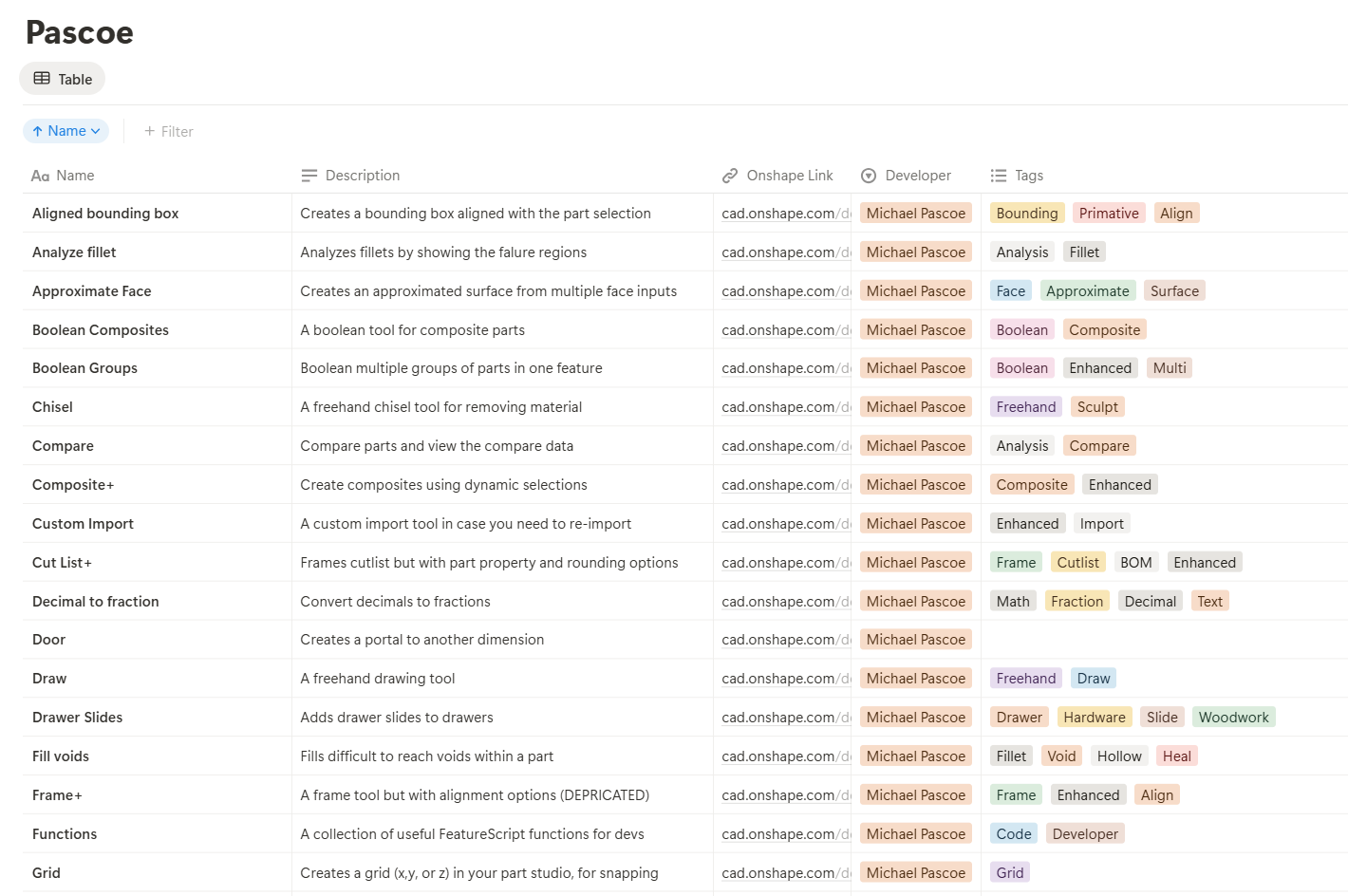
as an experiment, I added @MichaelPascoe to a notion database with tags just to see if it was feasible. But I think FS.Place may be the better option for now.

Re: How to add a 1 mm deep slot in this inside offset around the whole piece
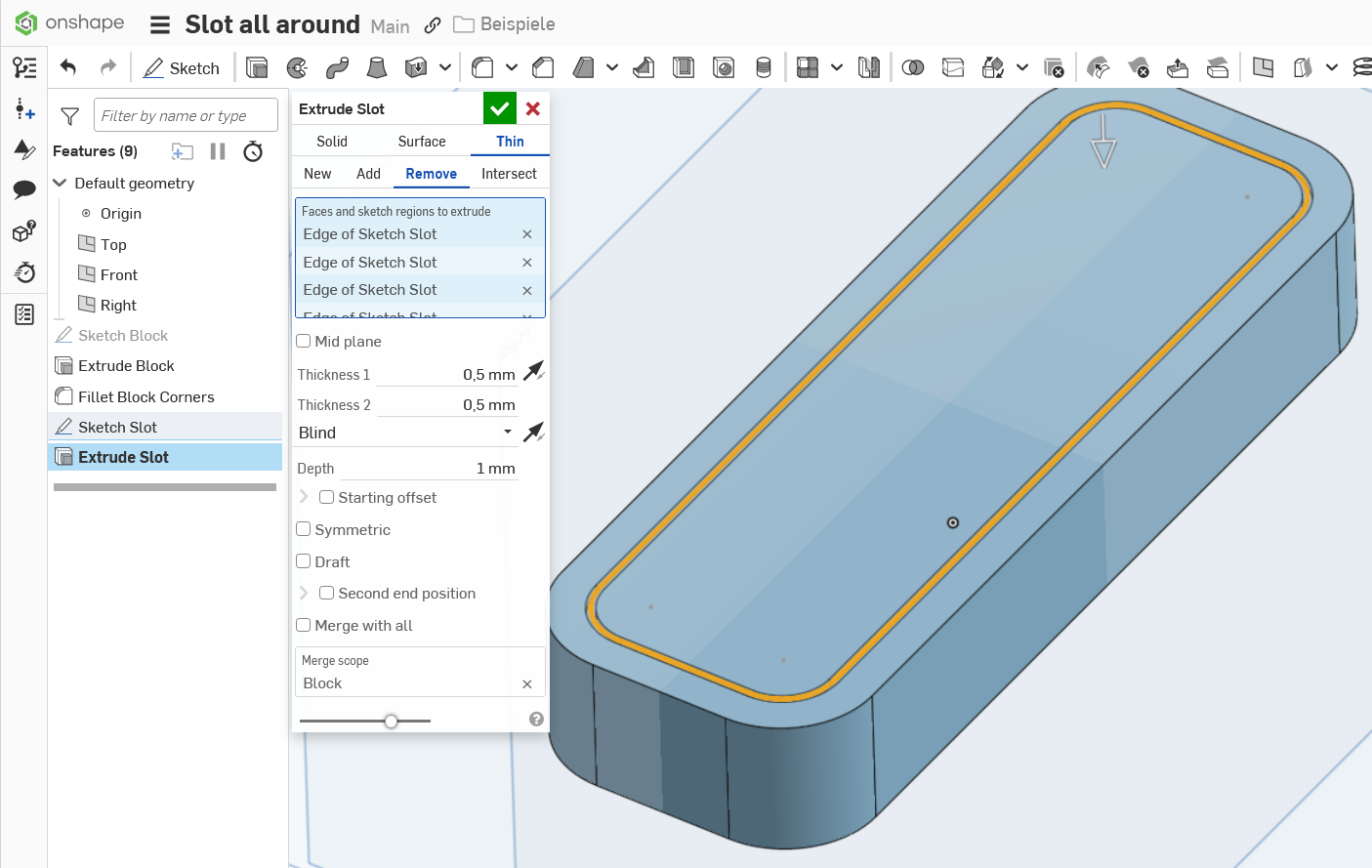
Extrude into the material with the options "thin" and "remove" with a value of 1mm each.

Re: How to add a 1 mm deep slot in this inside offset around the whole piece
@martin_kopplow what's the advantage using thin here and not just a solid remove? I don't really use thin. Maybe I should?

Re: Work with Trackpad on MacBook?
Trackpad isn't ideal (on any laptop) but with a little practice it works for small tasks on the go. I recommend a space mouse. There are compact wireless mobile types available.
One way to move the model is the arrow keys to rotate and pan. Arrow alone makes small rotaing moves. Shift-Arrow makes larger moves, CTRL-Arrow makes super small moves. CTRL-SHIFT-Arrow pans. Zoom should be rather easy on the track pad.
Re: New Custom Feature: EZ Wire
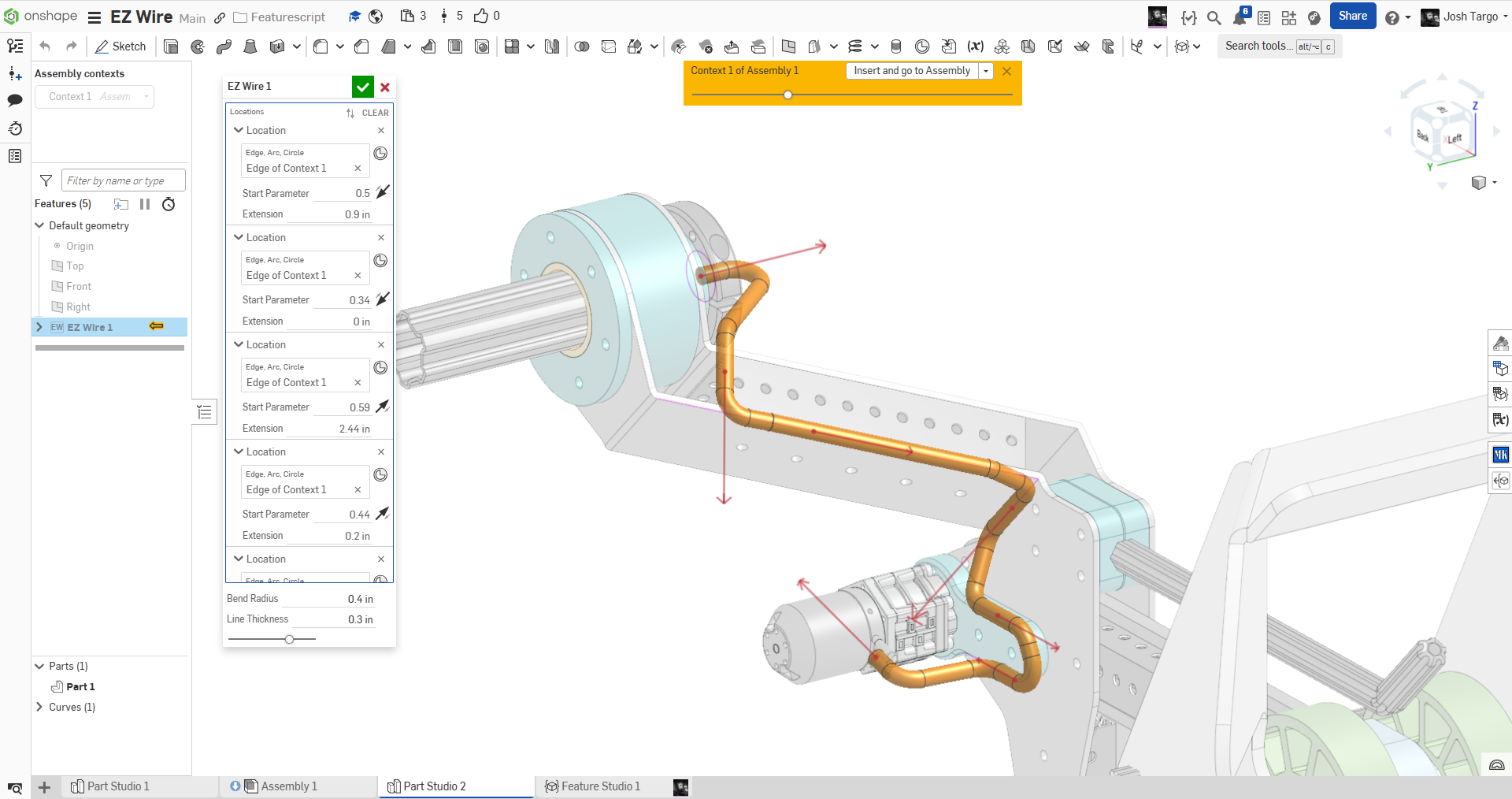
ive rewritten it several times today, but it's stable now, though only for edges at the moment. I need to add back in axes from circles and arcs. And work on the UI, which is not quite where I want it.
Re: DXF / DWG EXPORT UNITS
hopefully! have been caught out a couple times when the laser person tells me this part is tiny lol

Re: Sketch claims errors but I can't see any
Gavin, you sometimes have to wait till the wheel stops spinning for the link to show before finalizing post or the link does not come through.
Likely a point at he end of a curve is not fixed.

Re: New Custom Feature: EZ Wire
I updated it to use lines, arcs, and circles, rather than MCs because we will usually be working in Context.