Welcome to the Onshape forum! Ask questions and join in the discussions about everything Onshape.
First time visiting? Here are some places to start:
- Looking for a certain topic? Check out the categories filter or use Search (upper right).
- Need support? Ask a question to our Community Support category.
- Please submit support tickets for bugs but you can request improvements in the Product Feedback category.
- Be respectful, on topic and if you see a problem, Flag it.
If you would like to contact our Community Manager personally, feel free to send a private message or an email.
How do i get parts to push against each other?

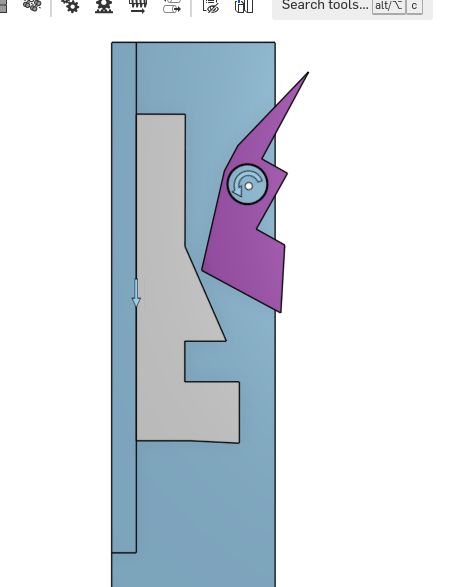
I'am new to Onshape en new to 3d CAD. I have a simple mechanism. The grey part slides over the blue part (slide mate) and the purple parts rotates around the axle. How do I get the purple part to rotate when it interacts with the grey part?
The geometry of grey and purple need to be refined, for now that's not relevant.
Answers
-
There are come clever ways to fake it, but Onshape does not do collision detection.
0 -
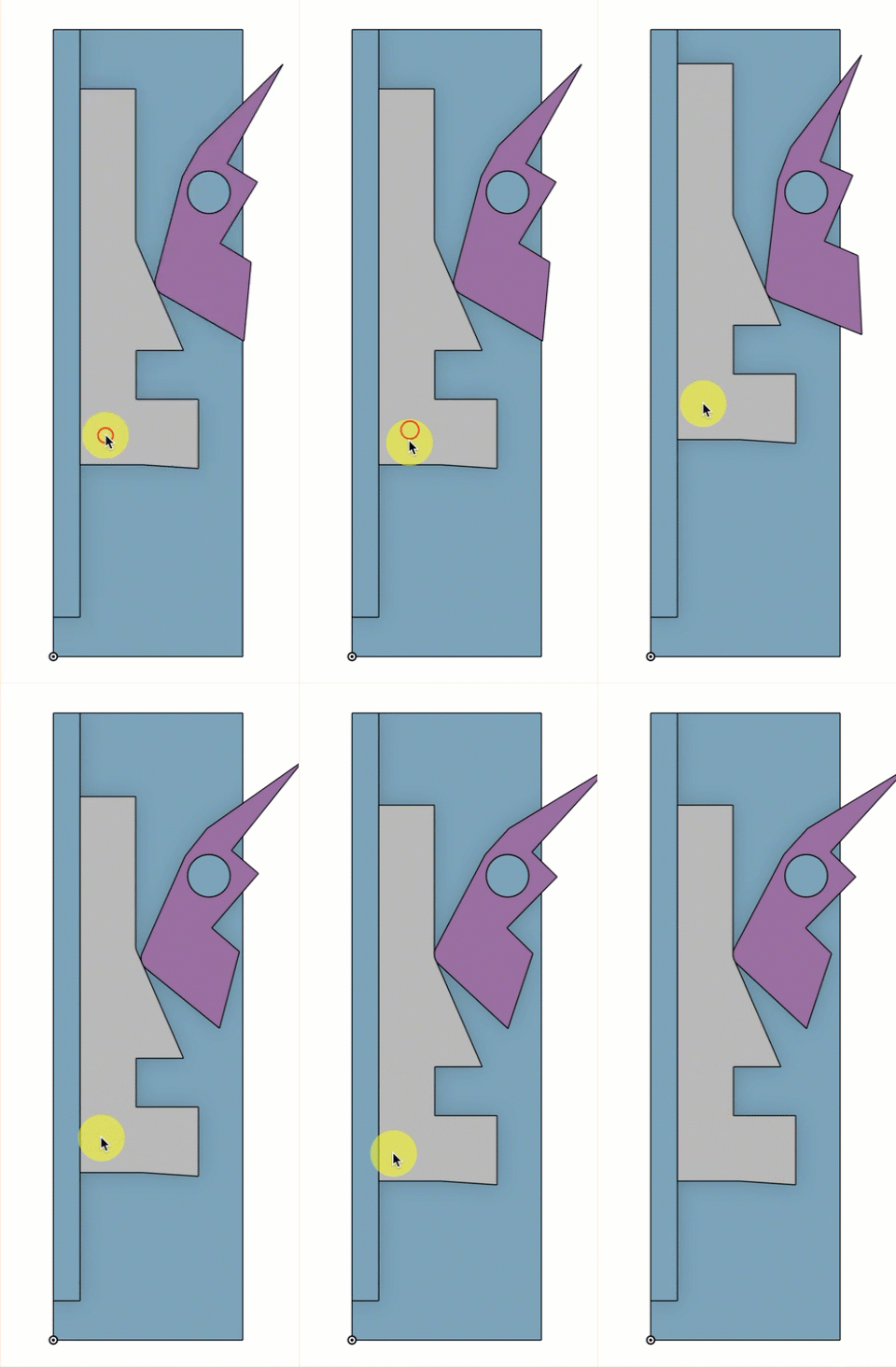
I'm not sure I fully understand the result you're after, but if you add small fillets, you might be able to get what you want with a tangent mate.
As @Matt_Shields said, Onshape doesn't do collision detection.
Simon Gatrall | Product Development, Engineering, Design, Onshape | Ex- IDEO, PCH, Unagi, Carbon | LinkedIn
0 -
Fake it could be a solution. Any idea How?
I would like to use this to refine de geometry.
0 -
I've had limited success with the tangent mate.
 0
-
@Matt_Shields to do any more you would probably need to create a guide curve that controls the path of the pink actuator.
Also, a different (more complex) approach is to use the animator custom feature to generate the guide curves:
https://forum.onshape.com/discussion/comment/118609…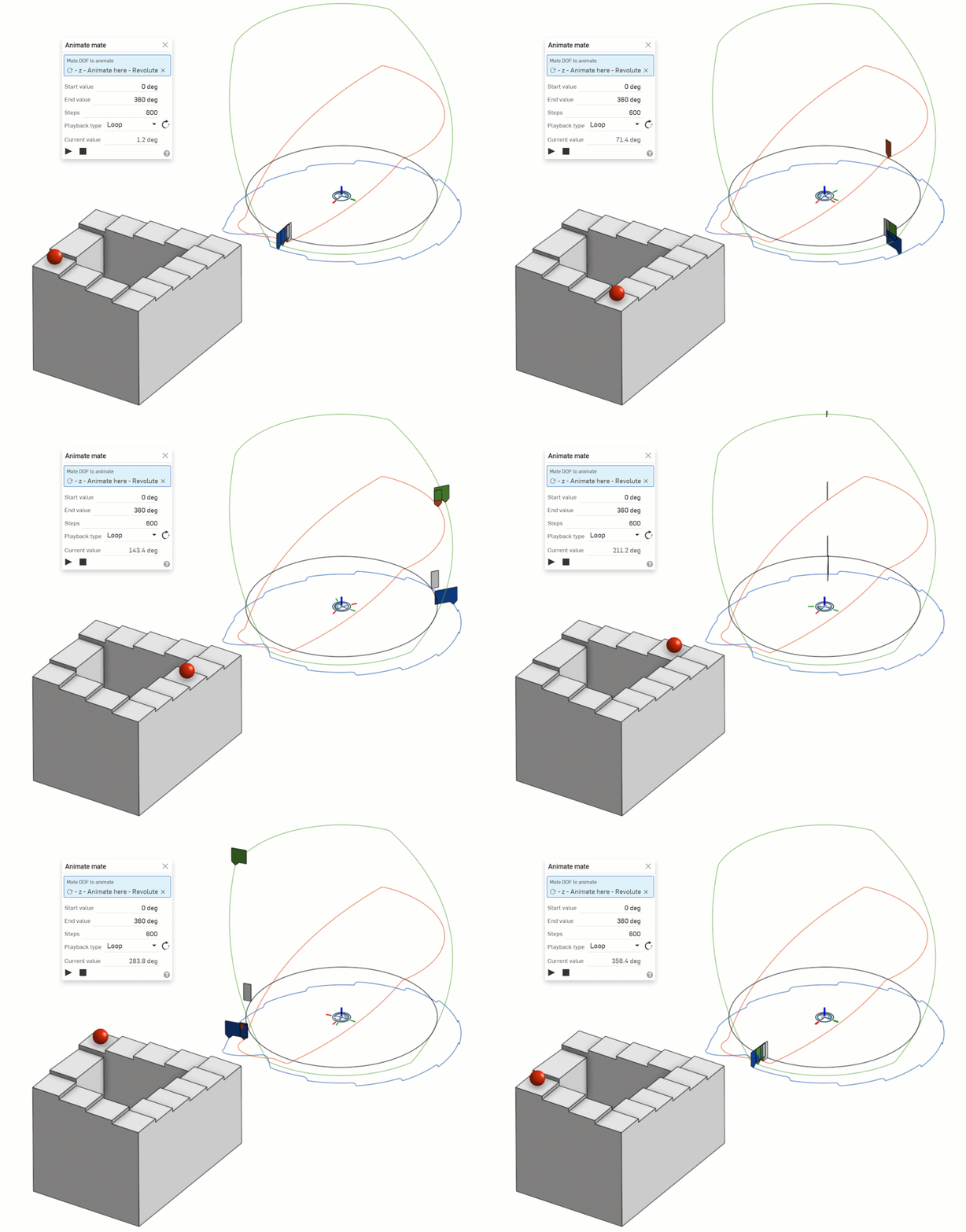
▚▞▚▞▚▞▚▞▚0