Welcome to the Onshape forum! Ask questions and join in the discussions about everything Onshape.
First time visiting? Here are some places to start:- Looking for a certain topic? Check out the categories filter or use Search (upper right).
- Need support? Ask a question to our Community Support category.
- Please submit support tickets for bugs but you can request improvements in the Product Feedback category.
- Be respectful, on topic and if you see a problem, Flag it.
If you would like to contact our Community Manager personally, feel free to send a private message or an email.
How to linear pattern text that increases the value from variable

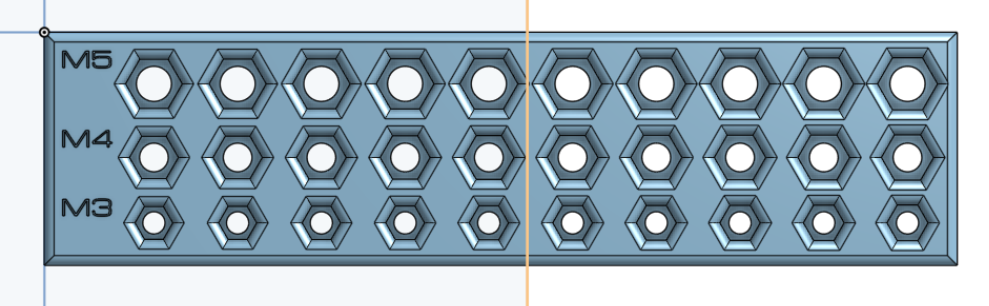
I have made this nut size test for M5, M4, M3 lock nuts
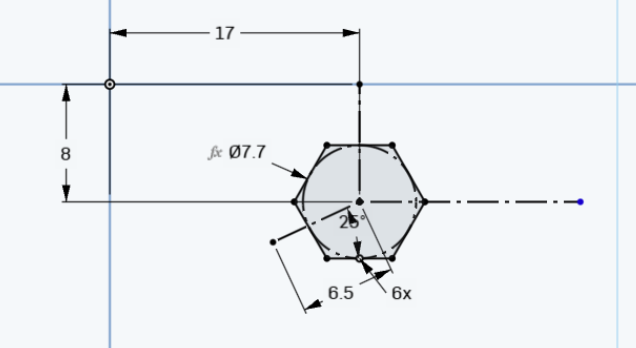
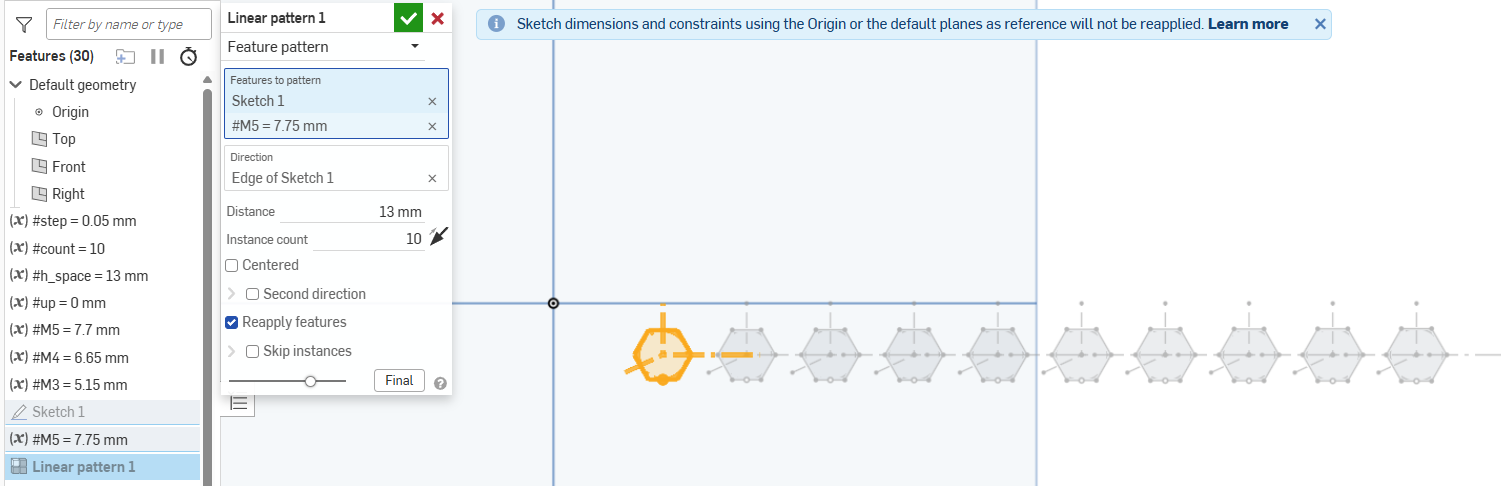
In order to make all the other 9 hex holes in that row I used a linear pattern along with an increasing variable of step size = 0.05 mm
What I would like to do know is to add text on the side that describes the dimension of the inscribed circle used to make that hex hole, such that a person can read it from the 3D print and know which size to use.
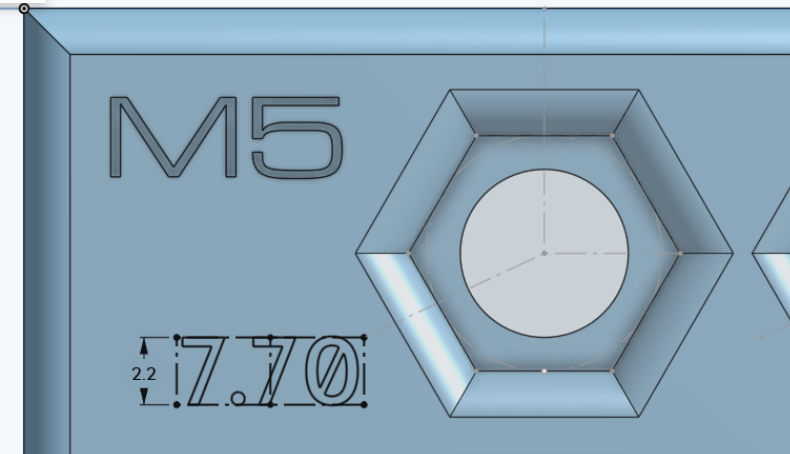
However, I can't seem to linear pattern the sketch of the text, looks like you can only do a feature pattern. I was wondering, what would be the easiest way to achieve this? To have every hex hole have its dimension next to it, is there a way to pattern it and have the dimension increase along the M5 variable? Such that if I change the size of the hex holes the text automatically updates
Thank you in advance.
Best Answer

Answers
-
-
Thank you. That works.
0