Welcome to the Onshape forum! Ask questions and join in the discussions about everything Onshape.
First time visiting? Here are some places to start:
- Looking for a certain topic? Check out the categories filter or use Search (upper right).
- Need support? Ask a question to our Community Support category.
- Please submit support tickets for bugs but you can request improvements in the Product Feedback category.
- Be respectful, on topic and if you see a problem, Flag it.
If you would like to contact our Community Manager personally, feel free to send a private message or an email.
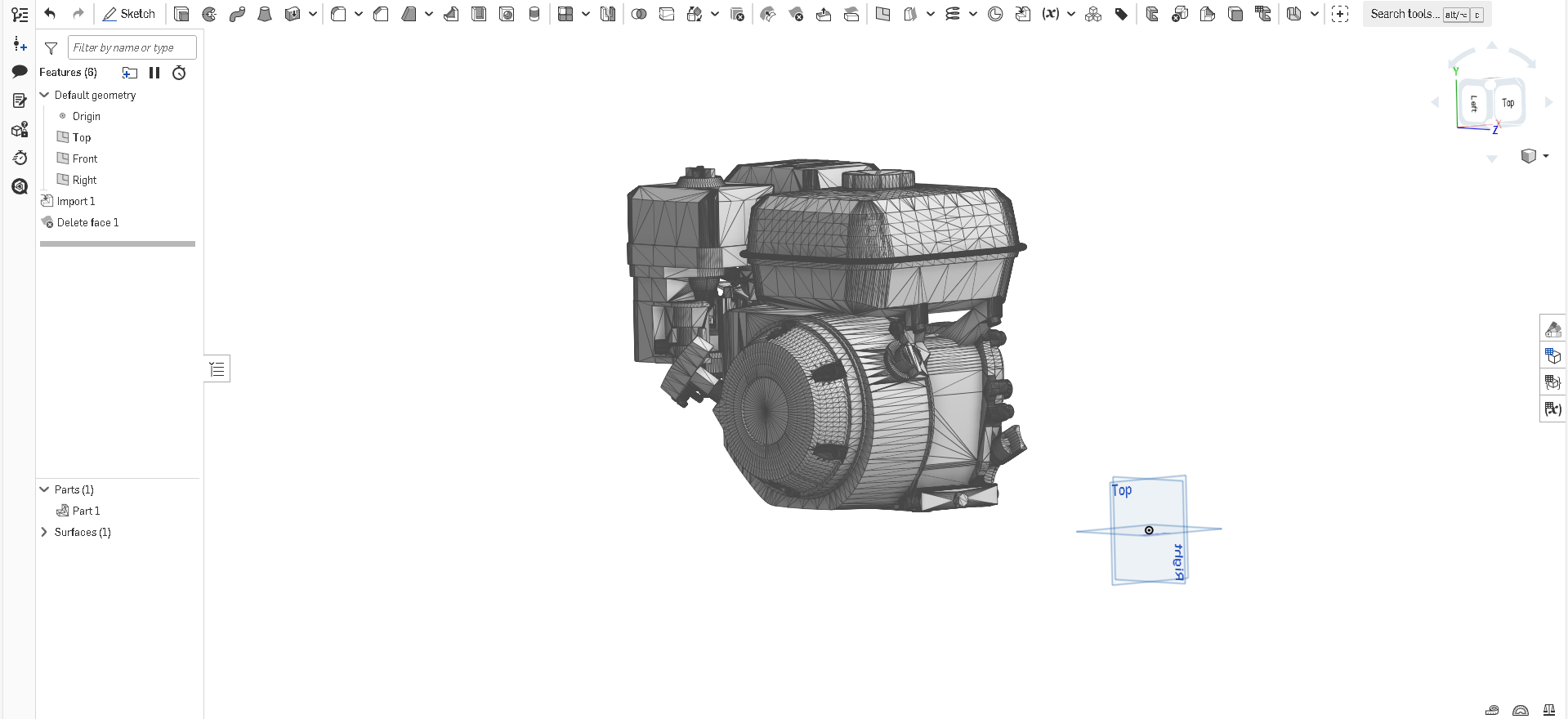
How do I remove all these (Faces?) from imported models

I'm still kind of new to
Onshape, please help me fix this.
Answers
-
Could it be you accidentally imported an STL file? If so, and you remove all those faces, your imported model will probably be gone, for the faces ARE your model. Try importing your model as a format such as STEP or Parasolids. Those may provide precise geometry you can actually work with.
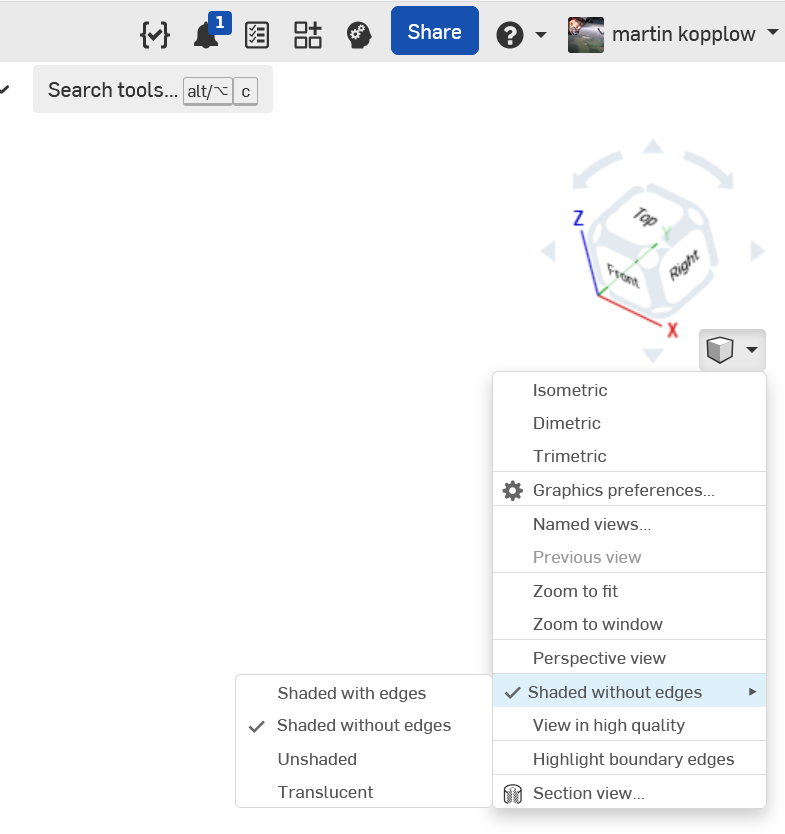
If you're only after a cosmetic solution, by just not showing the faces, you can switch the face edges off:
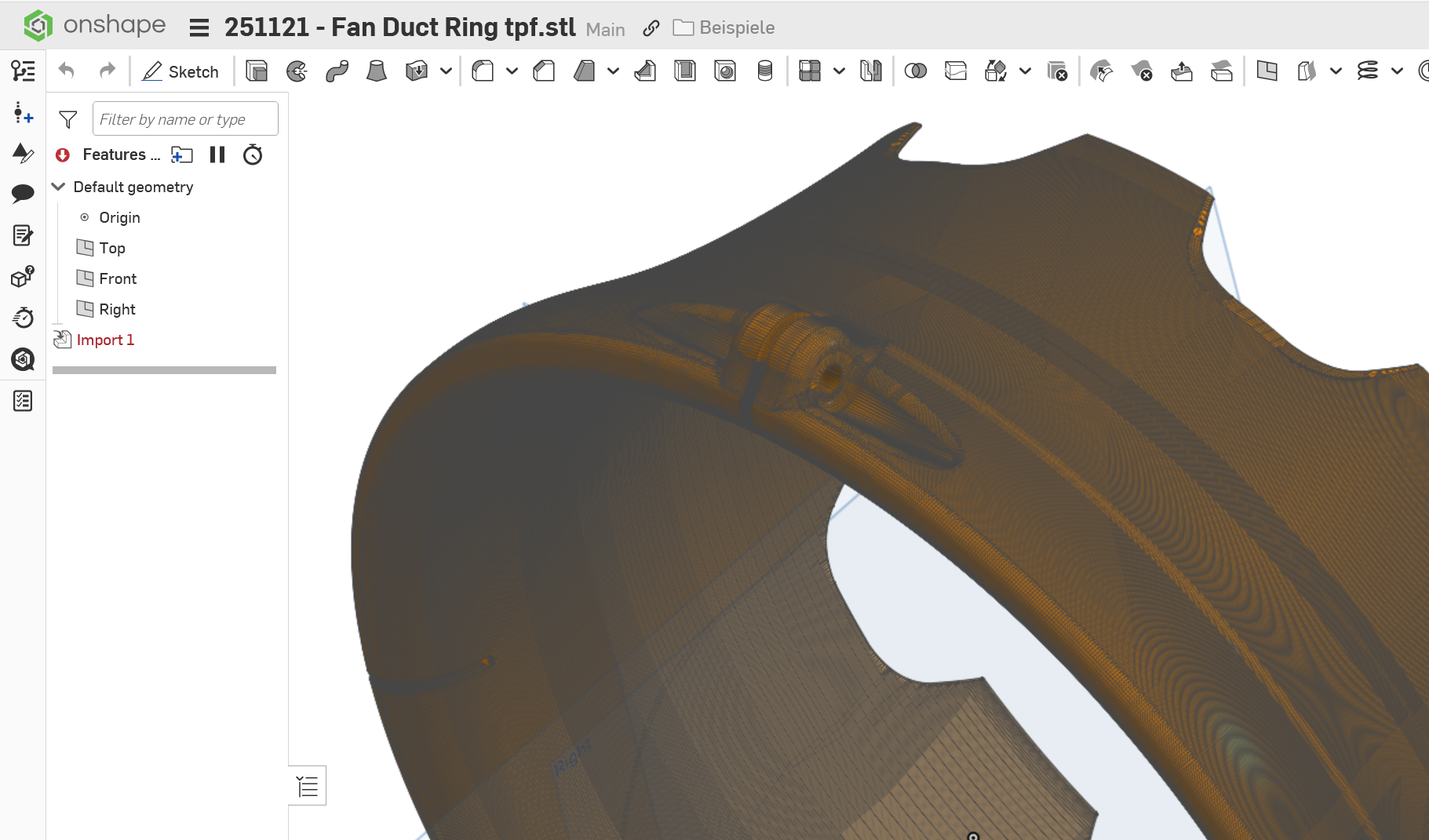
This will be the difference:
Before, with really a lot of faces ….
… and after:
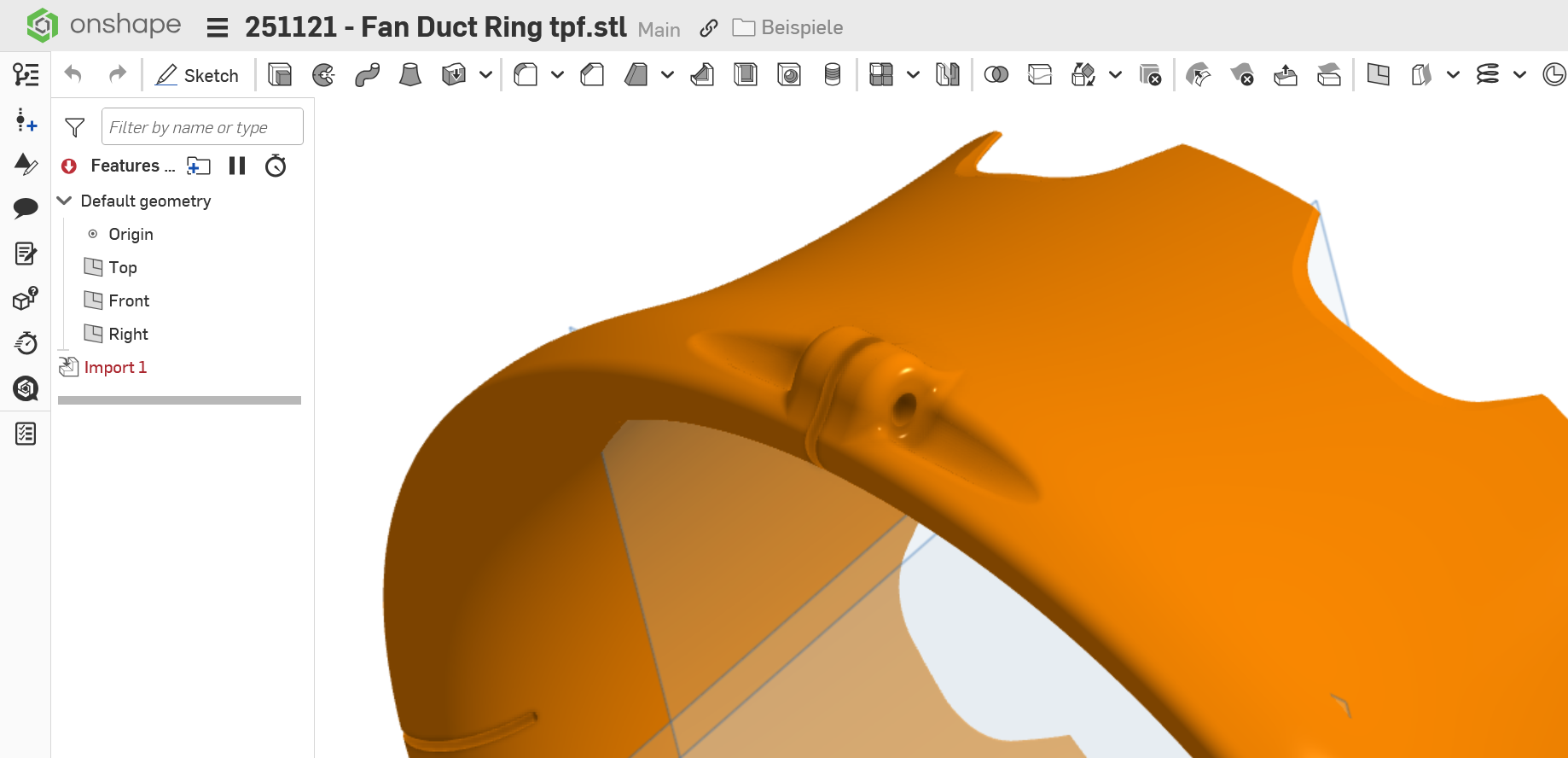
The faces will still be there, though.
0