Welcome to the Onshape forum! Ask questions and join in the discussions about everything Onshape.
First time visiting? Here are some places to start:- Looking for a certain topic? Check out the categories filter or use Search (upper right).
- Need support? Ask a question to our Community Support category.
- Please submit support tickets for bugs but you can request improvements in the Product Feedback category.
- Be respectful, on topic and if you see a problem, Flag it.
If you would like to contact our Community Manager personally, feel free to send a private message or an email.
How to follow a post in the Onshape forum?

I don't see any option for how to follow a post here in the forum.
Only a way to bookmark them. But then you have to check all your bookmarks manually for any new comments.
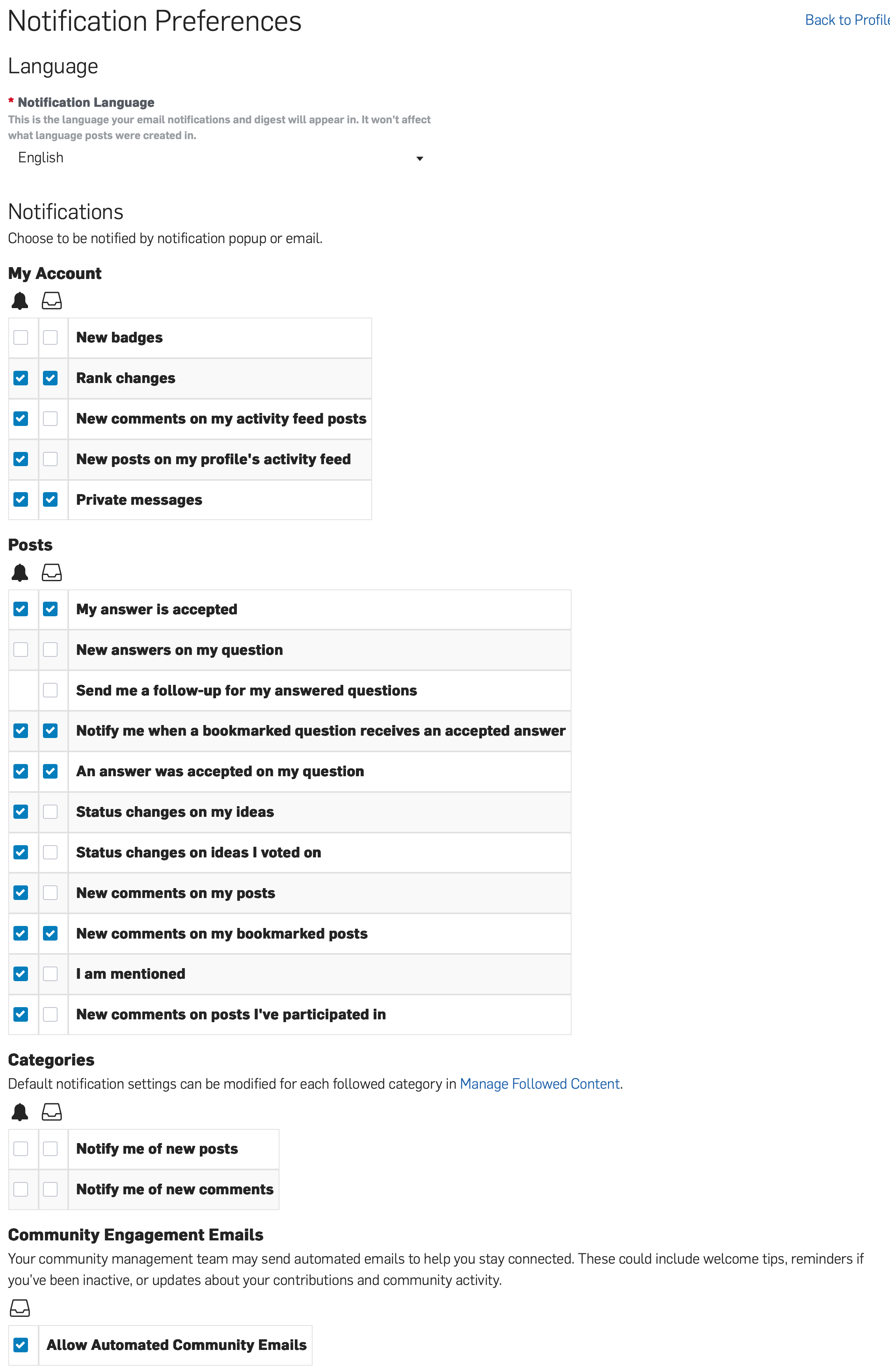
I would like to get a red new post notification icon on my globe icon (top right of screen) for any new comments on posts I didn't start, but do want to follow. The same as when I get a notification there when someone makes a new comment on a post I did start.
Onshape team, can you explain how to do this please?
Or add this functionality if it's not there?
Answers
-
Not so easy to find (for me at least) - so here's a direct link -
Unemployed Onshaper- Operating on European time - More of me here ➤➤ https://linktr.ee/Liam.G2 -
Thank you Simon (as always).
I deleted my previous post. It seems to be working now.
Unfortunately I had marked Simon's answer as "did not answer" the question since it appeared to still not be working. Now the option to accept his answer is no longer there. Sorry Simon, but that did answer it. Also it appears that this is the default setting.
0