Welcome to the Onshape forum! Ask questions and join in the discussions about everything Onshape.
First time visiting? Here are some places to start:- Looking for a certain topic? Check out the categories filter or use Search (upper right).
- Need support? Ask a question to our Community Support category.
- Please submit support tickets for bugs but you can request improvements in the Product Feedback category.
- Be respectful, on topic and if you see a problem, Flag it.
If you would like to contact our Community Manager personally, feel free to send a private message or an email.
Sheet Metal Convert Error

I have a solid that I've converted into a sheet metal part which I find to be a wonderful tool. But when there's a error it's often hard to figure out what the problem is. I'm wondering if ththere is are a way to better see where the problem lies. It looks like everything has been converted to sheet metal, but there are no unfolds. I can also see that ever part of the cylindrical body is part24. Does anyone see a good fix.
https://cad.onshape.com/documents/5fe549b482d40a1d0b18b092/w/c042d8d5c6911c6370c80f1b/e/a8d18e01599b410c9881af9d?renderMode=0&uiState=698d295f1bf03c03f032e531
Best Answer
-
Interesting application. Hadn't thought of that use case
0

Answers
-
yeah it made the whole cylindrical body into one sheet metal body. without a defined rip line it won't be able to unfold.
Are you going to weld the cylinder together from a bunch of plates? then use a sheet metal model for each face and convert/thicken them one by one.@EvanReese's Query pattern may help for that. it's a more advanced workflow, but i think it's ideal for this case:
have all suitable faces in a query, use a sheet metal model feature on a single face and loop over the faces in the query.
0 -
Interesting application. Hadn't thought of that use case
0 -
Somehow this is reminding me of this thing that I saw recently:
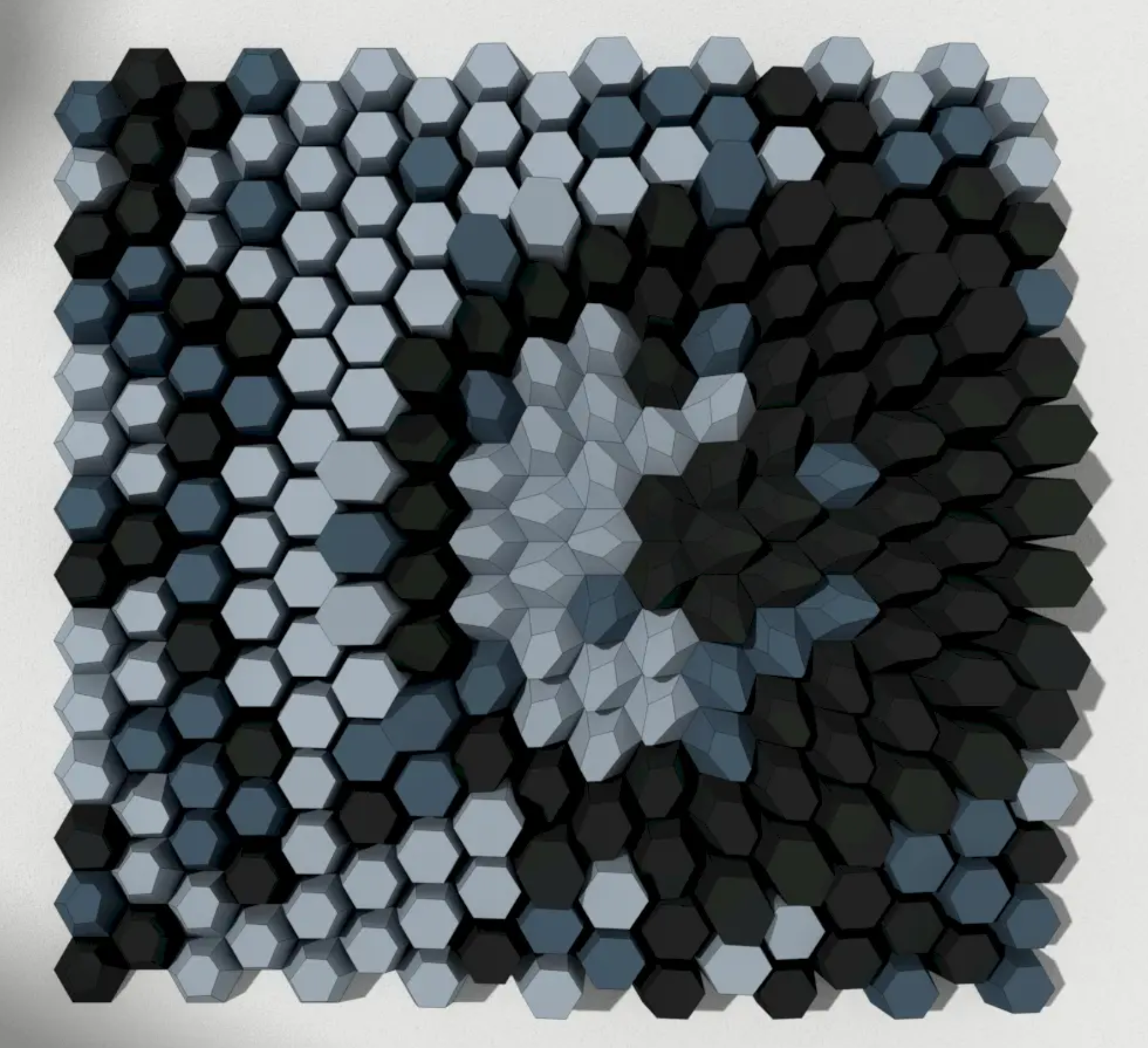
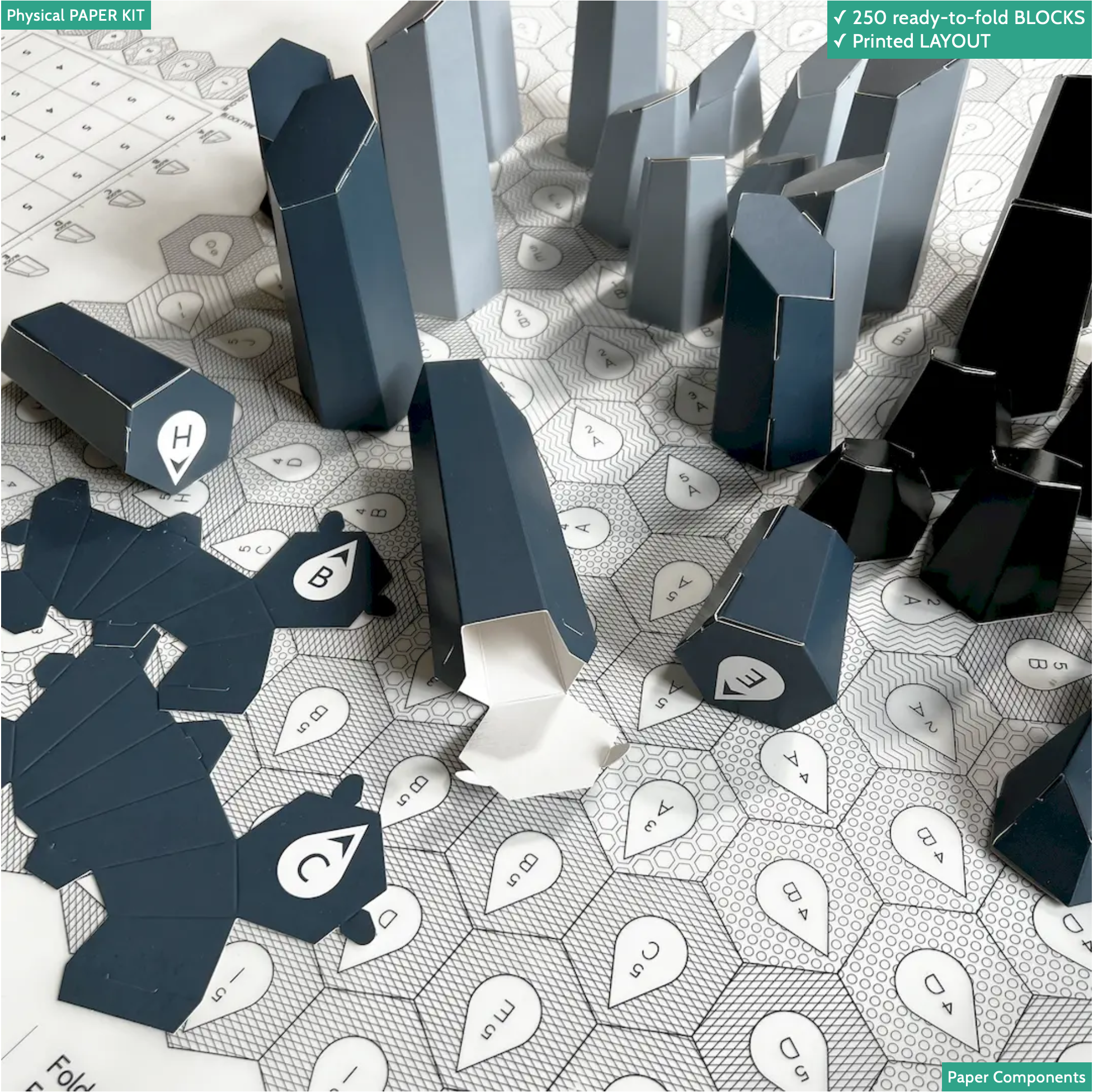
From the illustrations on the site, I assume that they use Rhino/Grasshopper to automate these, but I could see doing something like this with Onshape, attractor patterns, query variables/patterns, and sheetmetal.
Simon Gatrall | Product Development, Engineering, Design, Onshape | Ex- IDEO, PCH, Unagi, Carbon | LinkedIn
0

