Welcome to the Onshape forum! Ask questions and join in the discussions about everything Onshape.
First time visiting? Here are some places to start:
- Looking for a certain topic? Check out the categories filter or use Search (upper right).
- Need support? Ask a question to our Community Support category.
- Please submit support tickets for bugs but you can request improvements in the Product Feedback category.
- Be respectful, on topic and if you see a problem, Flag it.
If you would like to contact our Community Manager personally, feel free to send a private message or an email.
How can I flatten this surface? | Could not flatten faces

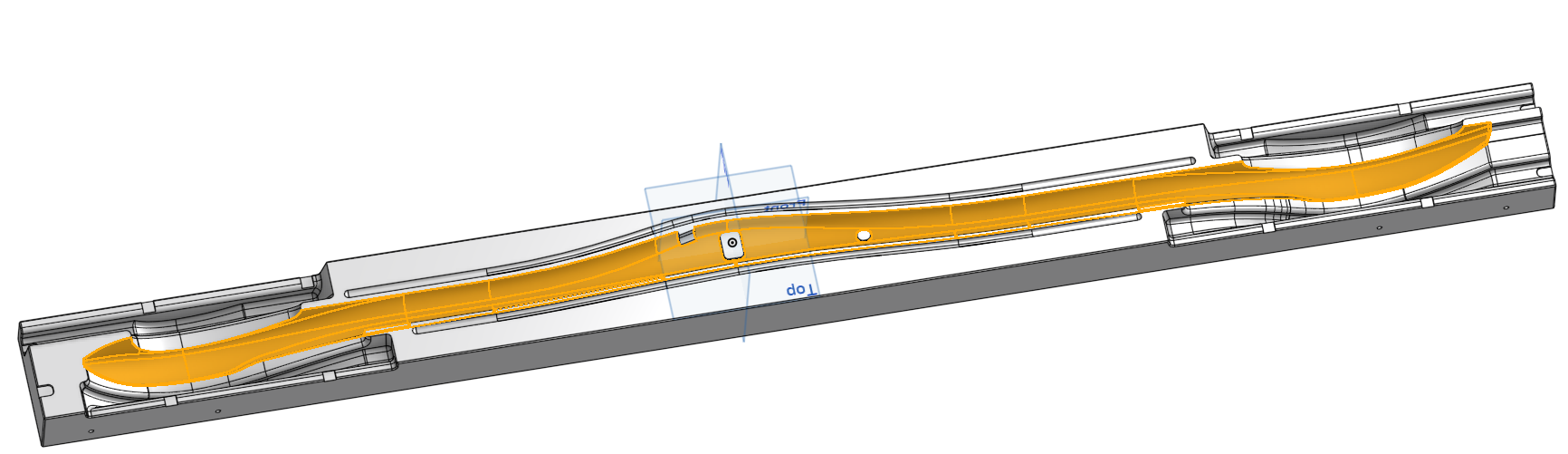
I am trying to flatten the surface shown below which is the cavity of a composite mold. I did it successfully before by removing the features in the middle which are not highlighted however our team has requested that the material be cutout. I have attached the model and a screen recording of the flatten surface attempt in the .zip file.
Answers
-
Have you put in a support ticket for this?
By inspecting the imported geometry I see there are a bunch of non tangent edges (that you probably expect to be tangent), and also a bunch of edges with pretty radical curvature changes. Perhaps the translation from the 3rd party CAD tool has caused this? Either way, the flattening algorithm seems to be struggling with a few of those faces. I tried selecting a subset of yours above, and you'll pretty quickly hone in on the ones causing the strife.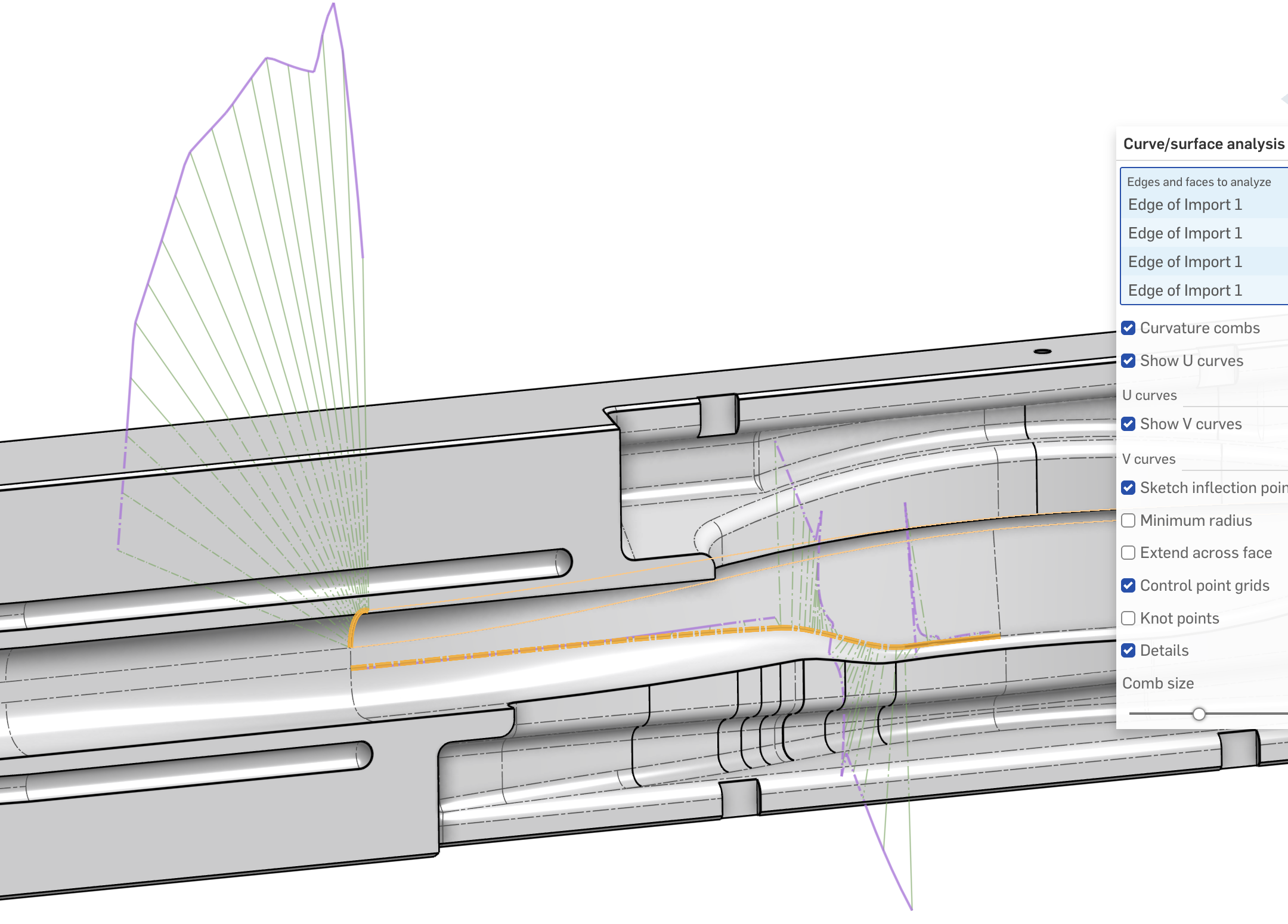 0
0 -
I have not put in a support ticket. The model was generated from a customer model, therefore my ability to modify the surface geometry is limited. I was able to achieve what I needed by modifying the features until it was able to flatten the surfaces.
0

