Welcome to the Onshape forum! Ask questions and join in the discussions about everything Onshape.
First time visiting? Here are some places to start:
- Looking for a certain topic? Check out the categories filter or use Search (upper right).
- Need support? Ask a question to our Community Support category.
- Please submit support tickets for bugs but you can request improvements in the Product Feedback category.
- Be respectful, on topic and if you see a problem, Flag it.
If you would like to contact our Community Manager personally, feel free to send a private message or an email.
How to paste part into the place in assembly

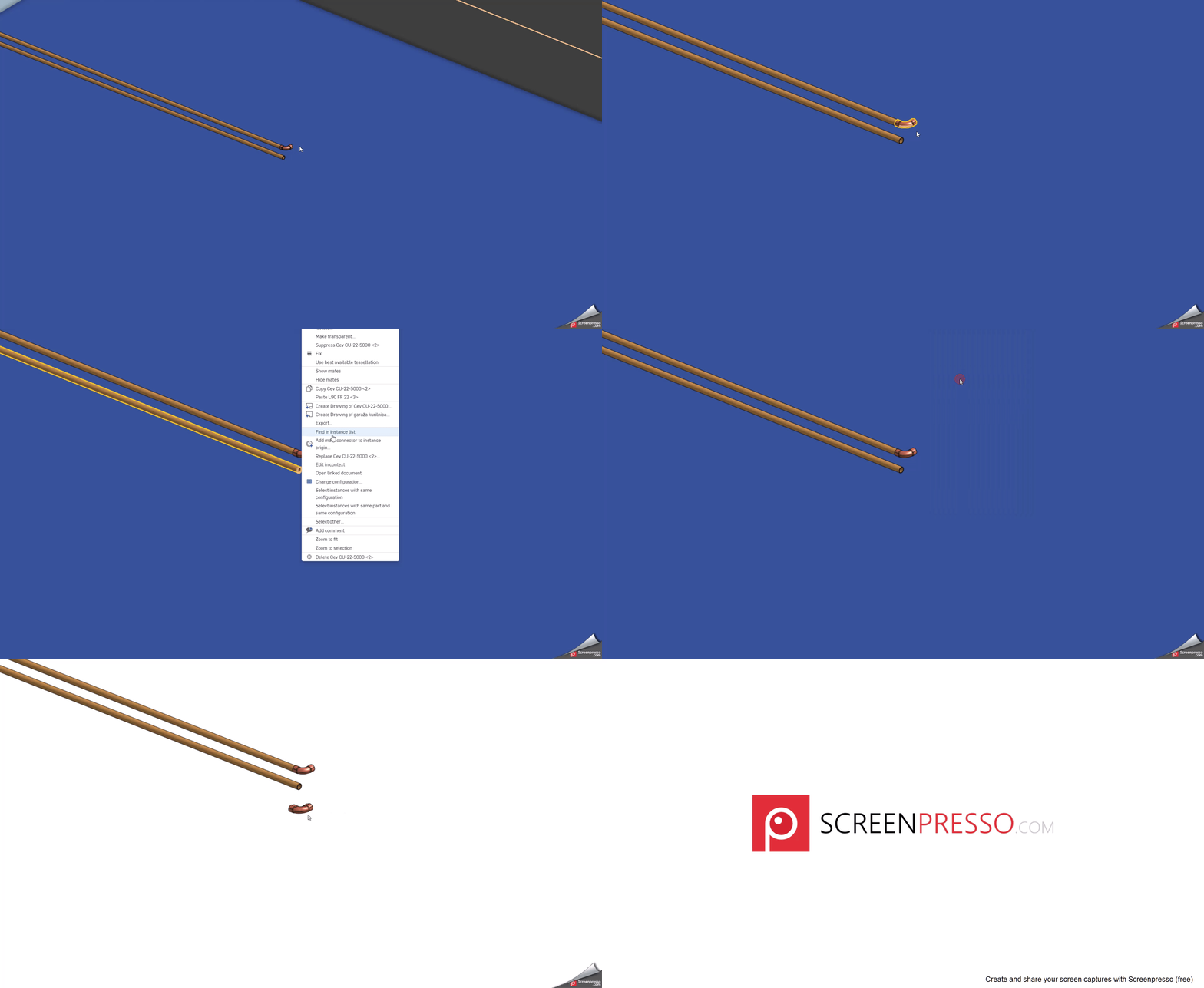
I am looking for a solution to paste-copied parts into the place in the same assembly, attached or mated to another point in the assembly.
The problem is that it is positioned visually to the near position but aligned with the plane parallel to the screen aligned to orign point
Look at the attached video to see what I mean.
Answers
-
In an Assembly, inserted parts are joined (mated) to other parts with Mates. In the video you provided it would most likely be a Fastened Mate. Mates are essential in an assembly; otherwise, parts will just 'be there' with no definite relationship to each other. Take a look at this to get you started. There is a wealth of information out there on Mates and Mate Connectors. - Scotty
0 -
Hi, I have no problems with mates. I have a problem when I copy a part from an assembly and paste it into the same assembly. If the assembly is large in scale, and small parts are pasted into it, they can hide behind other parts (ctrl+c > ctrl+v). It would be very helpful if you could paste a small part near another part visible on the screen.
 0
0
