Welcome to the Onshape forum! Ask questions and join in the discussions about everything Onshape.
First time visiting? Here are some places to start:- Looking for a certain topic? Check out the categories filter or use Search (upper right).
- Need support? Ask a question to our Community Support category.
- Please submit support tickets for bugs but you can request improvements in the Product Feedback category.
- Be respectful, on topic and if you see a problem, Flag it.
If you would like to contact our Community Manager personally, feel free to send a private message or an email.
I am attempting to do an assembly...

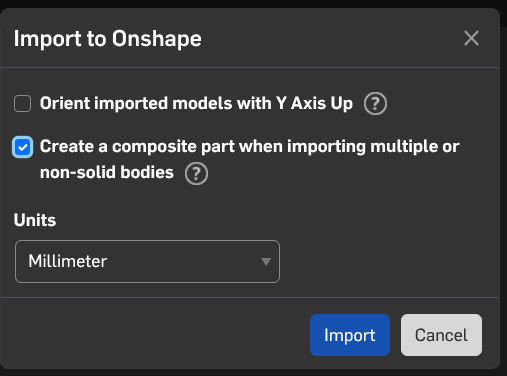
1] I am attempting to do an assembly (for the dozenth time), but I have changed the imported part to Boolean all the parts and gave it a new version. After importing it into the Assembly the part imports with some of the changes, but not as the Boolean part. I have done this again with yet another version and yet doing the same.
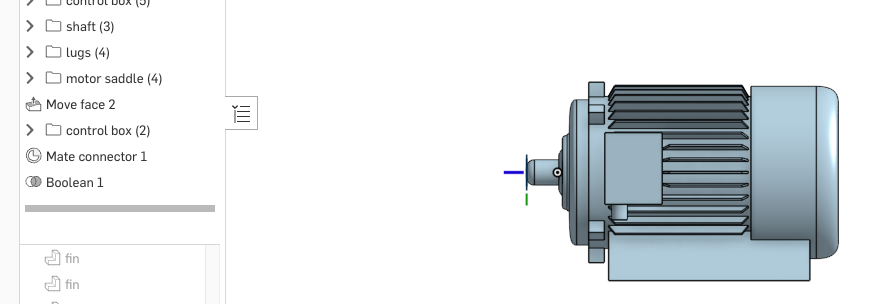
2] Another issue I have is the part and it's subparts are imported (related to 1st question), but I move the part and the not all parts move - an anticipated operation. I; however, chose "Solve" to move the rest of the subparts as well yet nothing happens.
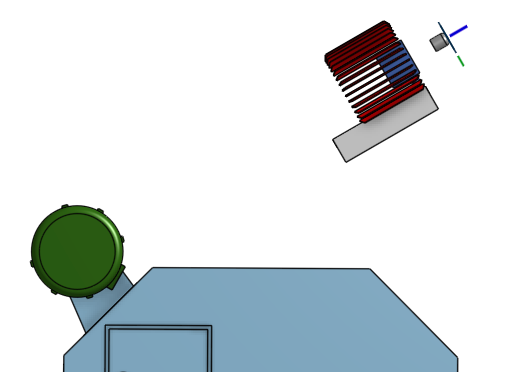
3] I may be getting ahead of myself here - most likely! My intent is to align the shaft of the motor to the hole of the belt cover/ shroud, but also to the diagonal surface adjacent to the motor - reference picture from question 2. Revolute Mate…🤔
4] I need to know the distance from the shaft center to the surface in order to update the motor's 'saddle' in the original drawing and import it again.
—I realize there is a lot to unpack here. If you feel justified (and it would help to have it so, to make it more digestible to a 'newbie' of assemblies… yes I have viewed videos on the subjects and I am not fully versed on it; 😳🤷♂️😩) to break it down I would REALLY APPRECIATE WORKING WITH YOU to solve the above issues.Thanks in advance for you time in this matter❗️Best Answer

Answers
-
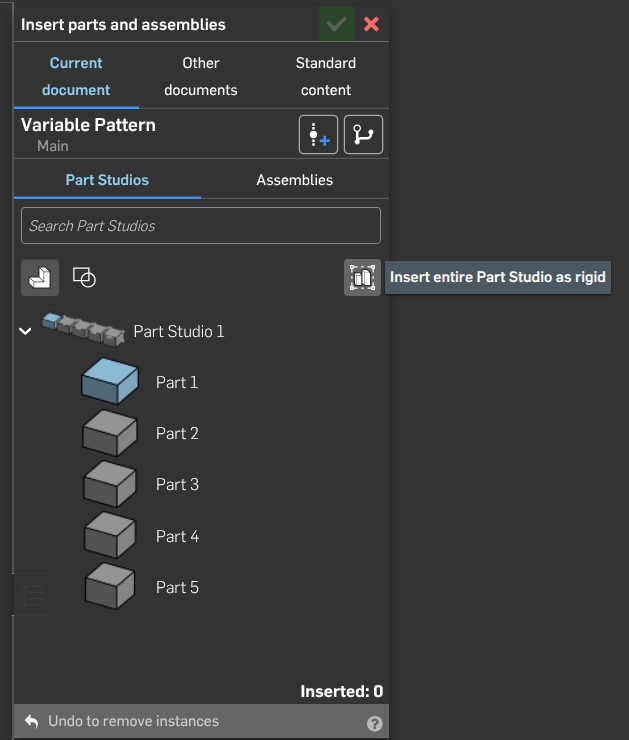
I'm with @SMURFCAD Alot of the imported parts are probably not touching other parts. Boolean can only Boolean parts together when the parts are toucvhing. The composite option allow creating an object made of many parts but behaves like a single part within the system.
0 -
Thank you.
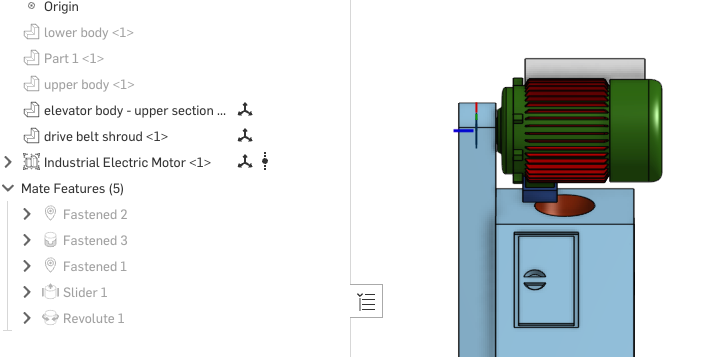
I have chosen the Revolute connection. When I played the sequence the motor body revolves, but the other features do not. Is this normal?
—
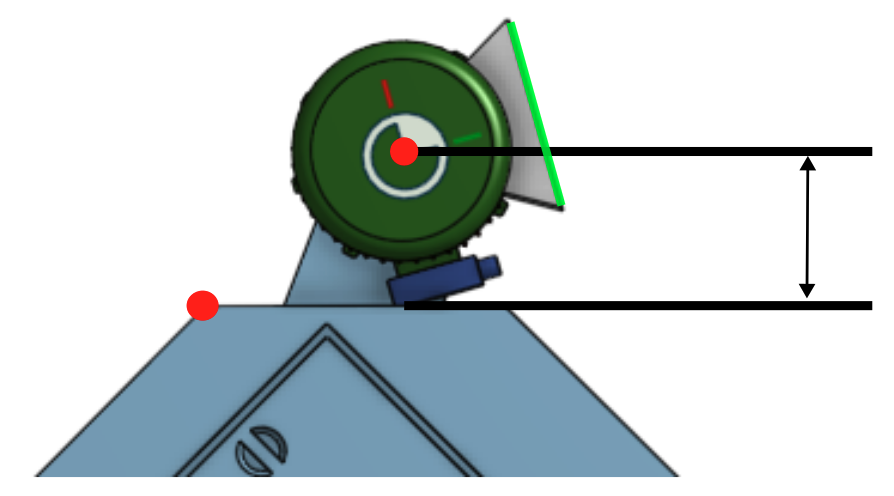
I hate to ask, but I will. Now that 1 & 2 are done and I have noted that for future reference. That leaves 3 & 4. I did a Google Search regarding this and the reply was to utilize the measure tool. The Red dots are what I chose for points to measure. Would it measure the distance between the dots? I need to know the Black lines in order to adjust the dimensions of the motor's 'saddle' (Green line) so it touches the surface.
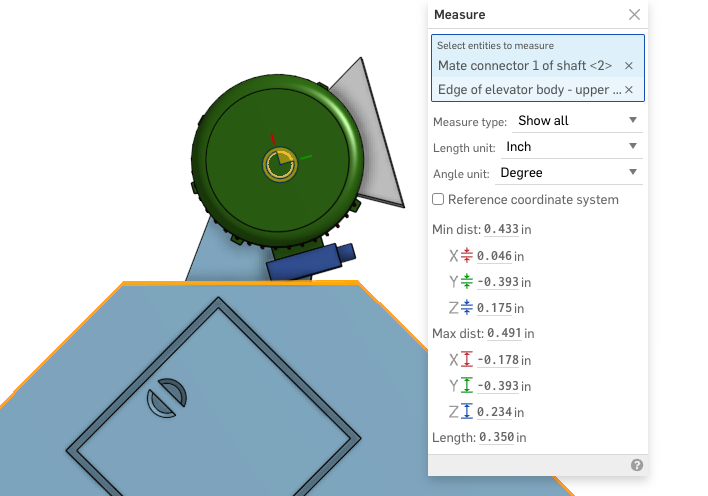
I also chose these. Not sure either one is correct. BTW, it is 1:87.
0 -
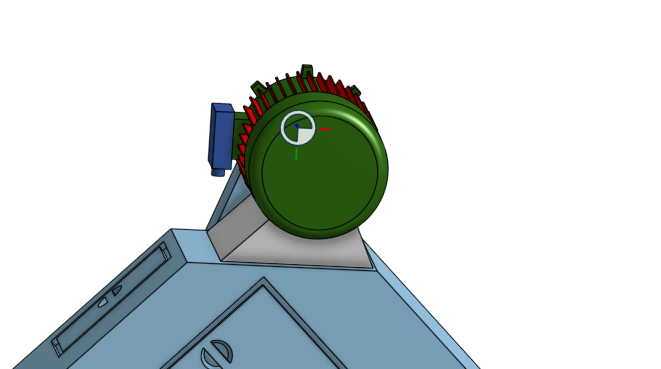
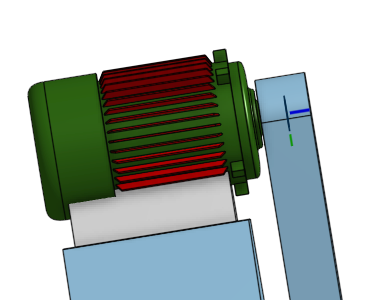
As you can see I "have got it in place." Not sure if I accomplished it technically correct, but at then end of the day it works; it is only a display model. I used: 1] Revolute Mate command to 'attach' the motor assembly to the belt cover, 2] The Parallel Mate command between the bottom of the motor saddle and the surface below.
0