Welcome to the Onshape forum! Ask questions and join in the discussions about everything Onshape.
First time visiting? Here are some places to start:
- Looking for a certain topic? Check out the categories filter or use Search (upper right).
- Need support? Ask a question to our Community Support category.
- Please submit support tickets for bugs but you can request improvements in the Product Feedback category.
- Be respectful, on topic and if you see a problem, Flag it.
If you would like to contact our Community Manager personally, feel free to send a private message or an email.
Merging Parts Together

Hi, I'm trying to teach myself OnShape and have had some good luck finding videos on most of my questions, but this one is eluding me for whatever reason….
Seems pretty basic, but I created on box and I would like to make duplicates of that box and make a joined line of 5 identical boxes. They would share walls. Is there a way to copy the part and paste into a new part? Is it an assembly? I tried to figure out Derived Parts but couldn't get a second one to show up. Or do I need to draw out the sketch for the longer line of 5 and extrude from scratch?
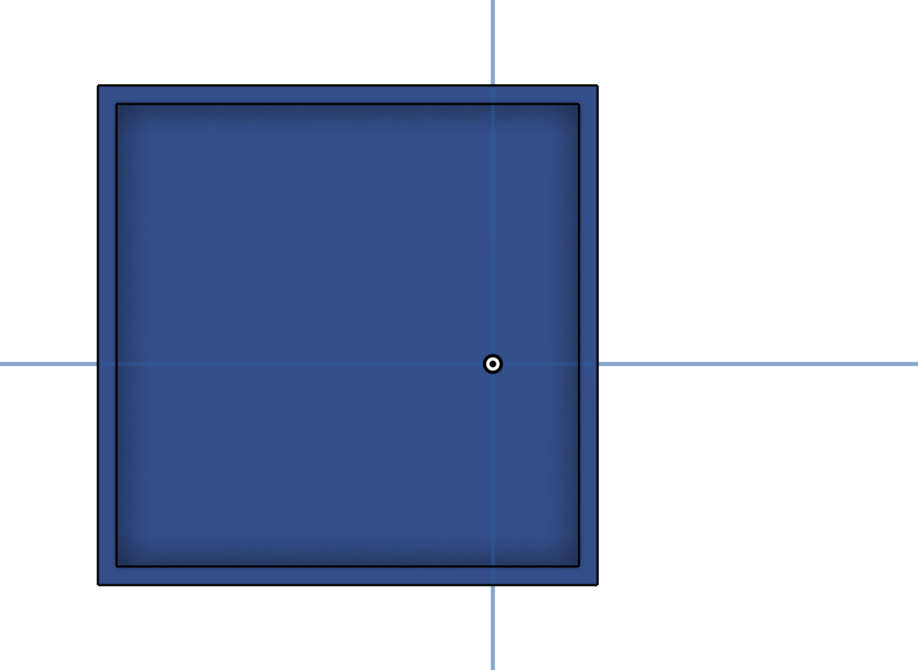
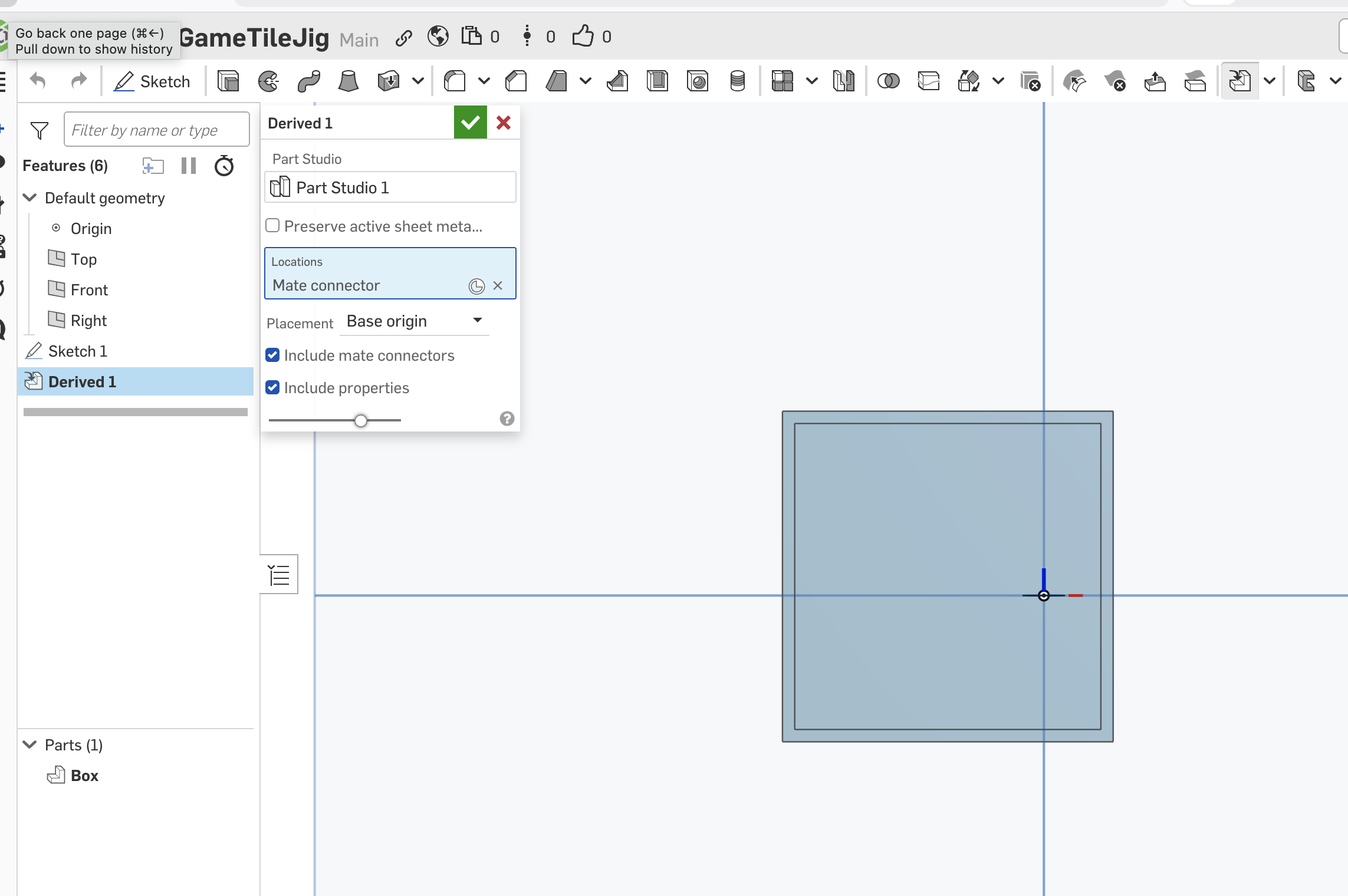
Thank you for any pointers.
Answers
-
The tanslate feature will do copies and move them by an amount. The pattern feature will also do that. You could then use a boolean to make them one.
I guess the better approach would be to make a large box and create the inner walls by a pattern, though, or first create just a pattern of short walls, then add the long walls and bottom to it. That will also make the thing parametrically editable.
1
