Welcome to the Onshape forum! Ask questions and join in the discussions about everything Onshape.
First time visiting? Here are some places to start:
- Looking for a certain topic? Check out the categories filter or use Search (upper right).
- Need support? Ask a question to our Community Support category.
- Please submit support tickets for bugs but you can request improvements in the Product Feedback category.
- Be respectful, on topic and if you see a problem, Flag it.
If you would like to contact our Community Manager personally, feel free to send a private message or an email.
Hole Callout & Wrong Counts

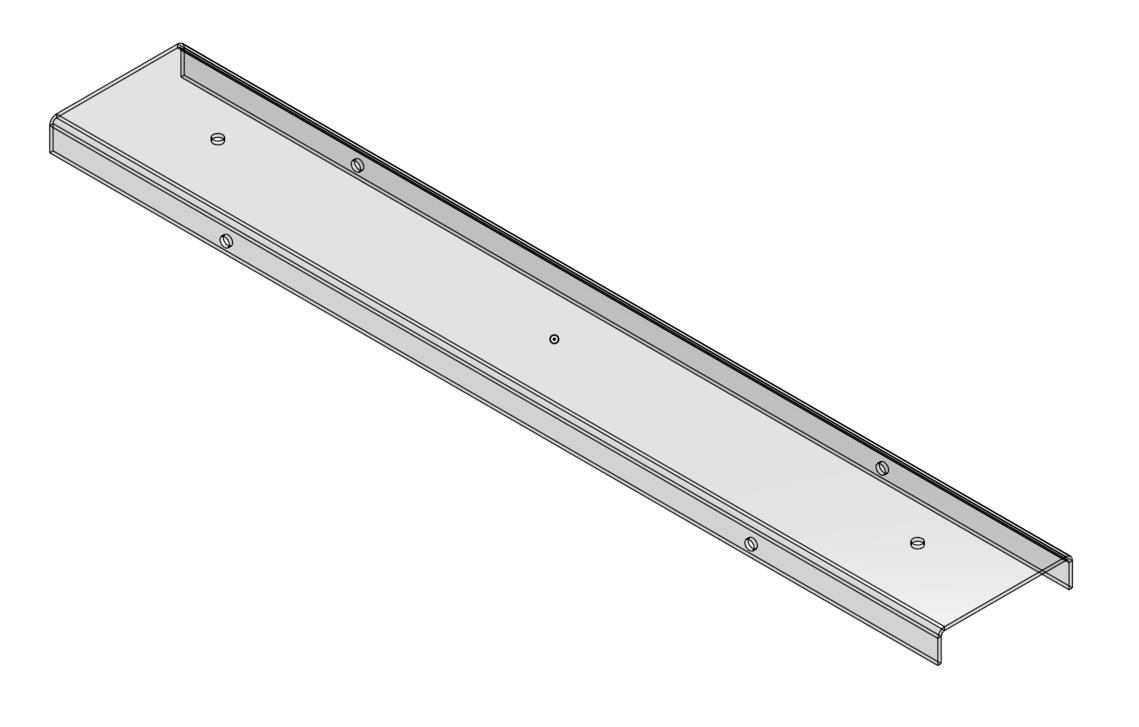
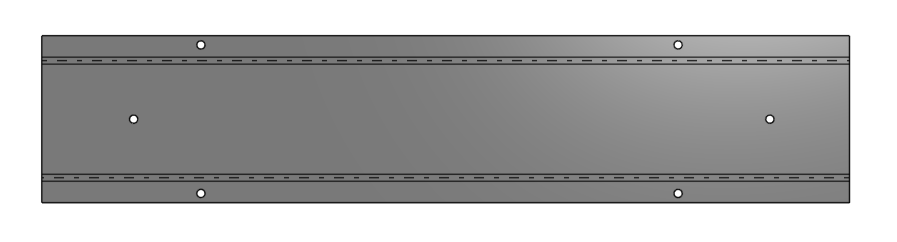
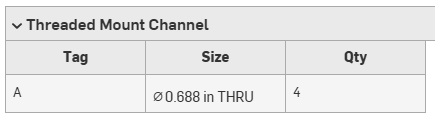
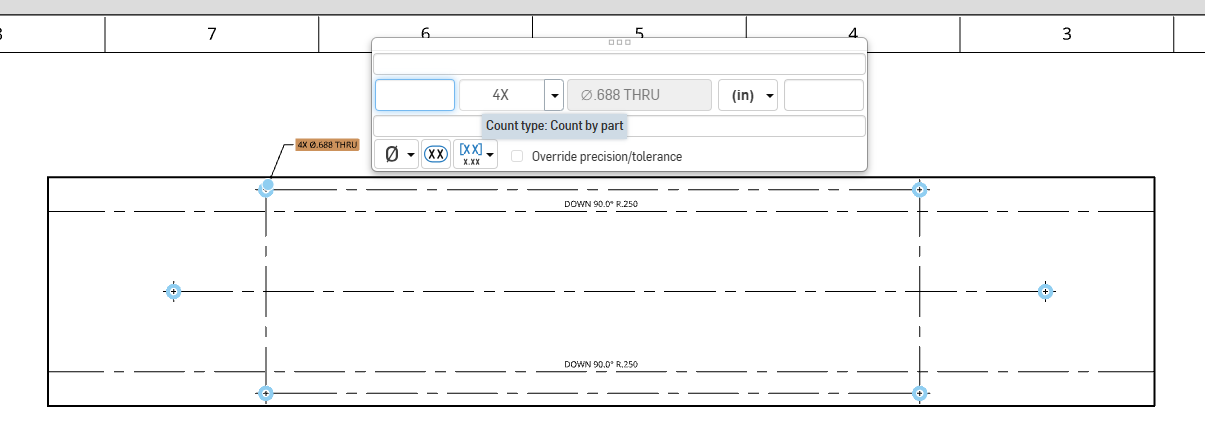
I have a sheet metal channel that has six holes in it. The hole feature's end condition is set to "through all". Two holes go through both flanges, so while there are only two selections, there are four holes. The other two go through the top of the channel. The holes are going to be cut in the flat, but when I detail the flat pattern the hole callout only shows 4X instead of 6X.
I understand WHY it would do this, but is there any way to get this to show the correct quantity (without manually adjusting the callout) in the flat pattern so our dude cutting the parts doesn't have to think about it?