Welcome to the Onshape forum! Ask questions and join in the discussions about everything Onshape.
First time visiting? Here are some places to start:
- Looking for a certain topic? Check out the categories filter or use Search (upper right).
- Need support? Ask a question to our Community Support category.
- Please submit support tickets for bugs but you can request improvements in the Product Feedback category.
- Be respectful, on topic and if you see a problem, Flag it.
If you would like to contact our Community Manager personally, feel free to send a private message or an email.
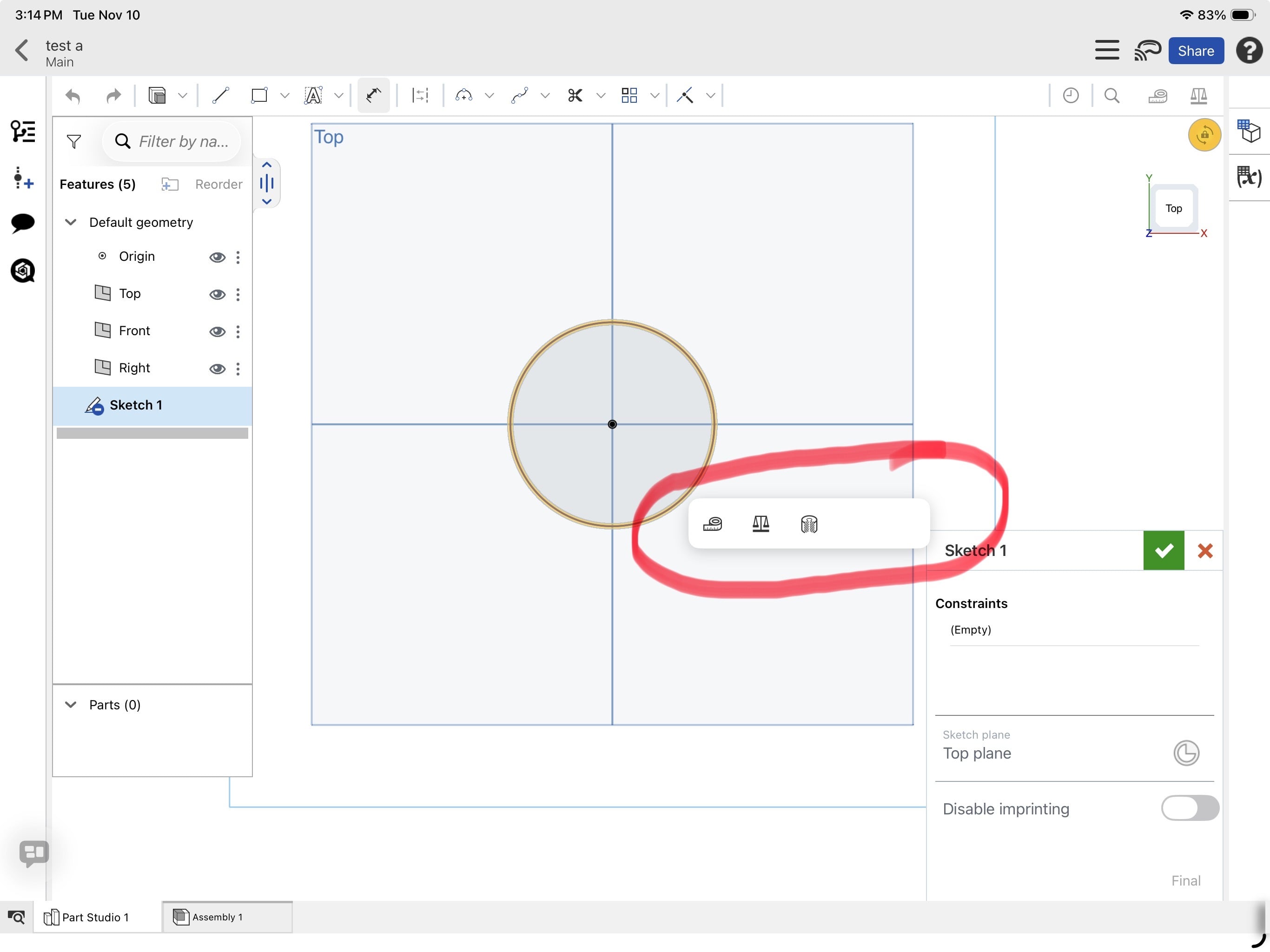
How to fix stylus issue

Used a generic, non Bluetooth stylus on IOS mobile for just under 2 years without a problem. Actually works great for my DIY home projects. Recently started getting an unwanted toolbox opening when I click on a sketch. Stylus works fine when a I click on toolbar at the top or any features outside the sketch. When the toolbox opens the stylus becomes inoperable. All functions work perfectly when just using my fingers. Any suggestions as to what’s going wrong would be greatly appreciated. Did all the obvious like checking the charge and changing the tip on the stylus. The stylus works fine on all other apps used on the iPad Pro.