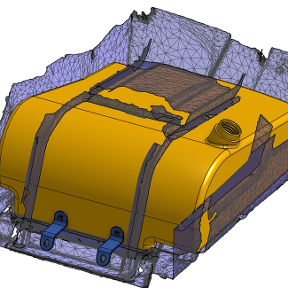
How do I model a shape where the bottom face differs from the top?

Hi everyone,
I’m still quite new to Onshape and I’m trying to model a part based on a hand-drawn sketch:

So far, I’ve created the top face as a 2D sketch:

However, the bottom face of the part is different from the top (highlighted in yellow in the first image), and I’m not sure how to create this correctly in Onshape.
What’s the best way to add this second sketch for the bottom face? Do I create a second sketch on a different plane and somehow connect it to the top? I also assume I’ll need to reference or constrain the measurements between the two sketches — but I’m not sure how to do that properly.
Any help or tips would be greatly appreciated!
Thanks in advance!
Answers
-
The hand drawn sketch looks to be inaccurate.
4 -
The best way to do is create 2 different sketches and then loft those sketches sorta like this although u have to do it for ur shape

Here is the doc for reference
1 -
The top surface and bottom surface in the hand drawn sketch do not appear to be parallel. The top surface appears to be sloped
0