How to restore to "Start" ?

Hi,
In the Version History, when I've selected the "Start" version, I don't see/find the restore button.
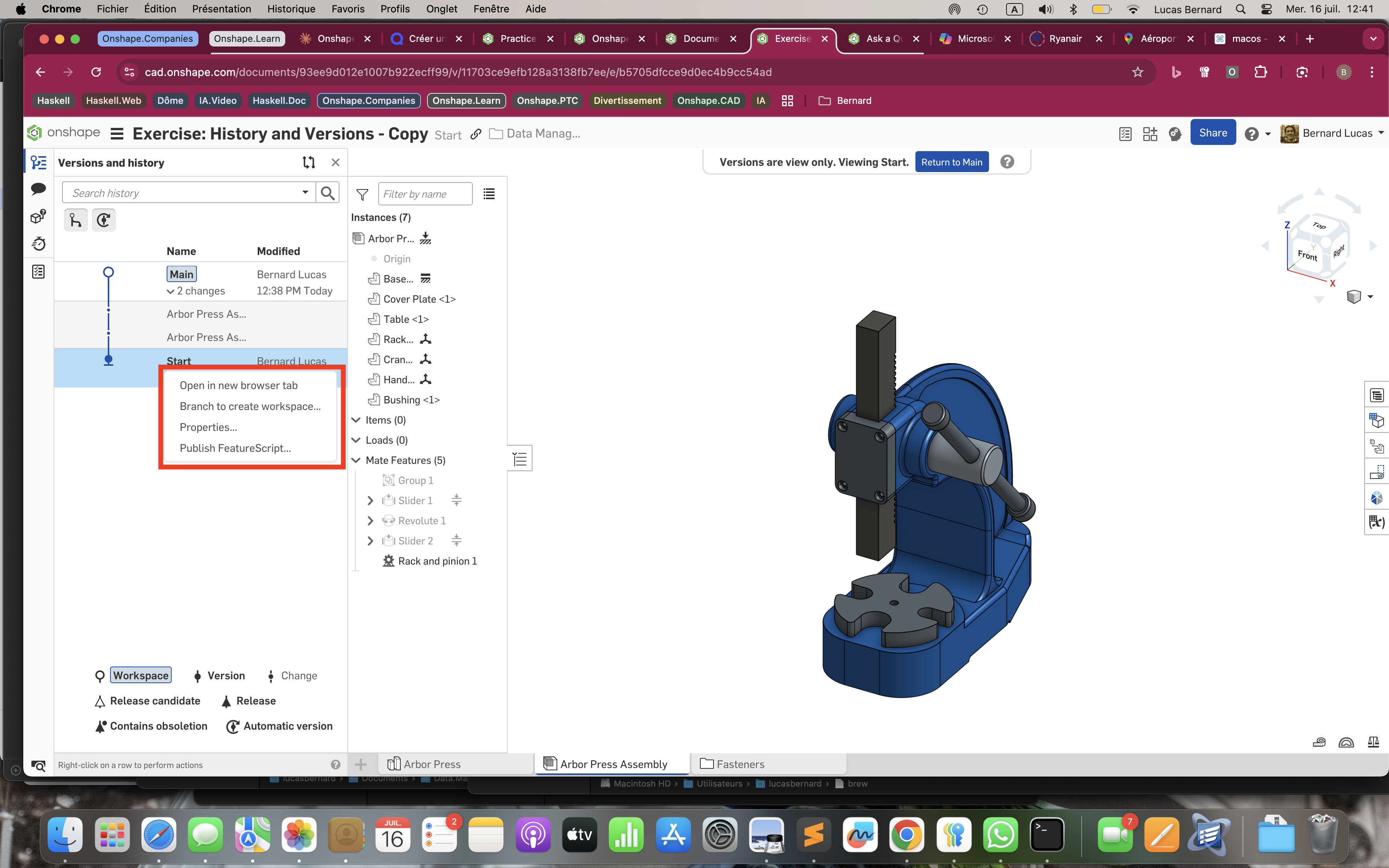
If I select another point in the history, the "Restore to Main" button is there, no problem.
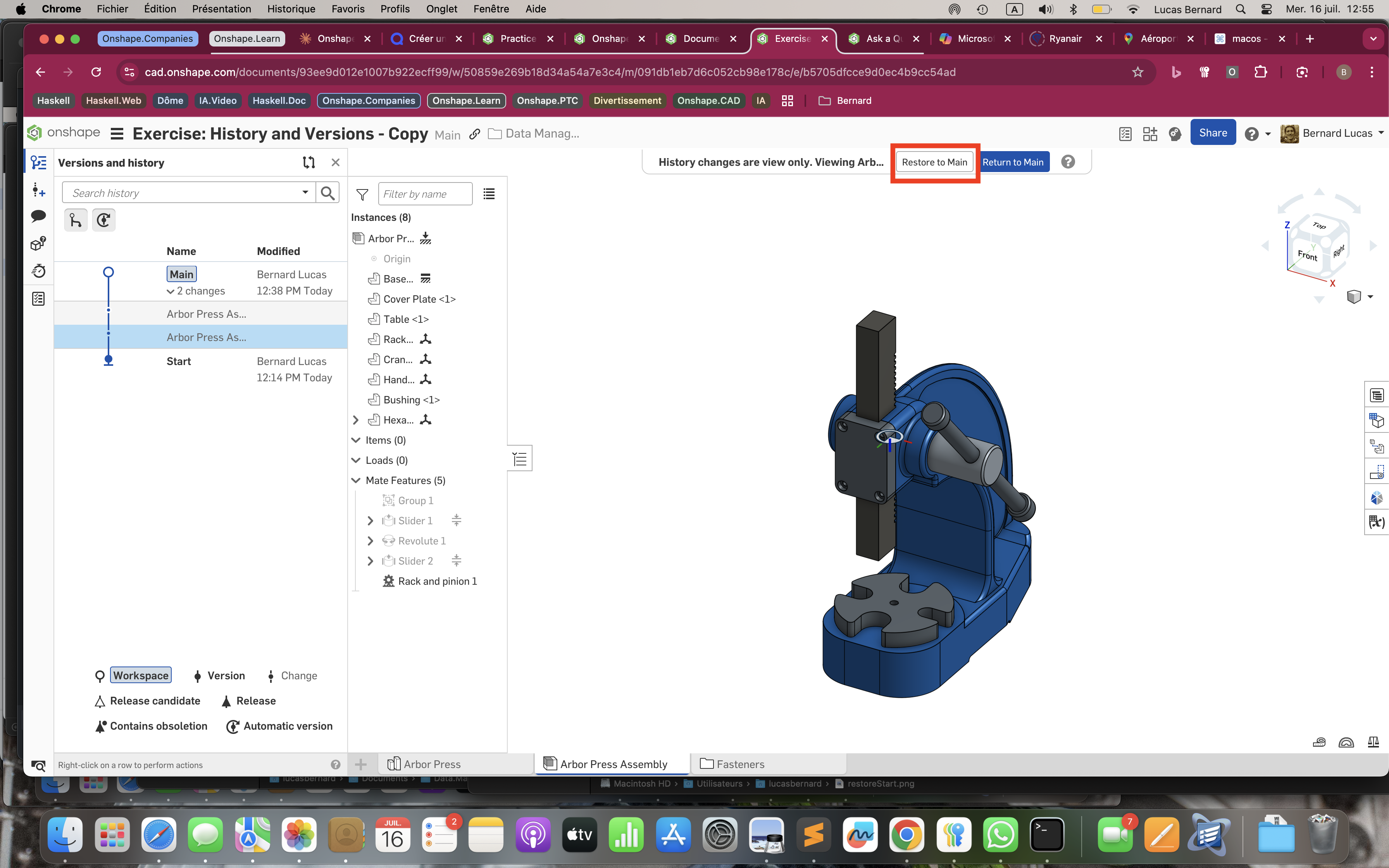
There must be something I am missing, but what?
Best Answers
-
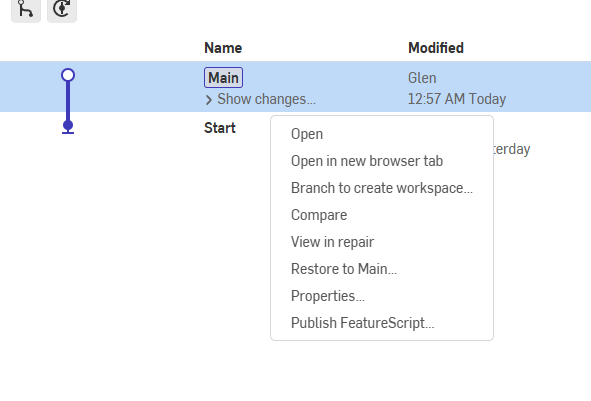
Select main then right click hovering over start. The menu should offer to restore to main.
 0
-
@glen_dewsbury Though it's not intuitive, it works. Thank you!
0

Answers
-
I seem to remember that we had a bug along these lines at one point. Can you close/reopen the pane and see if you get the option?
0 -
Reloading the page-Closing/Reopening-Deselecting/Reselecting, unfortunately, did not help…
0 -
Select main then right click hovering over start. The menu should offer to restore to main.
0 -
@glen_dewsbury Though it's not intuitive, it works. Thank you!
0