drawing sizes (ANSI vs ISO) and printing 11x17

I want to use ISO dimensioning for my drawing but print on 11x17 paper. Is this possible?
I am creating a drawing template and started with the A3 ISO template in order to use ISO dimensioning and right clicked to get into the sheet properties and when I select size custom i overwrite the mm dimensions with 11 in x 17 in, but it seems to revert back to the mm dimensions.
I am trying to keep the scale 100% or 1:1 when printing instead of having my printer scale the A3 to fit the 11x17 paper.
Best Answer
-
@David_Asbill Yes it's possible, just open the sheet properties dialog and set the size to Custom, and then define your paper sizes.
0


Answers
-
@David_Asbill Yes it's possible, just open the sheet properties dialog and set the size to Custom, and then define your paper sizes.
0 -
@David_Asbill… I do this all the time. Drawing Temples and their associated "Units" are independent of each other, meaning they can be set separately.
An 11x17 size drawing is equivalent to a ANSI-B size…(no custom size definition needed) . When creating your drawing choose ANSI_B_MM.dwt template.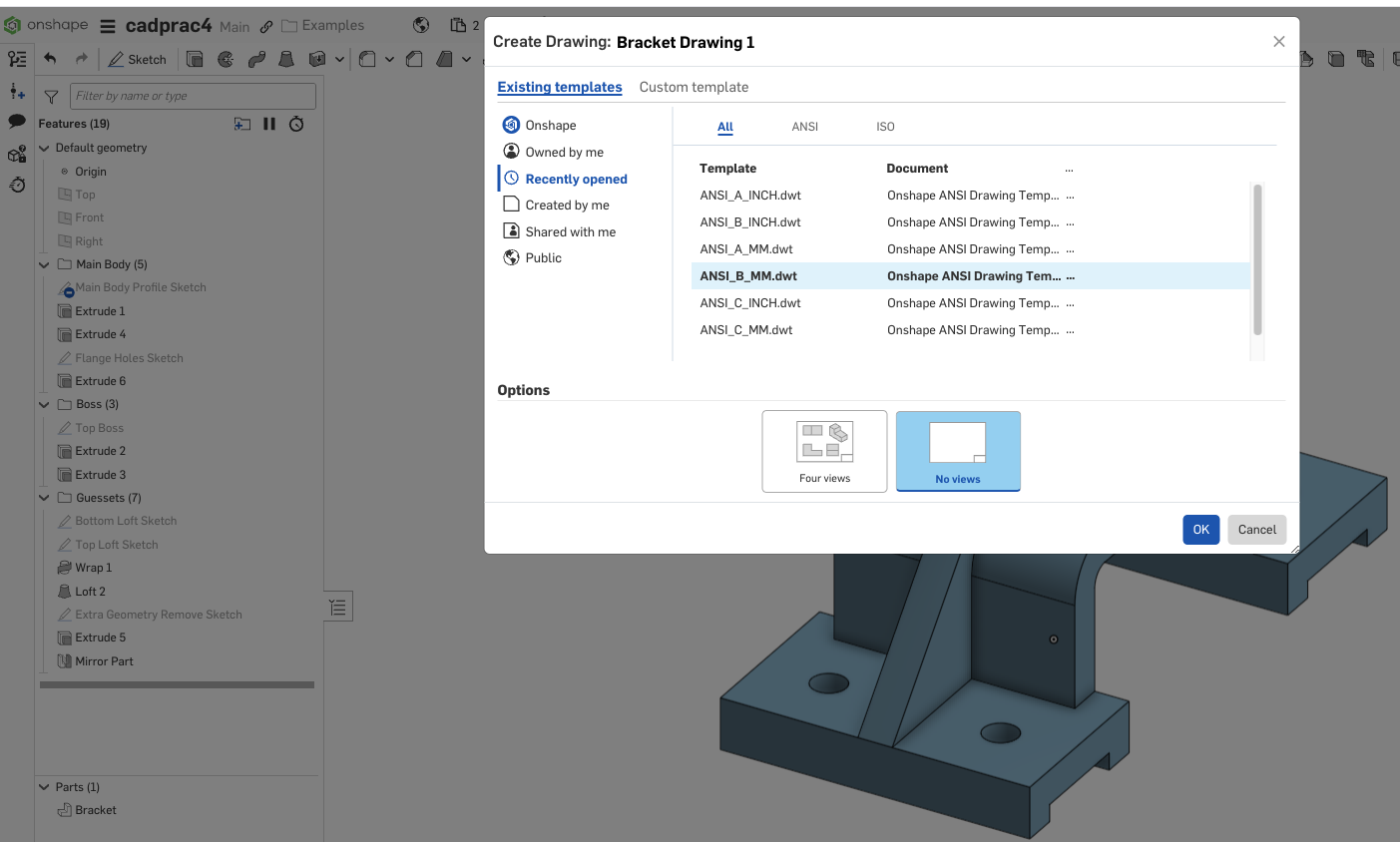
Here is an example of a model the uses MM as it's Workspace units…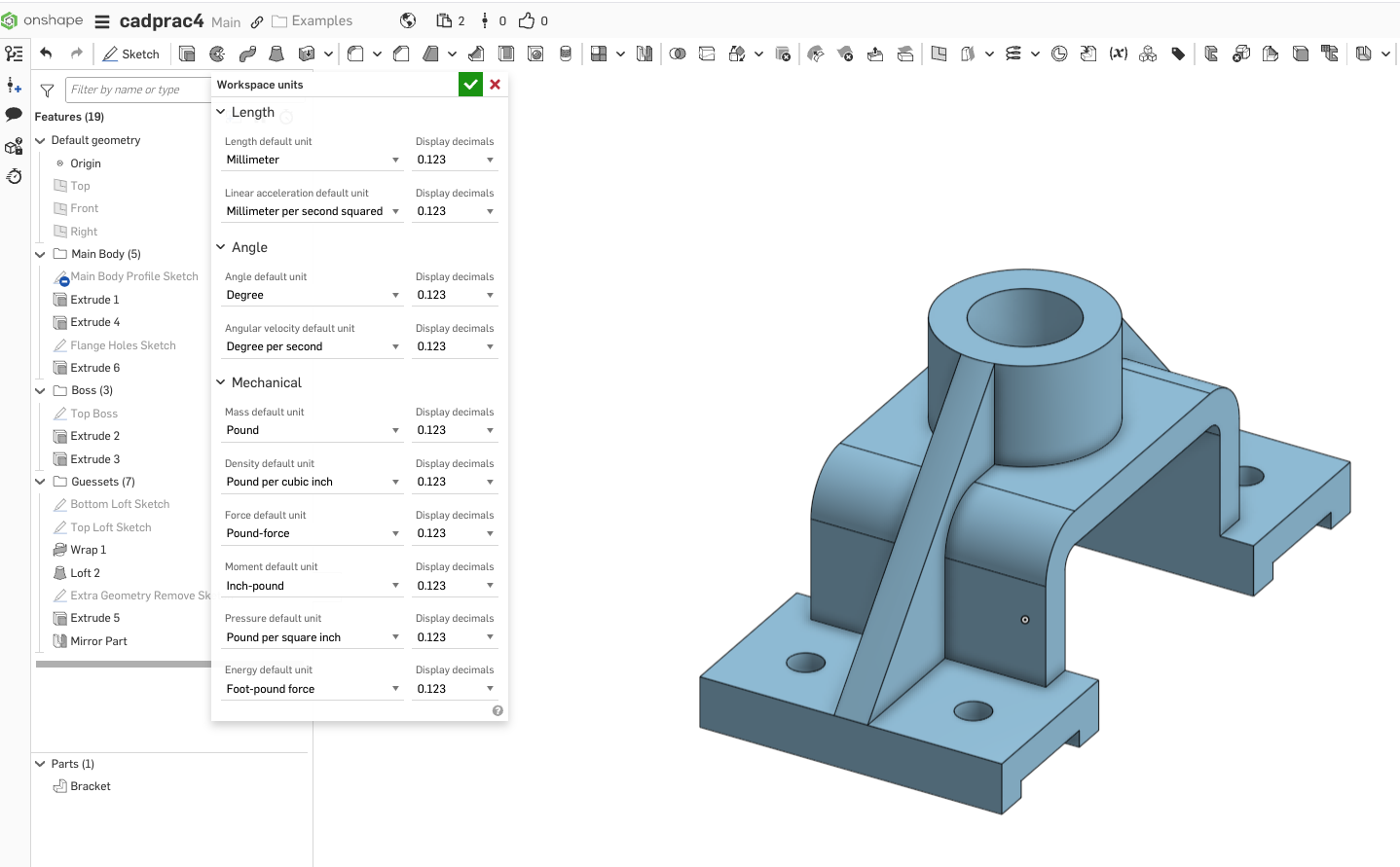
…and here is the drawing created using a B size template…but with ISO dimensions.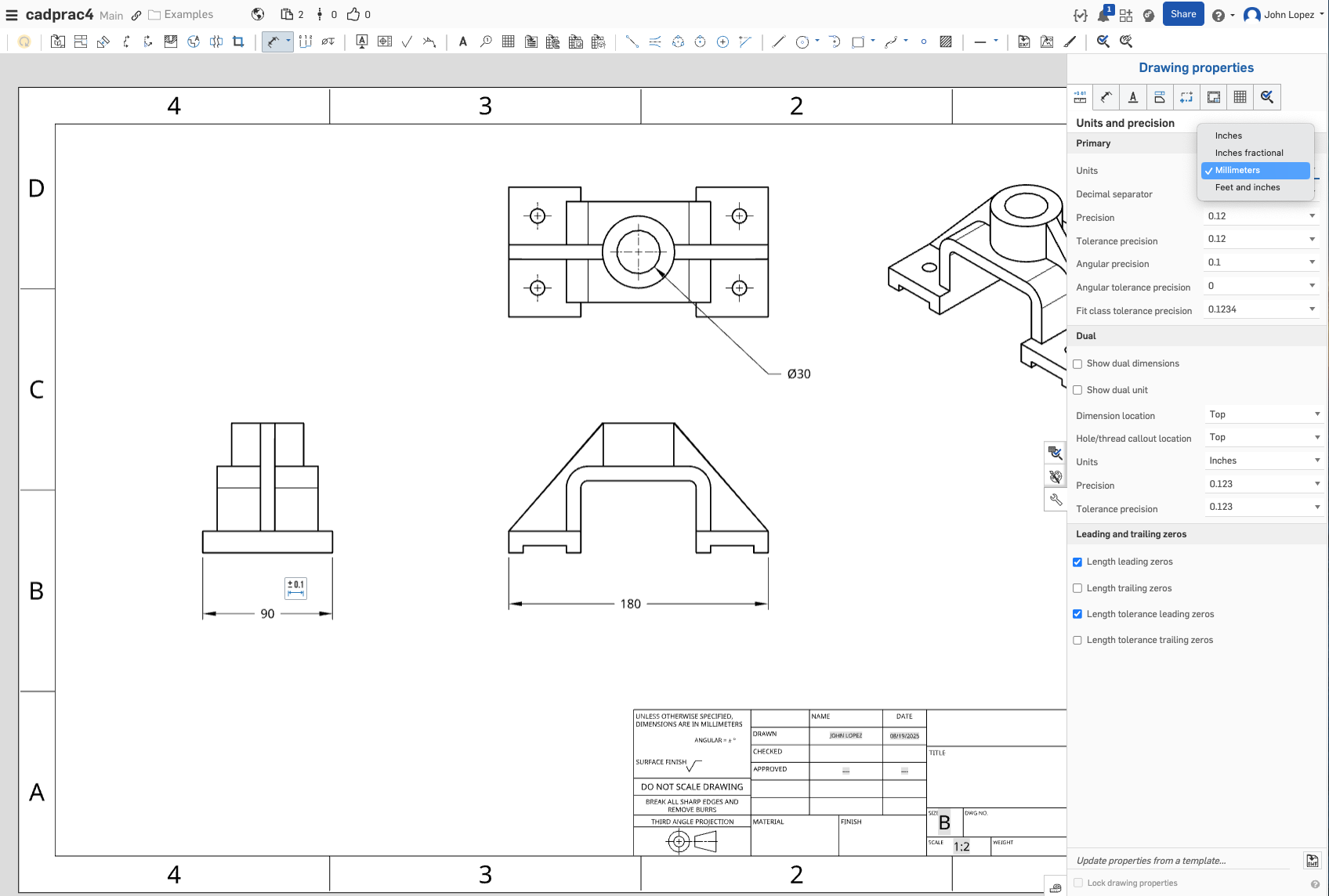 0
-
Thank you.
0
