Linear pattern Issue

Hello together,
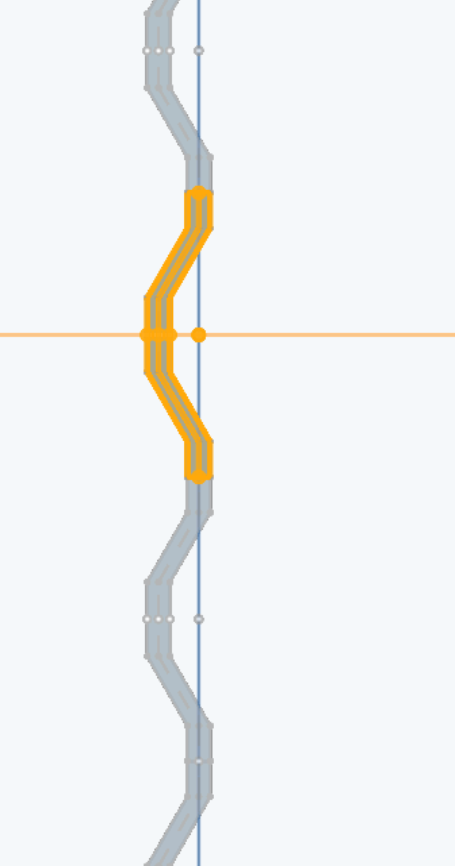
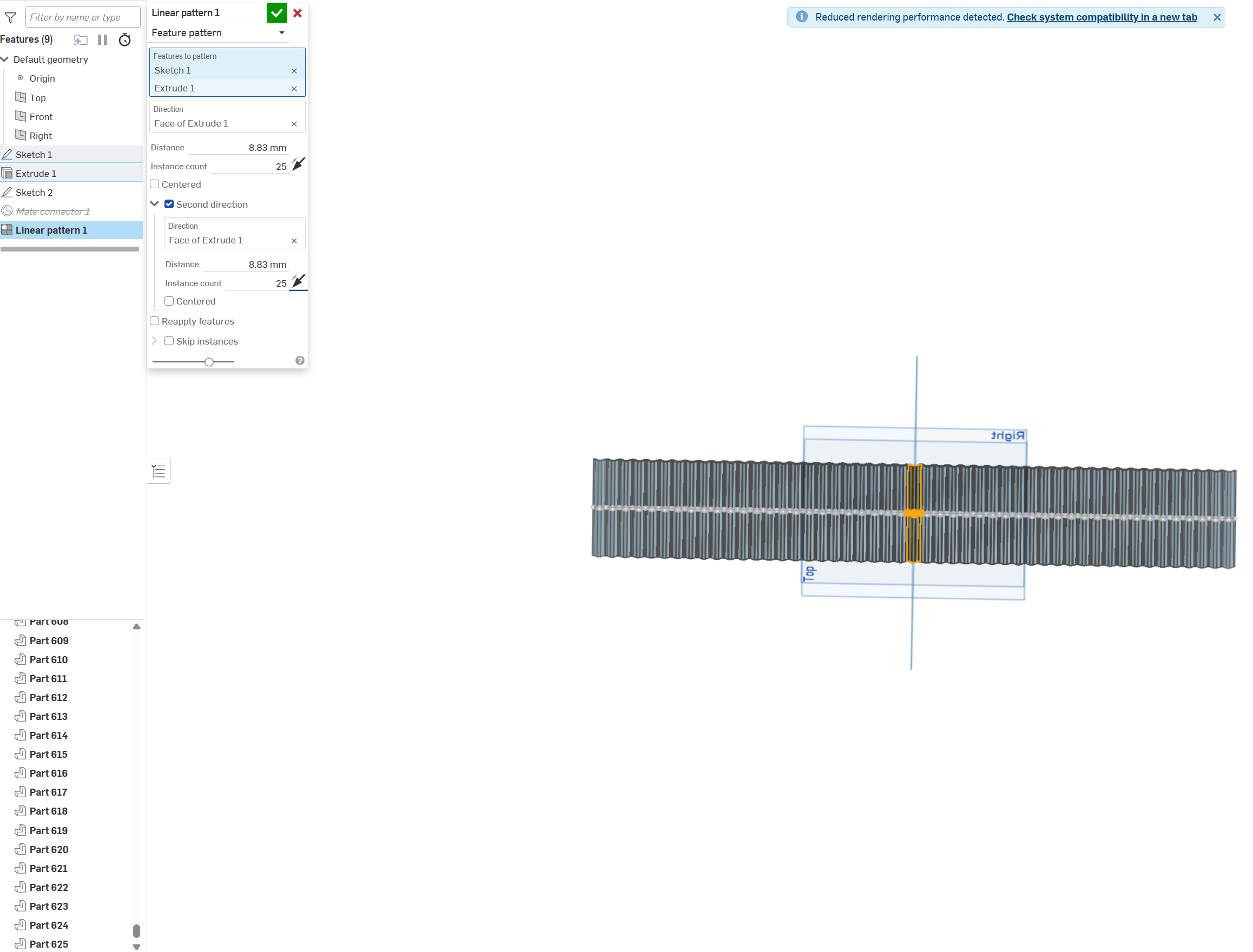
I have issues creating a linear pattern. When creating a linear pattern out of a feature, it works in one direction. When choosing the option "Second Direction," it multiplies the 25 × 25, totaling in 625 parts "possibly?" stacked on top of each other. The 8.830 mm are the distance between the origin and the face of the V-shaped element which should be duplicated (can that be an issue?). Would be great if someone can help me.
Best Answer
-
Ok, I think I understand what you are trying to do!
I think you want to use the "centered" checkbox instead of the "second direction".Second direction is used to create a "grid" of items, the second direction is often perpendicular to the first.
1

Answers
-
What's your question? Seems to be working as expected…
0 -
"Seems to be working as expected…" Maybe that's the case then, I didn't understand this feature fully, because I can only see 50 parts, the rest are stacked on top of each other. I don't want that — I want only those 50 that you can see. What do I need to do differently to get only 25 parts left and right, and without a distance to each other? Is there a better method than what I did?
Would be grateful if you can help me to get this sorted.0 -
Ok, I think I understand what you are trying to do!
I think you want to use the "centered" checkbox instead of the "second direction".Second direction is used to create a "grid" of items, the second direction is often perpendicular to the first.
1