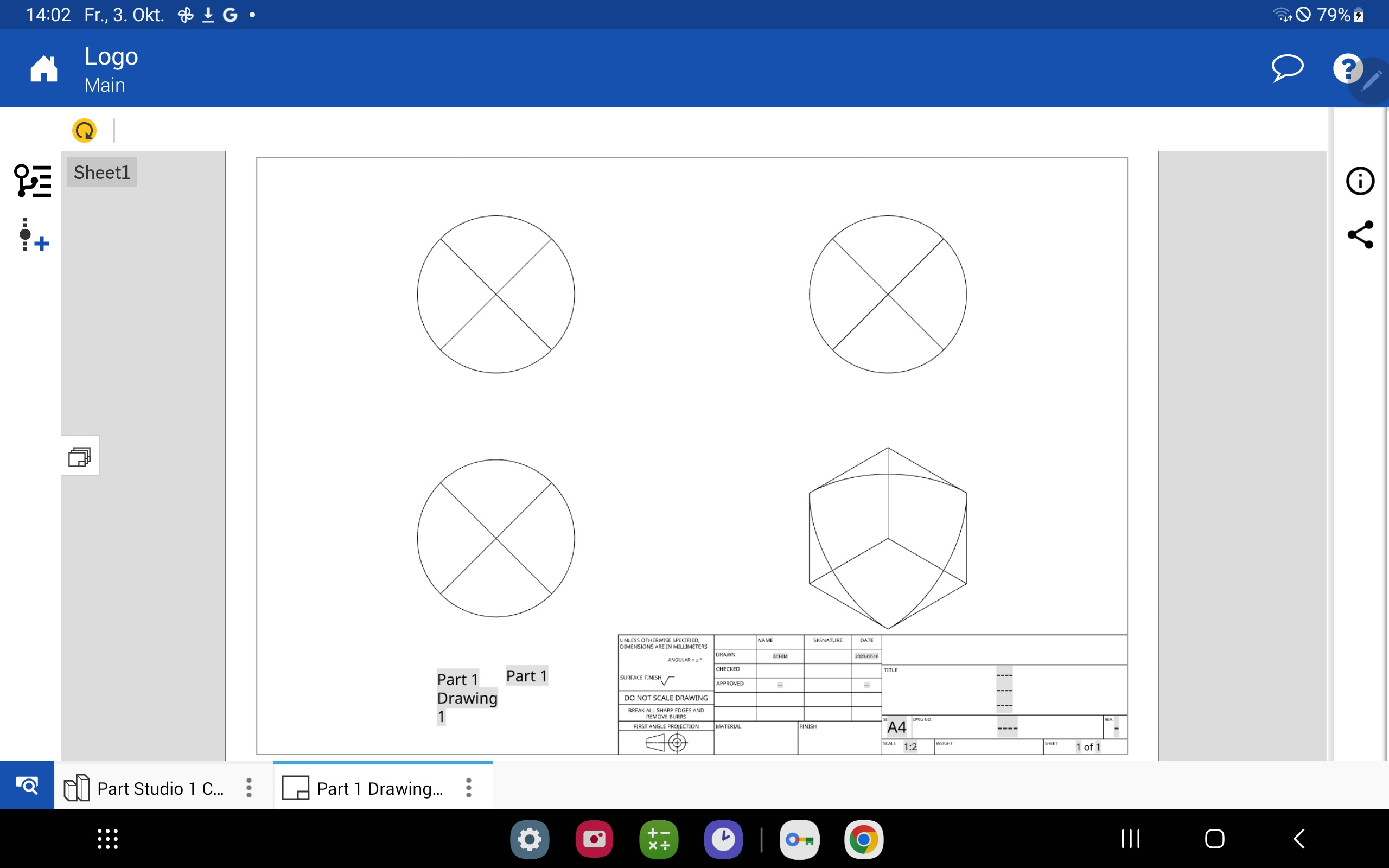
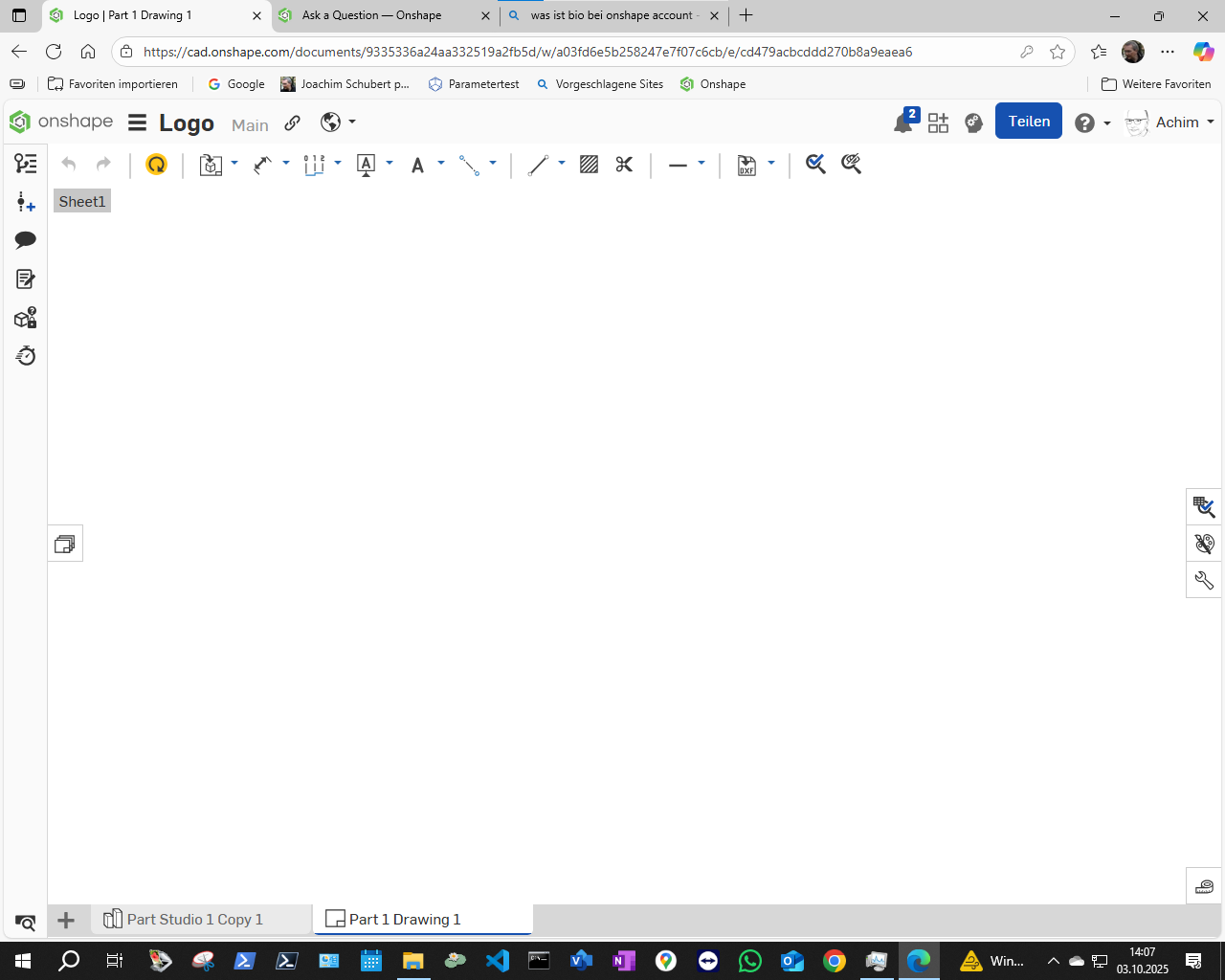
My windows 10 PC doesn´t display drawings, but my Android tablet does. What is the trick?

joachim_schubert734
Member Posts: 2 ✭
Link to sample dokument: https://cad.onshape.com/documents/9335336a24aa332519a2fb5d/w/a03fd6e5b258247e7f07c6cb/e/cd479acbcddd270b8a9eaea6
Screenshot from tablet:
Screenshot from PC, Windows 10, chrome and edge:
0
Answers
-
Hmm I can see the drawing on my PC (which is windows 11). I would try the following:
-Run the Onshape Browser Check (may be a WebGL issue): https://cad.onshape.com/check
-It that all looks good, try clearing your Browser cache, restarting your browser, and making sure its updated
-Update the drawing (yellow button in top left)
-Try firefox?
0 -
I'm running Win10 on a PC and it displays fine. Check Kevin's suggestions.
0

