Assembly update after part development/modification

Dears,
I'm facing a problem I cannot solve up to now….
I started the design of a new part in an assembly using the button"create part studio in context". Up to this, it's working fine, and so I can design the first part, a first extrusion., and a new part file was created. I also suceeded to design a second extrusion, without any problem.
Then, I 've to make others extrusion, and the problem came at this point, I designed a third extrusion, this extrusion is present in the part studio, but can not be visible in the assembly file !
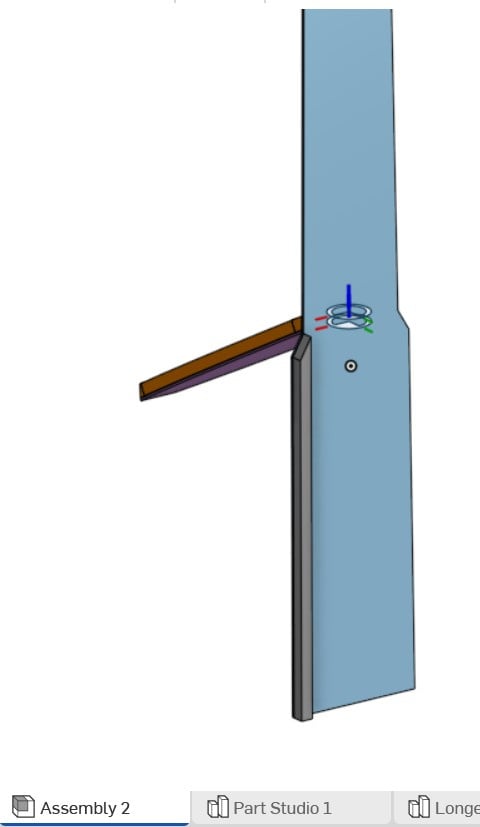
Assembly view,
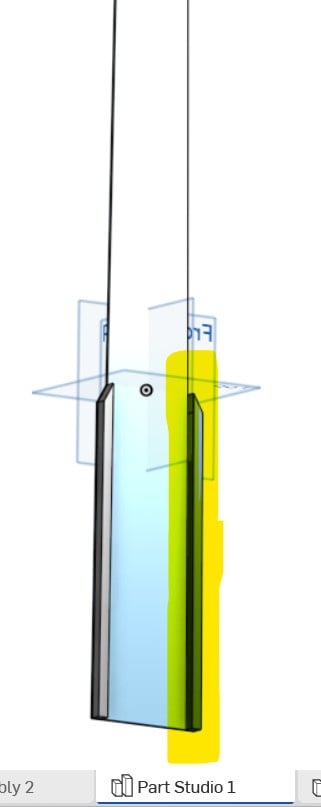
part studio view, showing the third extrusion (in yellow)
I tried the command "edit in context", and again, I can show the third extrusion, but clicking on "go to assembly", I'm still back with only two exxtrusion, the third one is missing
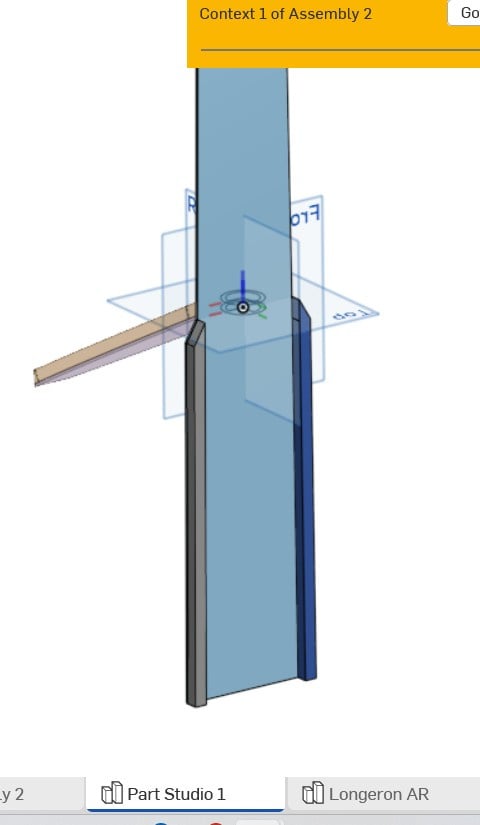
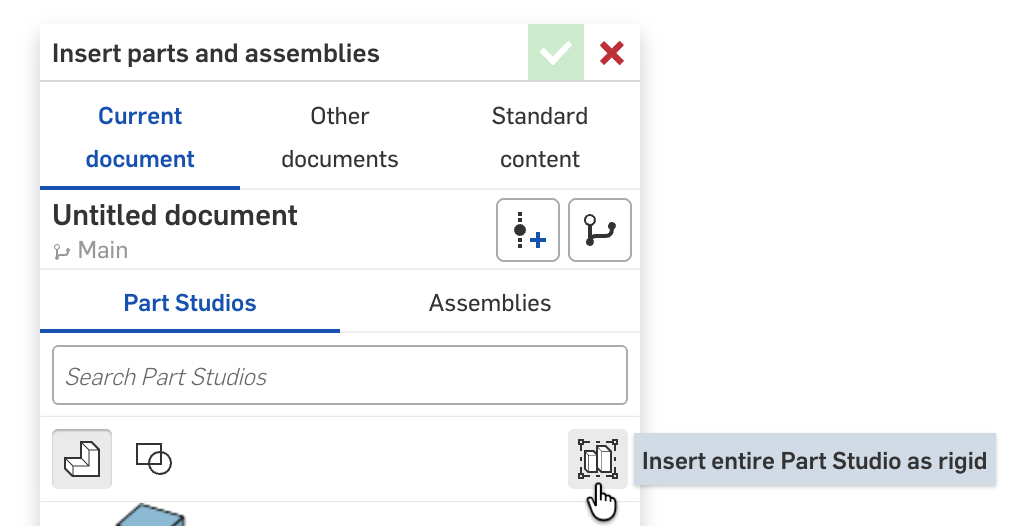
the only way to "solve" this problem is to insert manually the third part, and redo the positioning using mate, long and complex process
so, my question is the following : is it a way to have an automatic update of the design of the newly created part in an assembly, reflecting the modification made to the part ?
many thanks for your comments and answers
regards
Answers
-
Unfortunately, there is no current way to make a part studio automatically update parts into a assembly. You can just add the parts manually into the assembly by just clicking insert at the top and do it that way. If you truly want to get a auto load feature you can make a sub assembly and link the sub assembly into the main assembly (however you will still need to add the parts manually into the sub assembly to do this).
0 -
Is it necessary new extrudes to be separate parts? It kinda looks like they might be meant to be all one part. - Scotty
0 -
I don't think you need "in-context" design for what you are doing. A regular part studio with all the parts drawn together should be much simpler.
0