Drawing different position in one view

Is it possible to have 2 different position view in the same view on the drawing?
Answers
-
You mean like a box with the lid open and then with the lid closed on one drawing sheet? That is possible, just make the box configurable and then assign each config to one view.
Showing them both together in one view is probably not possible without evil tricks. You could possibly insert a sketch showing the other position into a view.
0 -
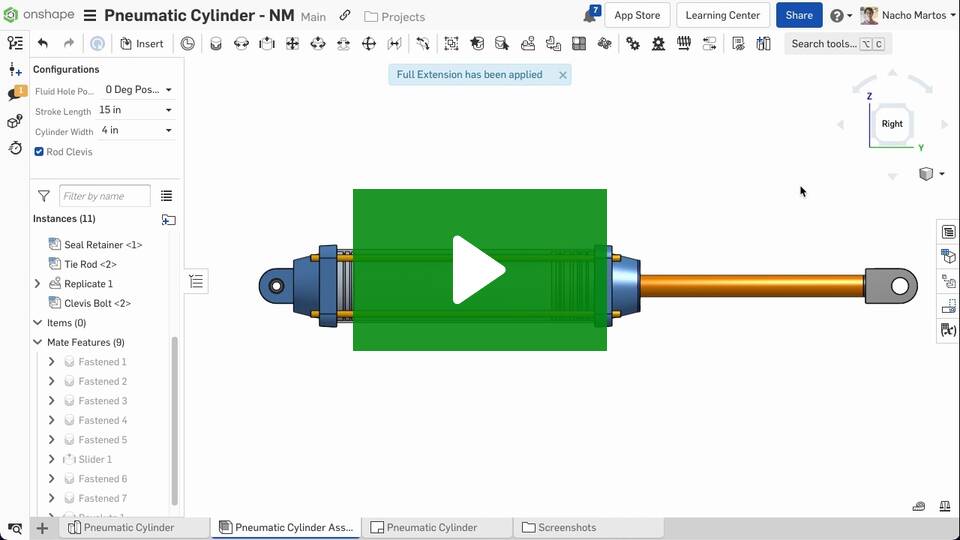
You can definitely show more than one named position on the same drawing (see improvement video below), but to do two in the same view I would probably create a separate dummy assembly which does it.
Simon Gatrall | Product Development, Engineering, Design, Onshape | Ex- IDEO, PCH, Unagi, Carbon | LinkedIn
0 -
@slope I was wondering the same thing about showing two positions in a single view. sounds like creating a dummy assembly or using configurations is the cleanest way to go. Would be great if Onshape eventually added a built-in option for “overlay” positions (like open/closed states) directly in drawings — it’d make design reviews much clearer.
0 -
Would be great if Onshape eventually added a built-in option for “overlay” positions (like open/closed states) directly in drawings — it’d make design reviews much clearer.
0

