How to Create a Surface with Gap in OnShape?

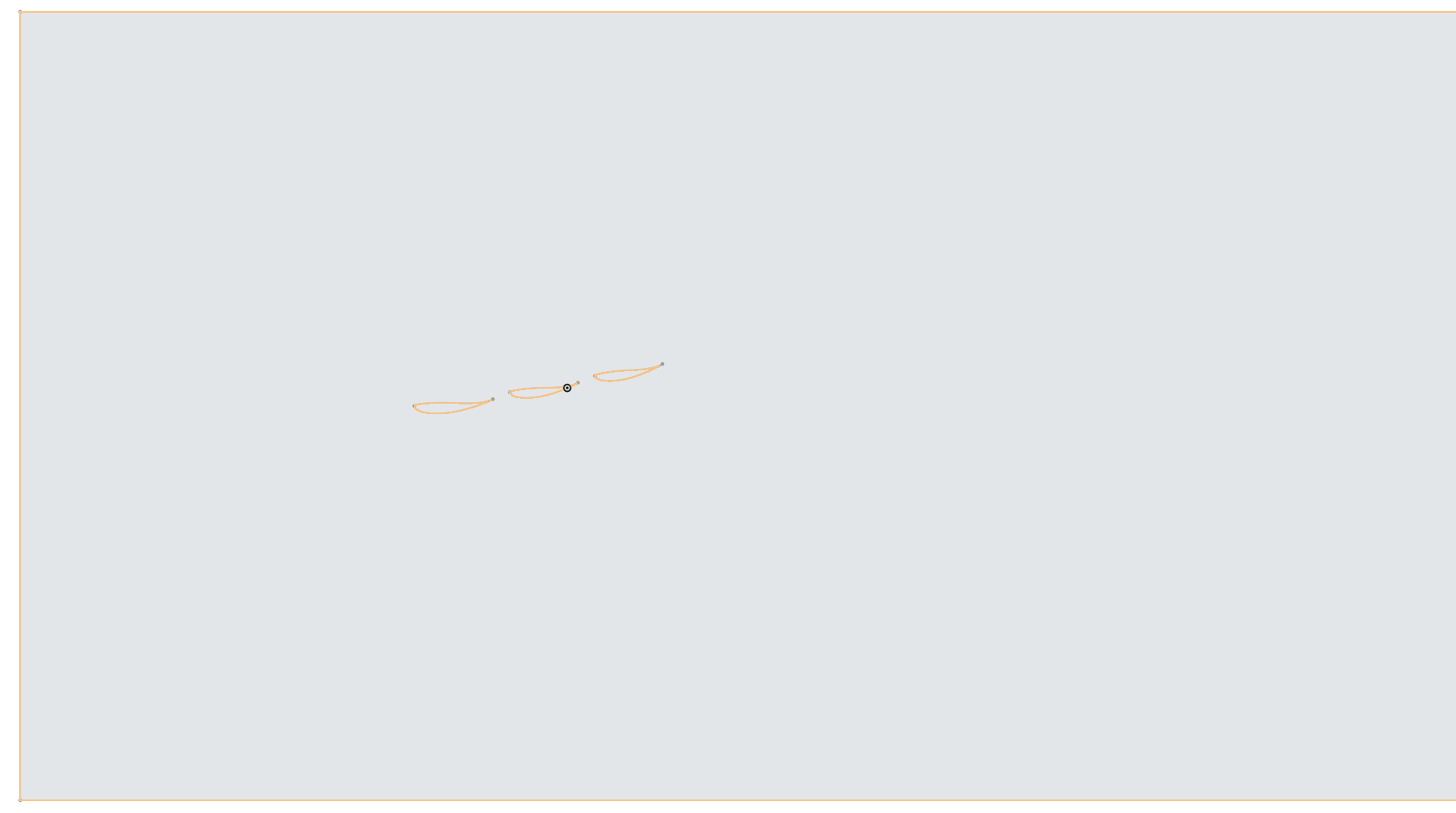
So I have this boundary with three sets of airfoils inside them and I am trying to create a surface wherein this entire boundary acts as the domain and these three airfoils remain as the gap. I have to export this surface to Ansys later on for CFD analysis of these three airfoils so I am having an issue using the Fill command. Can anyone please tell me what should be my ideal workflow to create such type of a surface?
Best Answers
-
-
If you have closed regions, you should be able to just select the "outer" area and use an offset surface (set to 0) to create a surface with the airfoil-shaped holes in the middle. If that's what you are trying to do?
0


Answers
-
-
If you have closed regions, you should be able to just select the "outer" area and use an offset surface (set to 0) to create a surface with the airfoil-shaped holes in the middle. If that's what you are trying to do?
0 -
Thanks for the help I was going about the wrong way it seems by using the Fill Command
0