Welcome to the Onshape forum! Ask questions and join in the discussions about everything Onshape.
First time visiting? Here are some places to start:
- Looking for a certain topic? Check out the categories filter or use Search (upper right).
- Need support? Ask a question to our Community Support category.
- Please submit support tickets for bugs but you can request improvements in the Product Feedback category.
- Be respectful, on topic and if you see a problem, Flag it.
If you would like to contact our Community Manager personally, feel free to send a private message or an email.
How to Create a Surface with Gap in OnShape?

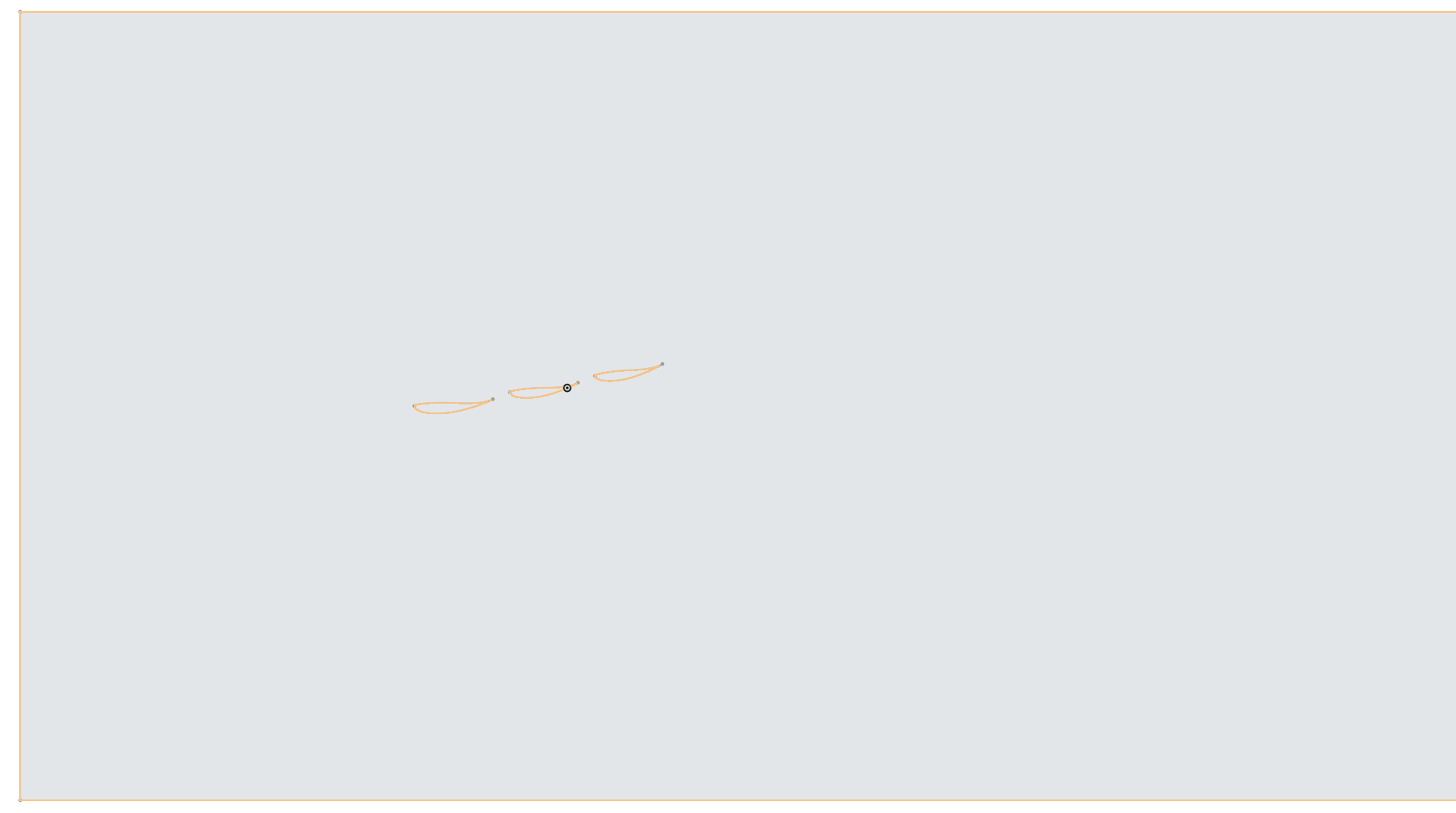
So I have this boundary with three sets of airfoils inside them and I am trying to create a surface wherein this entire boundary acts as the domain and these three airfoils remain as the gap. I have to export this surface to Ansys later on for CFD analysis of these three airfoils so I am having an issue using the Fill command. Can anyone please tell me what should be my ideal workflow to create such type of a surface?
Best Answers
-
-
If you have closed regions, you should be able to just select the "outer" area and use an offset surface (set to 0) to create a surface with the airfoil-shaped holes in the middle. If that's what you are trying to do?
0


Answers
-
-
If you have closed regions, you should be able to just select the "outer" area and use an offset surface (set to 0) to create a surface with the airfoil-shaped holes in the middle. If that's what you are trying to do?
0 -
Thanks for the help I was going about the wrong way it seems by using the Fill Command
0