Drawing BOM Questions

andre_kvaternik
Member Posts: 15 ✭
Two Questions Relating to BOMs and Drawings:
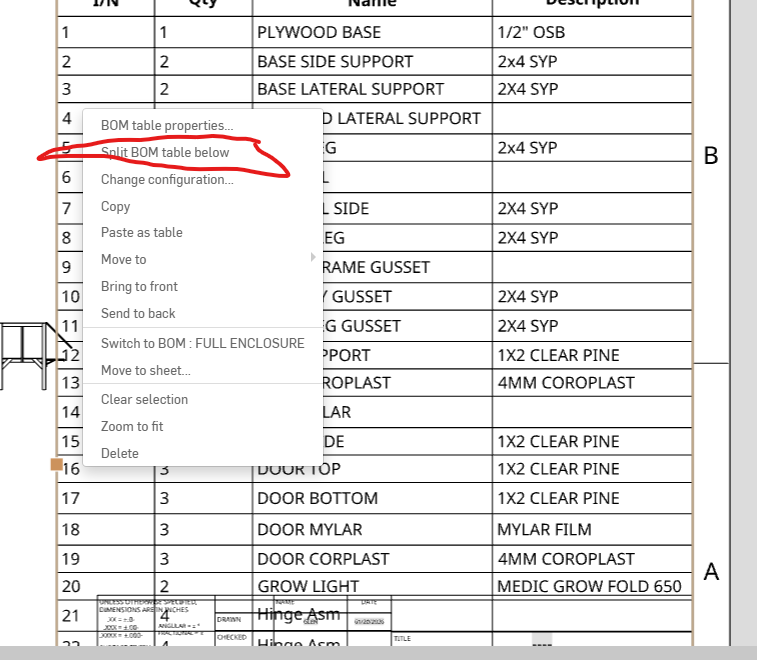
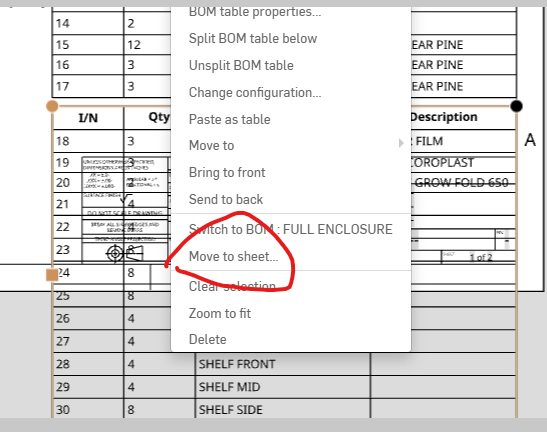
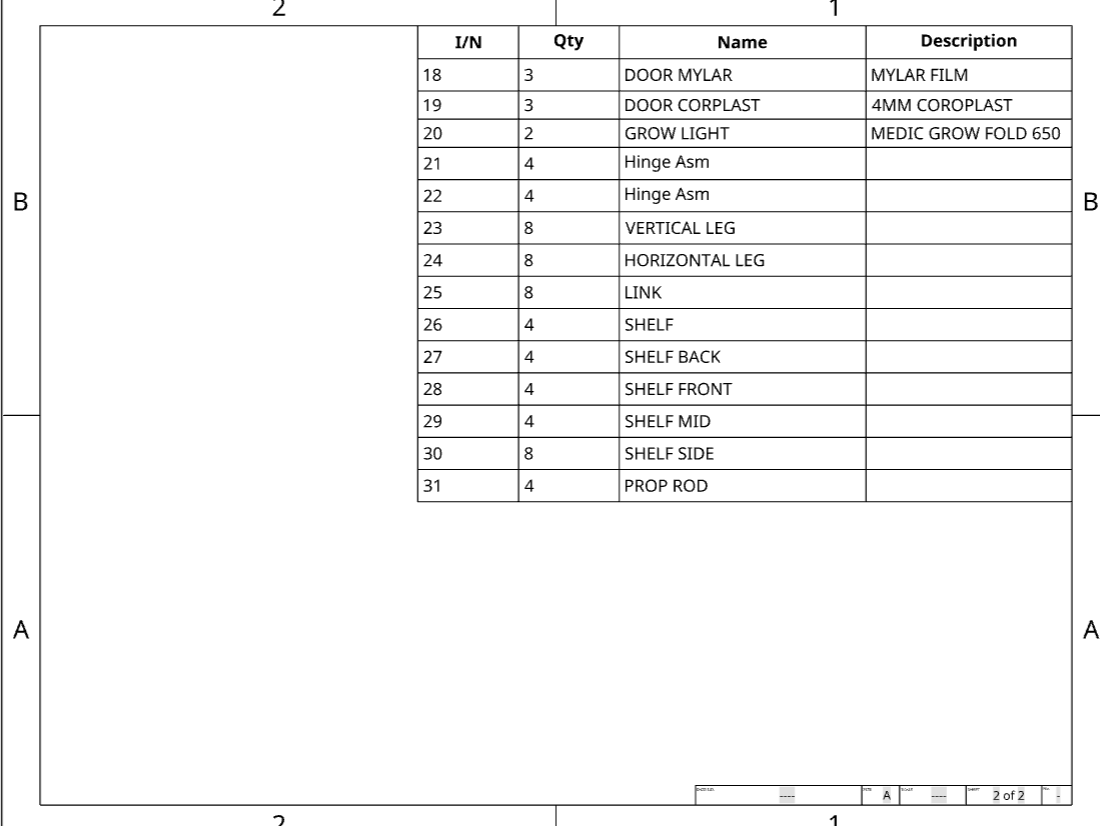
- I have a multi-level BOM I want to display on a drawing that overflows the 8x11 page I'm using as my drawing template. Is there a way to paginate this BOM so I can break it up into 2 drawings? Or a way to filter just certain levels? See below:
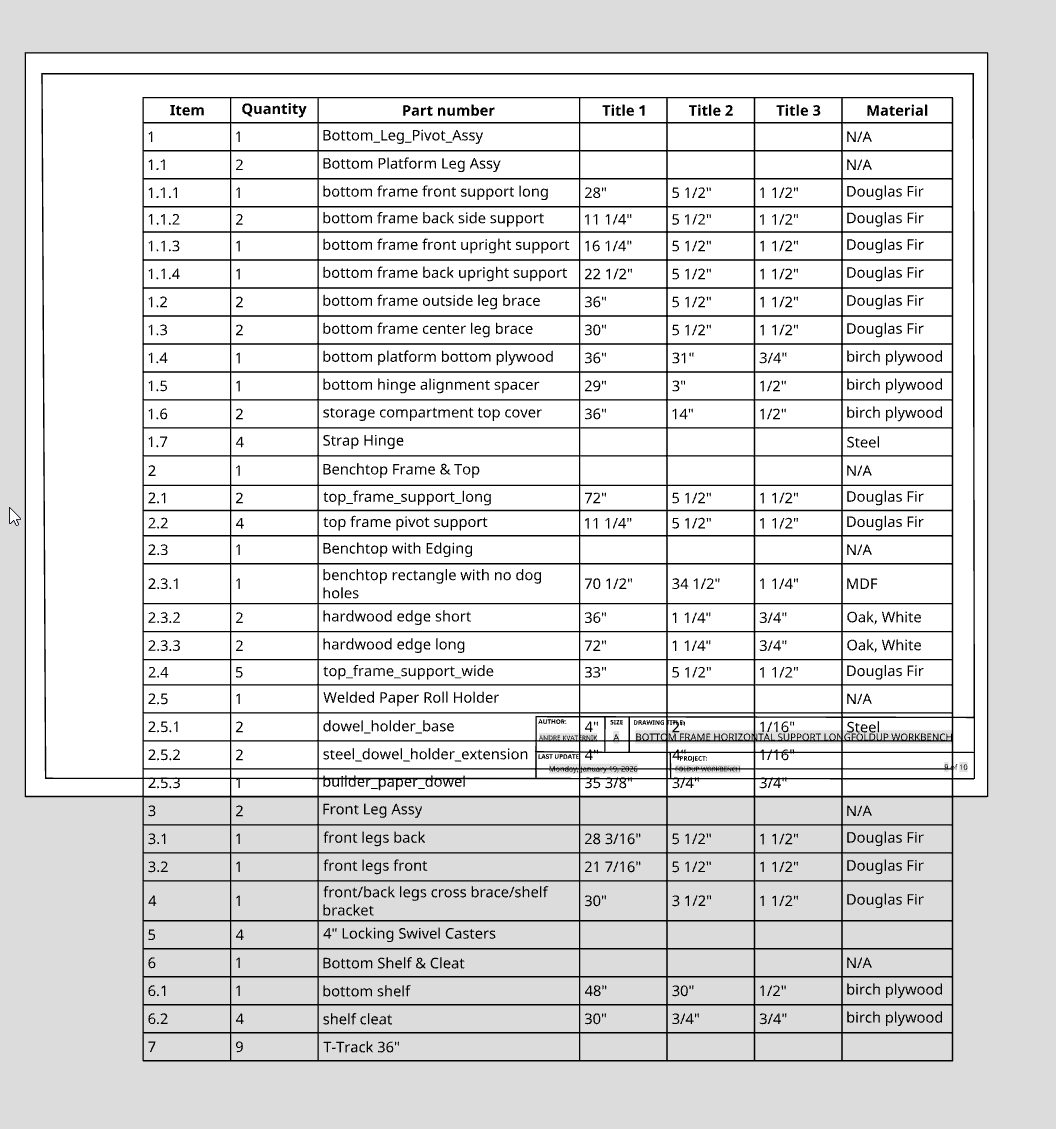
- If I create a drawing of a top level assembly, is there way to insert a BOM table that consists of just one of the subassemblies? I have a drawing of a top level assembly with mutiple sheets, each which shows the details about a subassembly. But when I go to insert a BOM table, it always inserts the BOM for the top level assembly (shown above) rather than the BOM for the subassembly on the page. Do I have to create a separate drawing for each subassembly in order for its BOM to be displayed? I was trying to have just one drawing with 10 or so sheets in it, rather than 4 or 5 drawings with 2 sheets each. Hope this makes sense.
Tagged:
0
Answers
-
Your only alternate option is to have you main BOM be "Top Level" only and then add the sub-BOMs (for the sub-assemblies) on other sheets.
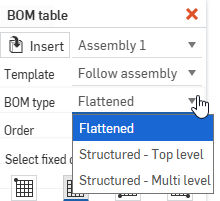
For that you have to "insert" the sub-assembly in order to get a specific BOM: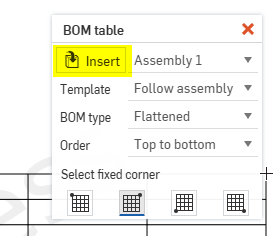
If I pick "assembly2" in there, then I can select what BOM to use:
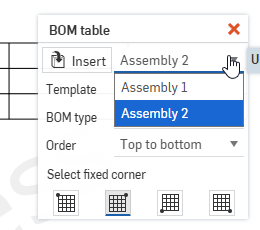
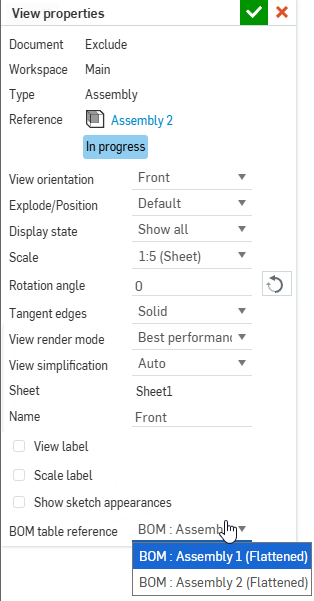
Note that in the view properties of the assembly view, you have to make sure it's pointing to the correct BOM as well:
 0
-
-
Thanks so much for that tip on the subassys - didn't pick that up in the menu dropdown.
0