Issues with loft end conditions - Model Mania 2005 Part

Hi everyone, I've been working through the model mania parts and have been getting a different result with the same procedure as given in the solution. I am aware that this is usually done in SOLIDWORKS so it could be a Onshape specific feature.
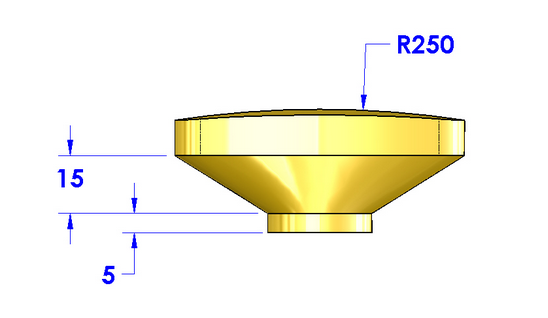
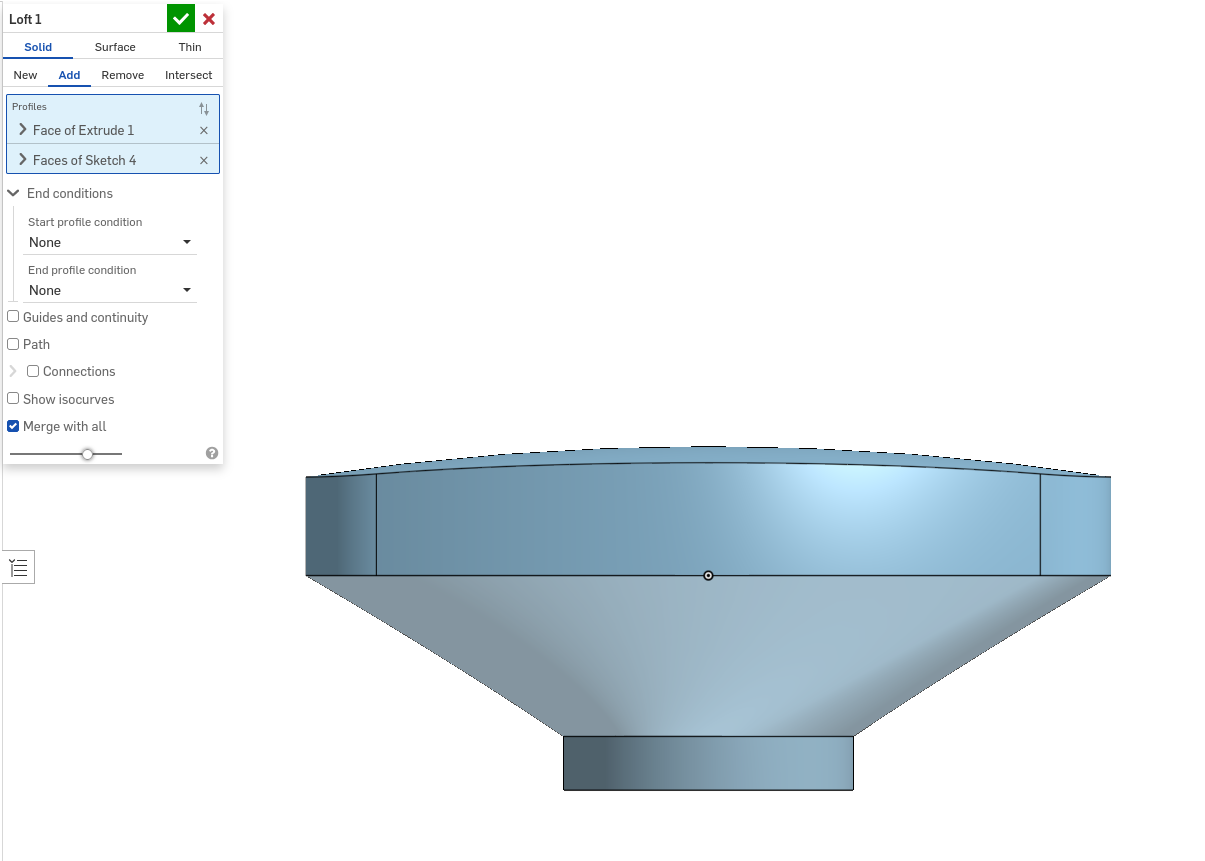
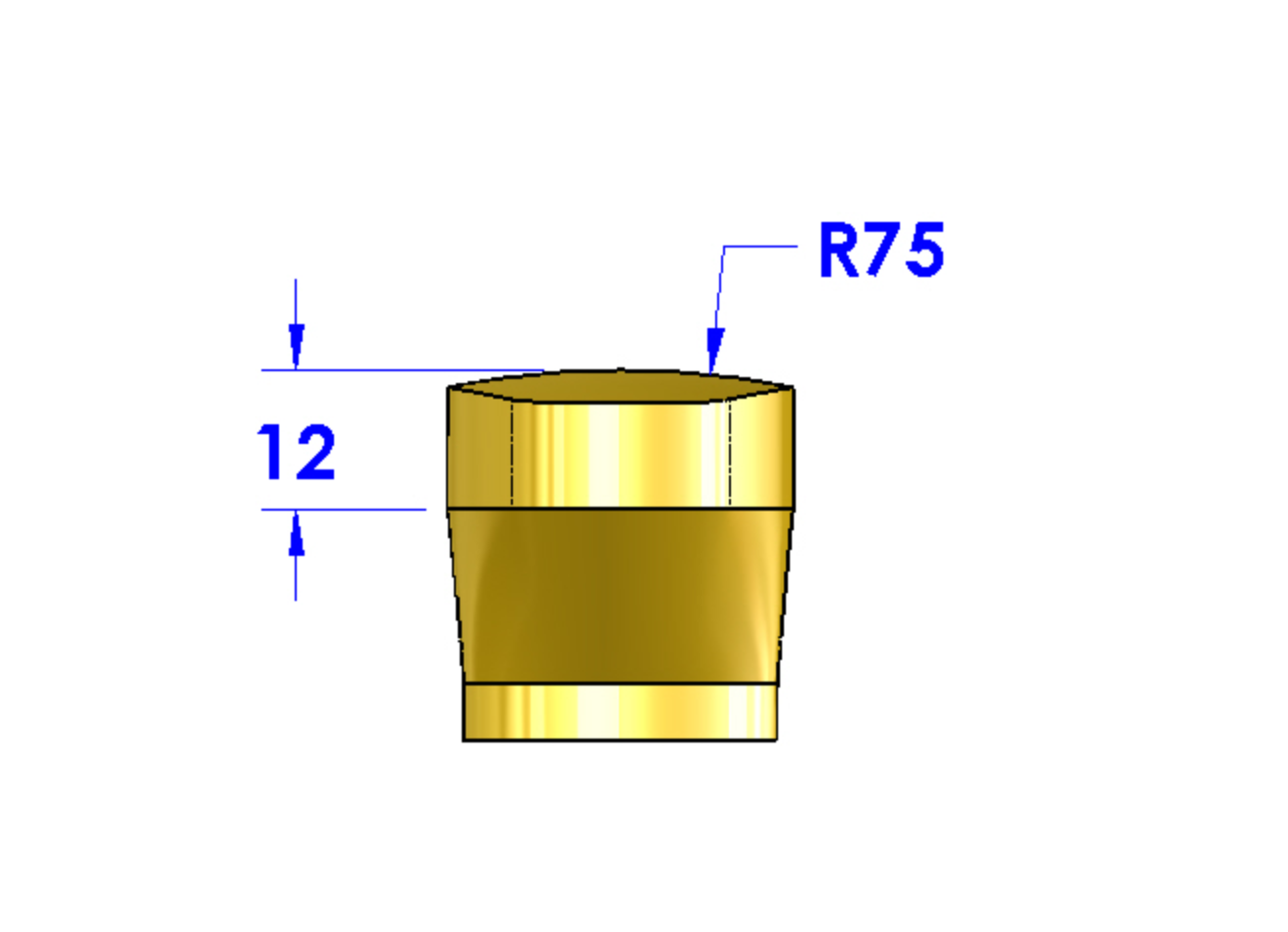
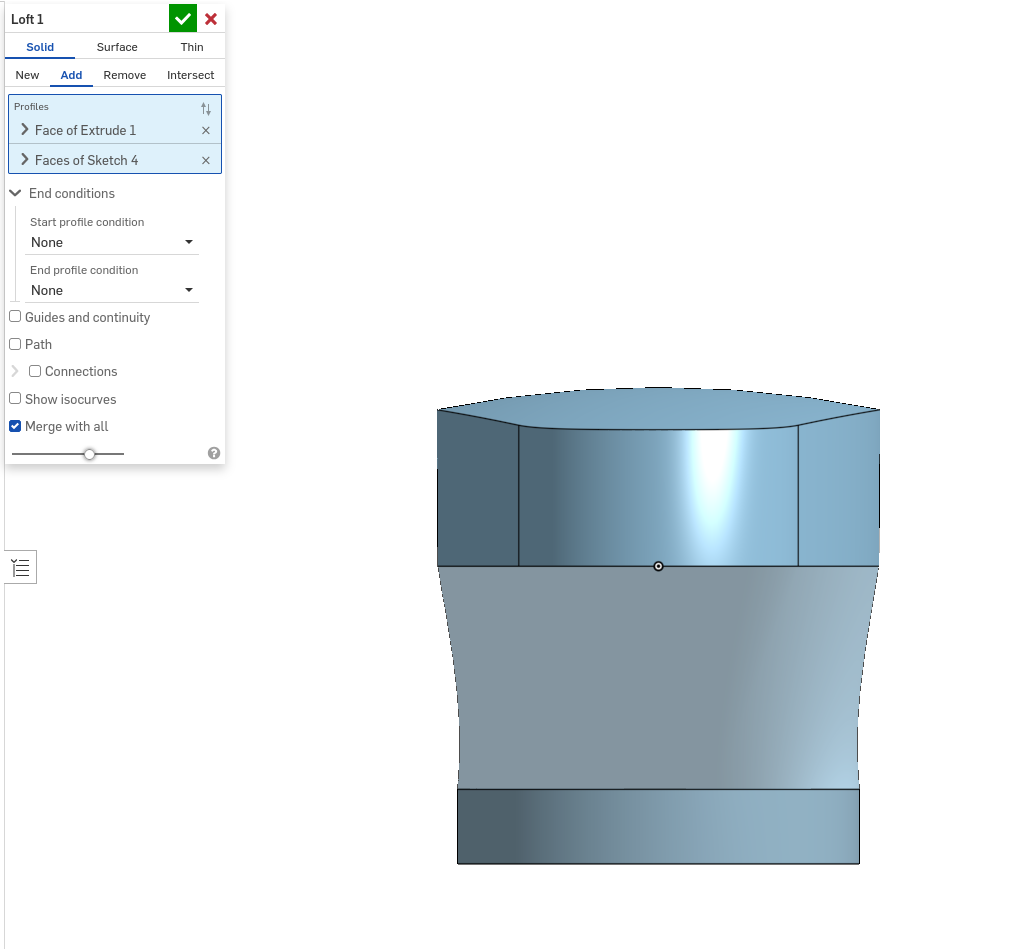
I'm trying to loft a feature with start and end conditions set to none. Attached are photos of the desired result on SOLIDWORKS and my result on Onshape.
The front view looks fine but the right view shows curvature in the loft where there should be none.
Any ideas on how to have the loft connect straight with the lower part?
Best Answer
-
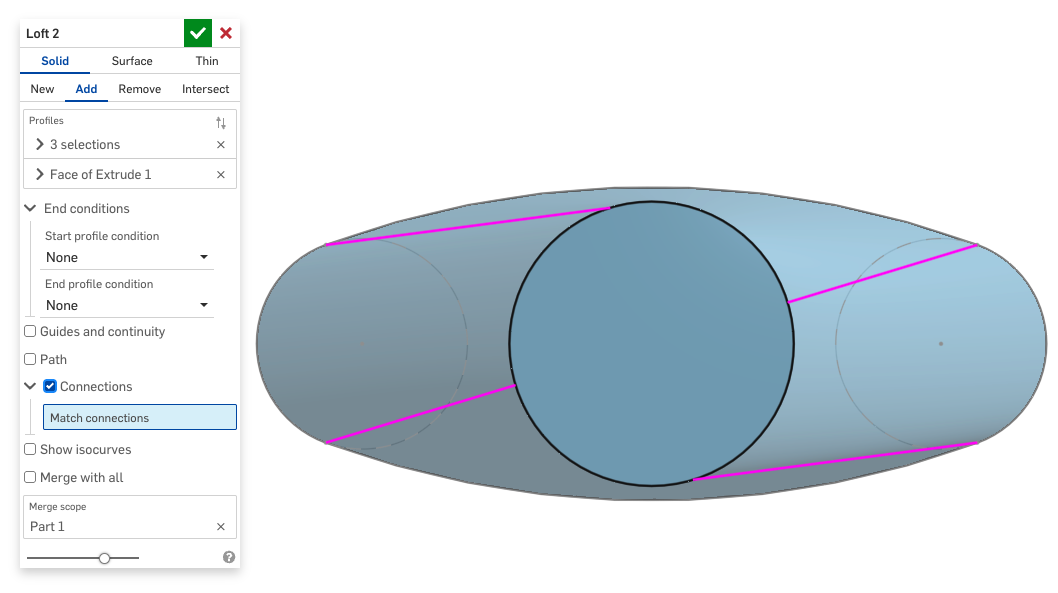
yes, if you turn on the Connections option you'll see something like this:
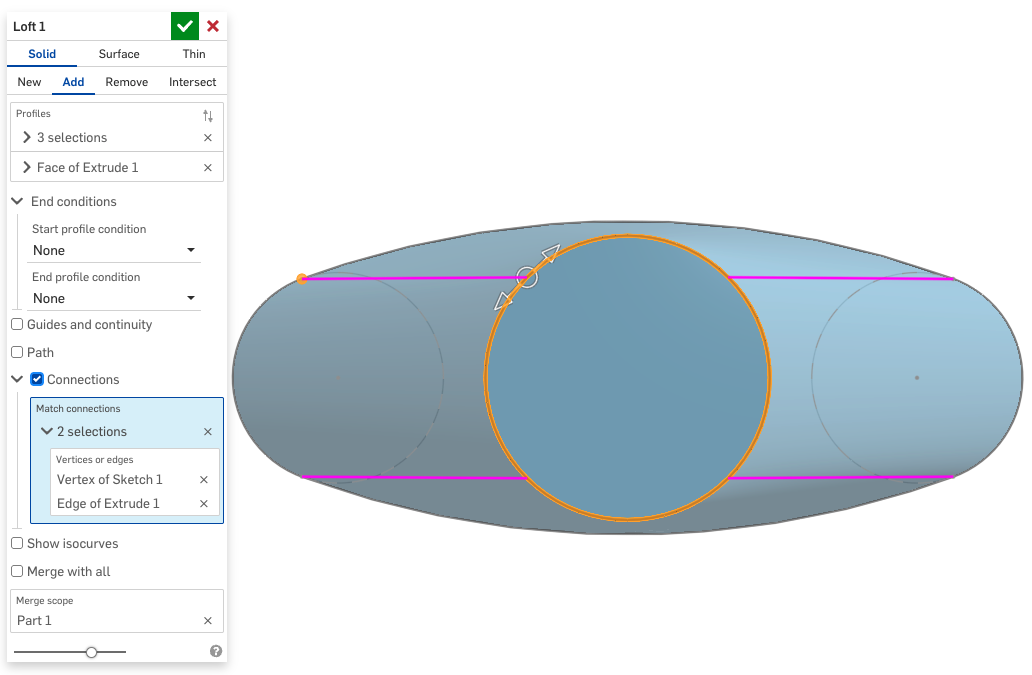
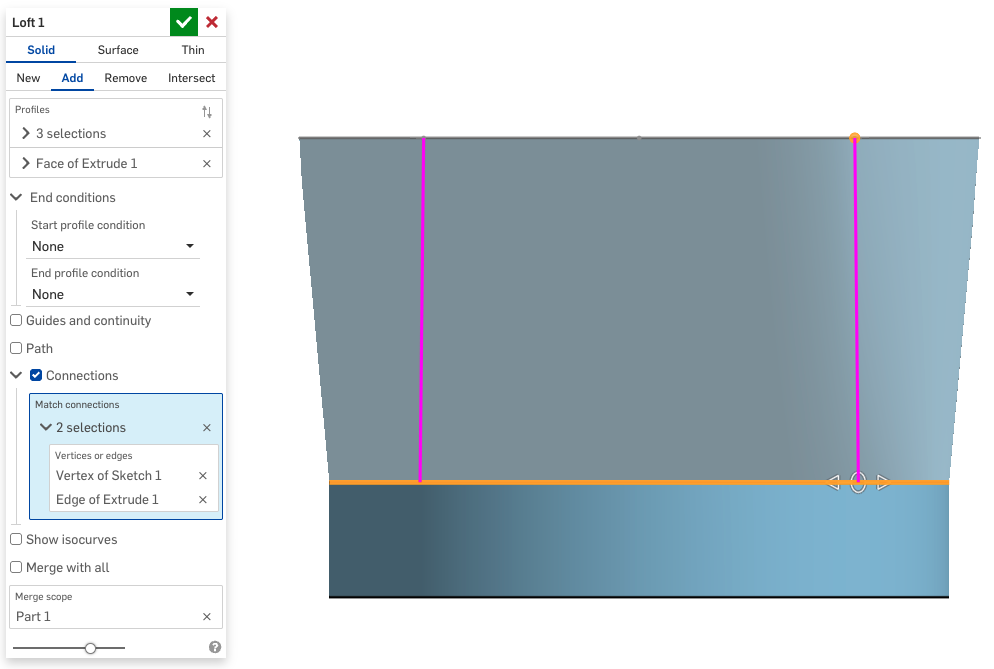
In this case all you have to do is create one "connection" from the arc to the circle and drag the manipulator around until it's right:
 1
1


Answers
-
There is probably some twist in it. Turn on connections and adjust to straighten it up.
Senior Director, Technical Services, EMEA2 -
yes, if you turn on the Connections option you'll see something like this:
In this case all you have to do is create one "connection" from the arc to the circle and drag the manipulator around until it's right:
1 -
Super helpful instructions; thank you!
That seems to have fixed it 😁0
