Welcome to the Onshape forum! Ask questions and join in the discussions about everything Onshape.
First time visiting? Here are some places to start:- Looking for a certain topic? Check out the categories filter or use Search (upper right).
- Need support? Ask a question to our Community Support category.
- Please submit support tickets for bugs but you can request improvements in the Product Feedback category.
- Be respectful, on topic and if you see a problem, Flag it.
If you would like to contact our Community Manager personally, feel free to send a private message or an email.
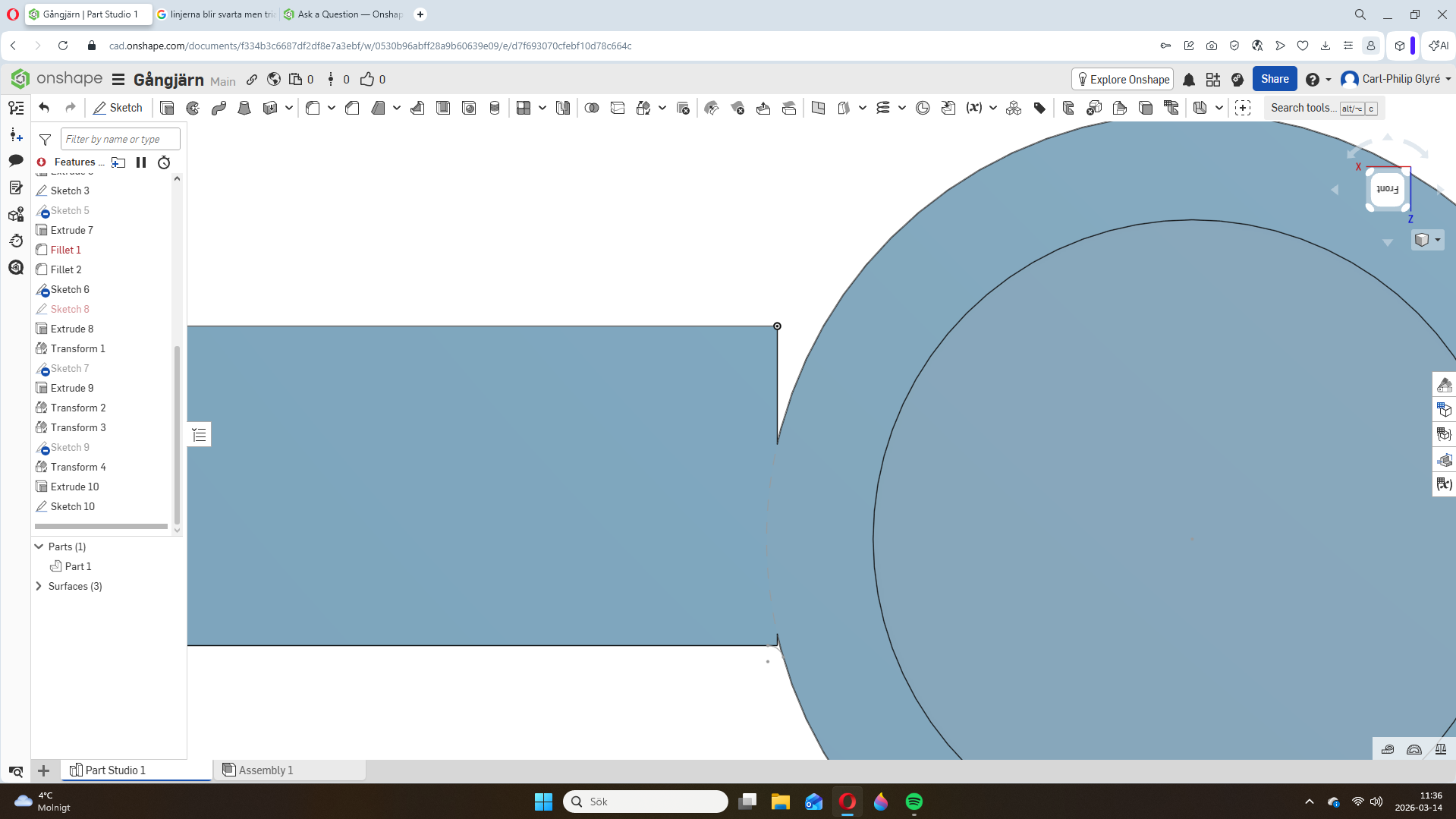
how do i do this triangel?

hi, i'm new to onshape but have managed to draw a hinge for fun. but i can't get these "triangles" to be filled and go like a smooth curve. is there anyone who can help me? have tried using fill and everything else that google ai has come up with tips but they don't work. can someone show me or go into the direction and explain how to do it?
Answers
-
Hello Carl. Welcome to Onshape. From your post it isn't possible to see all that you have created but from the looks of your feature tree, I suspect you have used tools and features that would be unnecessary if the model were created from the beginning in a simpler way. Please post a link to your document so we can see what is going on. - Scotty
0 -
-
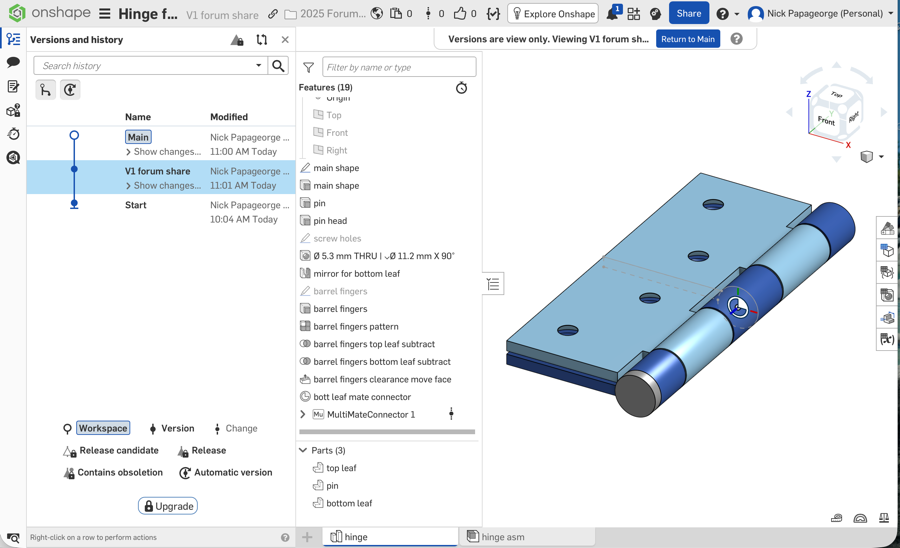
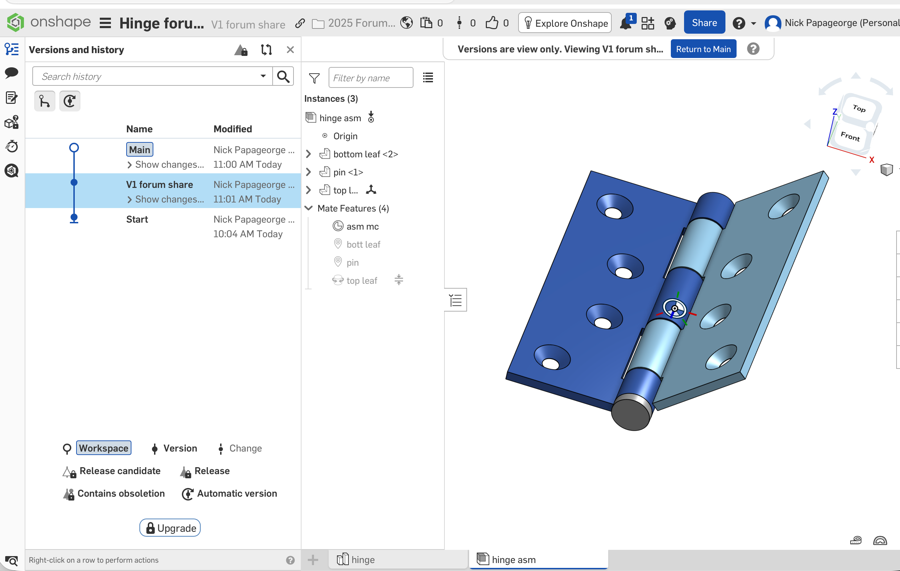
I modeled the hinge for fun too:) There are many ways to make a hinge, this was my approach. Feel free to go through it feature by feature. You probably won't know what half the things are, however, unless you do some part studio and assembly training.
 0
0