Welcome to the Onshape forum! Ask questions and join in the discussions about everything Onshape.
First time visiting? Here are some places to start:- Looking for a certain topic? Check out the categories filter or use Search (upper right).
- Need support? Ask a question to our Community Support category.
- Please submit support tickets for bugs but you can request improvements in the Product Feedback category.
- Be respectful, on topic and if you see a problem, Flag it.
If you would like to contact our Community Manager personally, feel free to send a private message or an email.
Challenging sketch constraint with variable text - not mission critical!

I have a use case where I'm populating a text block from a configuration variable to emboss onto a face and depending on the length of the text it either breaks out either horizontally or vertically. Plenty of ways to work around it but I'm curious if there's a "pure" sketch constraint approach…
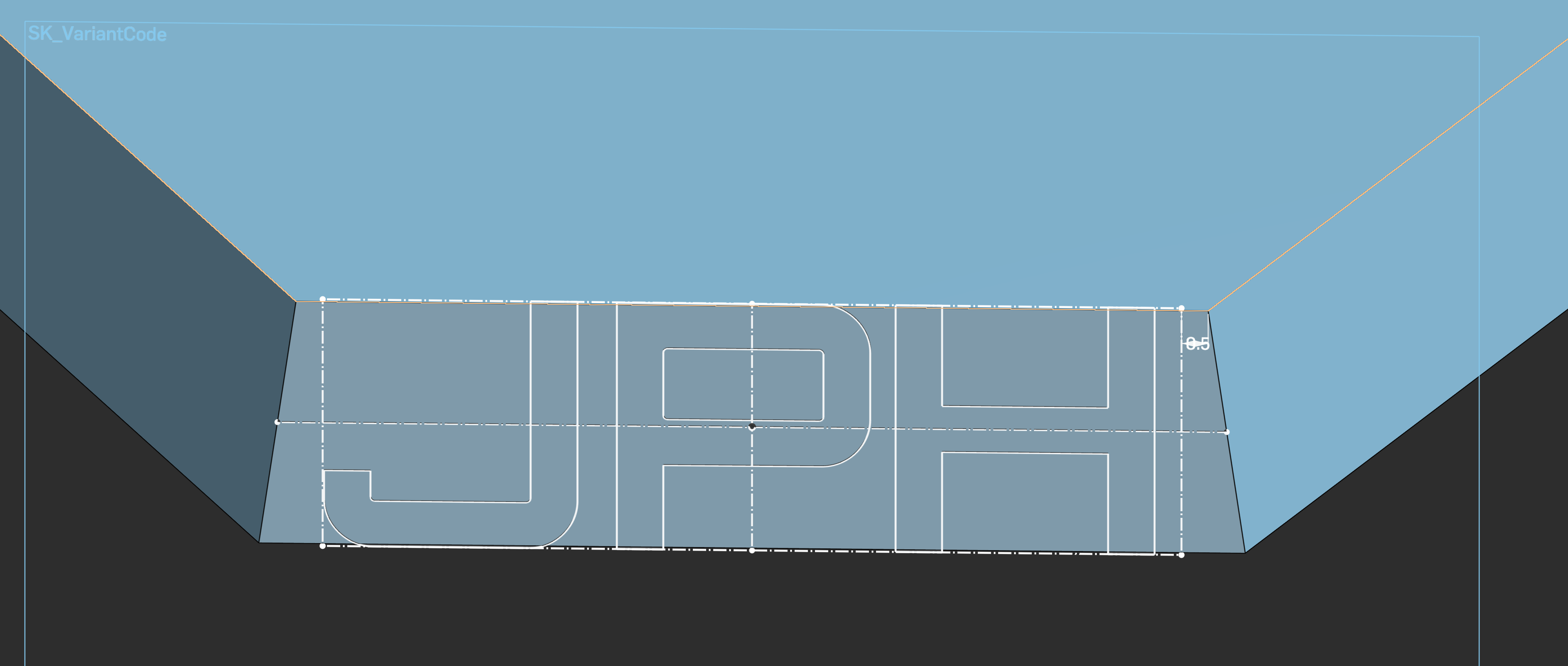
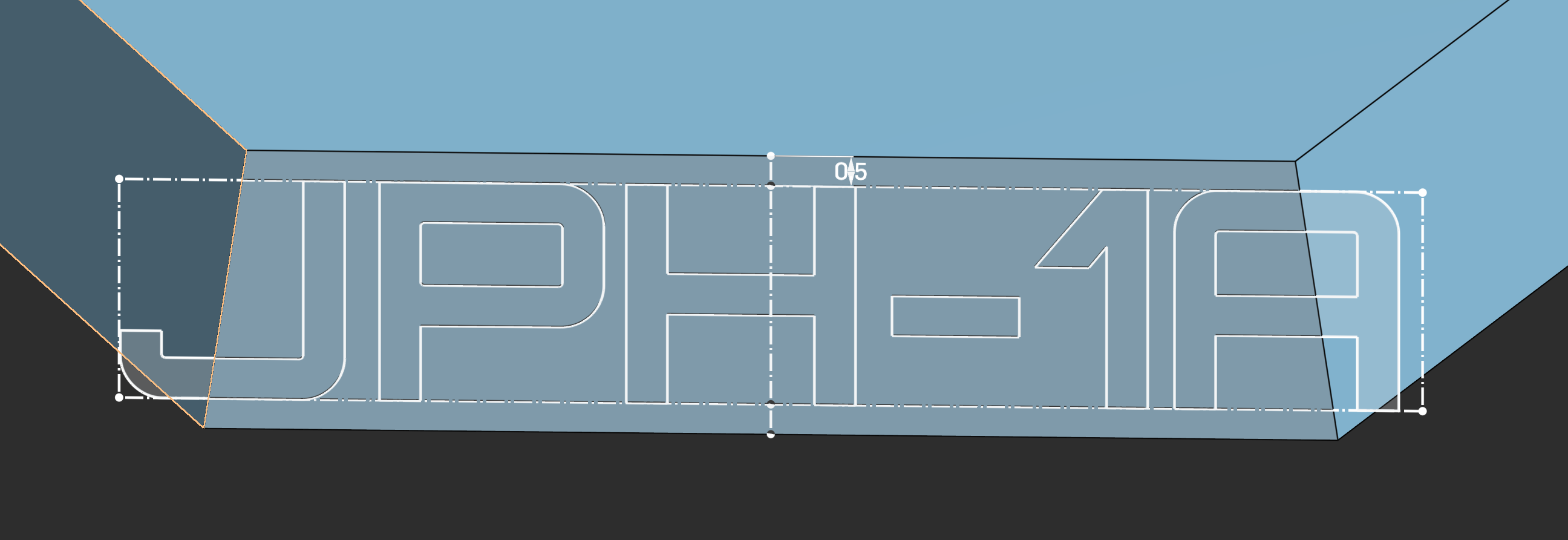
I'm probably going with an expression approach that pads with whitespace if the character count is below a give length…
Best Answer
-
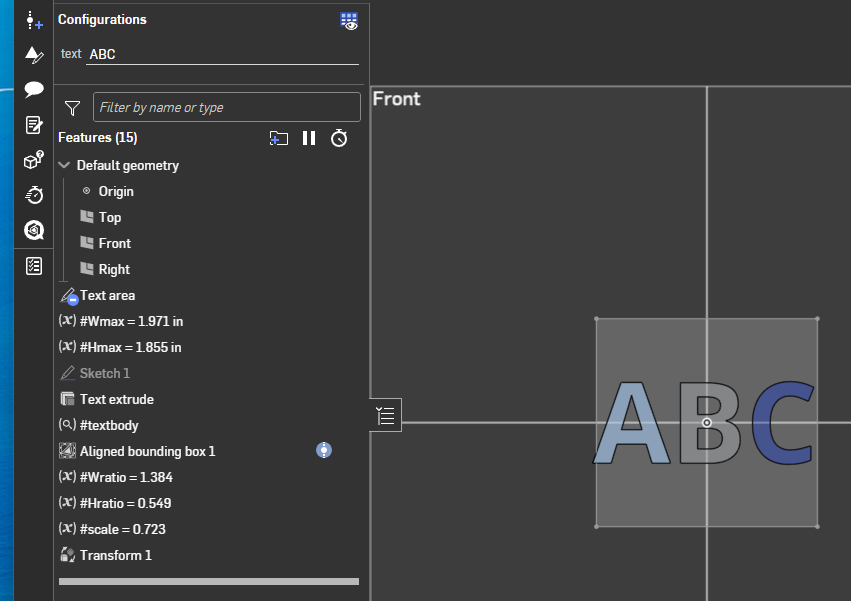
I don't think you can do it just at the sketch level as you would need to change which dimension is driving depending on the limiting dimension.
Here's an example I built to answer a similar questions a while back:
 0
0

Answers
-
I don't think you can do it just at the sketch level as you would need to change which dimension is driving depending on the limiting dimension.
Here's an example I built to answer a similar questions a while back:
0 -
That's giving late 90s/early 2000s webdev hack and I love it!
My use case specific hack (length(#Variant_Code) <=3 ? " "~#Variant_Code~" " : #Variant_Code) doesn't work because the text field is a little too aggressive with eating trailing whitespace and the font doesn't include special characters like thin space so I may have to go with that.
Text handling (and the 2D workflow in general) really needs some love…
1
