Reverse Engineering Shape with Surface Modeling

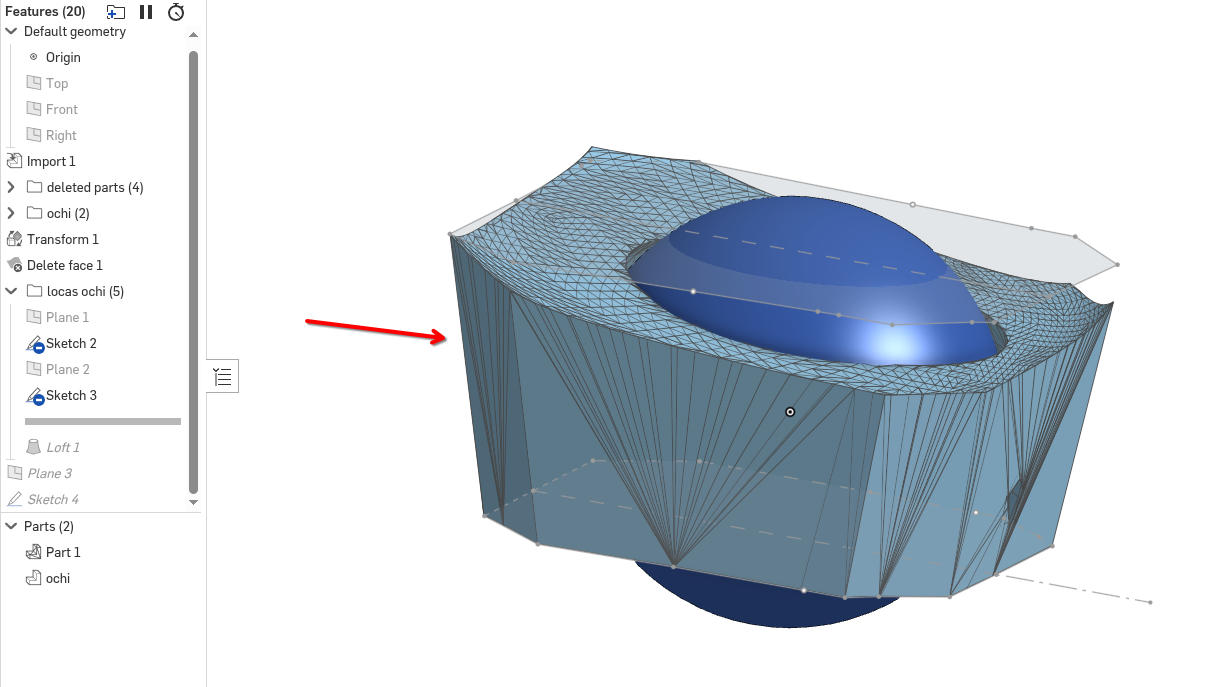
I have this shape that I want to reverse engineer , im not very great at surface modeling and its giving me headaches I tried doing a loft extrude and thinking I would cut the excess material on top with some kind of surfaces but I can find a way to do it properly. Please guide me for the best way to reverse engineer this shape.😀
Here is the link : model
Best Answer
-
perhaps a single extrude with some draft may work.
It depends on how precise you need it to be. Best thing is to create a surface bigger than the loft and trim (split part) it in one go.
the surface could be a constrained surface, or is it perhaps close enough if you revolve a surface?1

Answers
-
Have you tried the "constrained surface"?
Also check Evan's great videos on the subject, like this one for example:
1 -
perhaps a single extrude with some draft may work.
It depends on how precise you need it to be. Best thing is to create a surface bigger than the loft and trim (split part) it in one go.
the surface could be a constrained surface, or is it perhaps close enough if you revolve a surface?1 -
Thank you! This got on on the right path, I will try Evans custom features that might help also.
👍👍
0 -
I tried the the split comand on the loft using a surface a cut surface but got and error and couldnt continue.
Im not sure how a revolve would help...
0 -
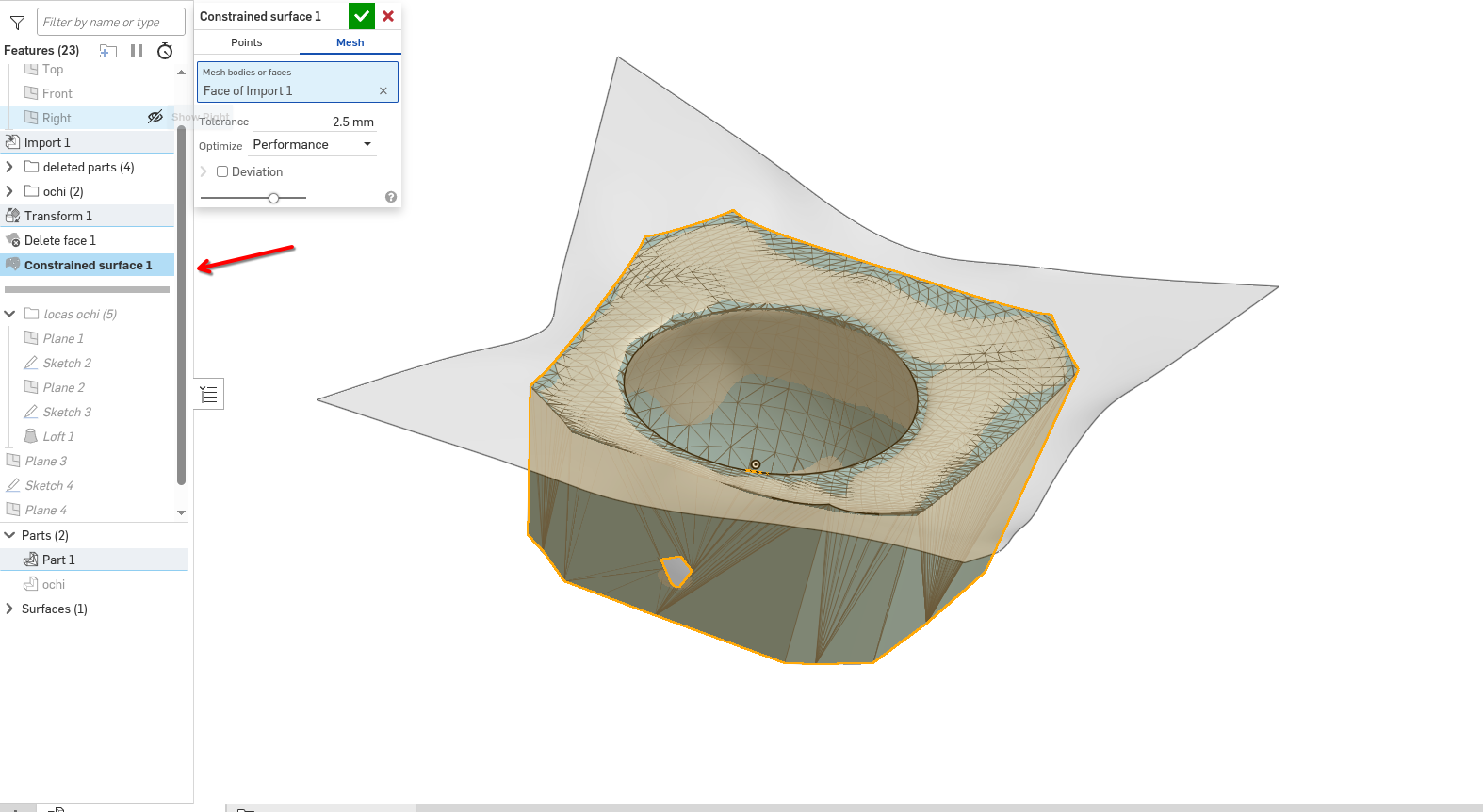
I have managed to get one step closer using constrained surface.
 0
-
Thank you guys
0