Place Logo Feature Script

In a FB group a member showed a FS called "Place Logo" however it does not seem to be available in the public area.
Does anyone know if, and where it may be available please?
Answers
-
I did not see anything related to Logo or Place Logo in my feature search.
Here are two ways to place logos:
If you import a dxf or trace your logo as a sketch and store it in a frame library, the Imprint feature will get the logo from your library and place it on your part via extrude / thicken / split / etc..
If you want to use an image, then use Onshape's native Decal feature. And if it needs to go onto more than 1 face at a time or a non primitive face, there are ways to do that just let me know and I'll walk you through it.
▚▞▚▞▚▞▚▞▚0 -
@trevor_foster217 maybe work the problem in the other direction: what do you want to achieve (rather than discussing how to do it)? is the logo just an image for use in drawings or renders or screenshots? Is it embossed or debossed? is it a sketch?
0 -
Hi @MichaelPascoe,
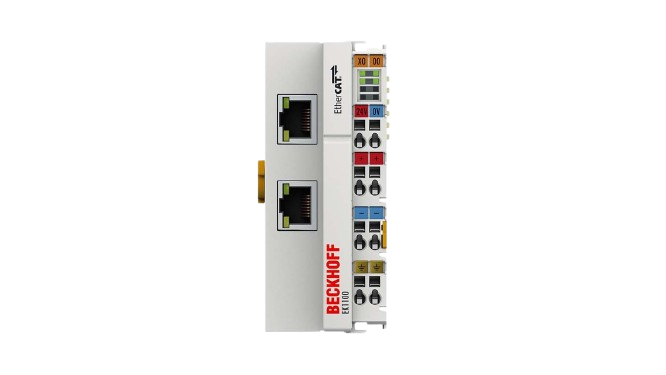
That's exactly what I want to do. We use Beckhoff terminals in our product. I'd like to project the front view onto the terminalfaces as a decal.
Is there an easy way to do this?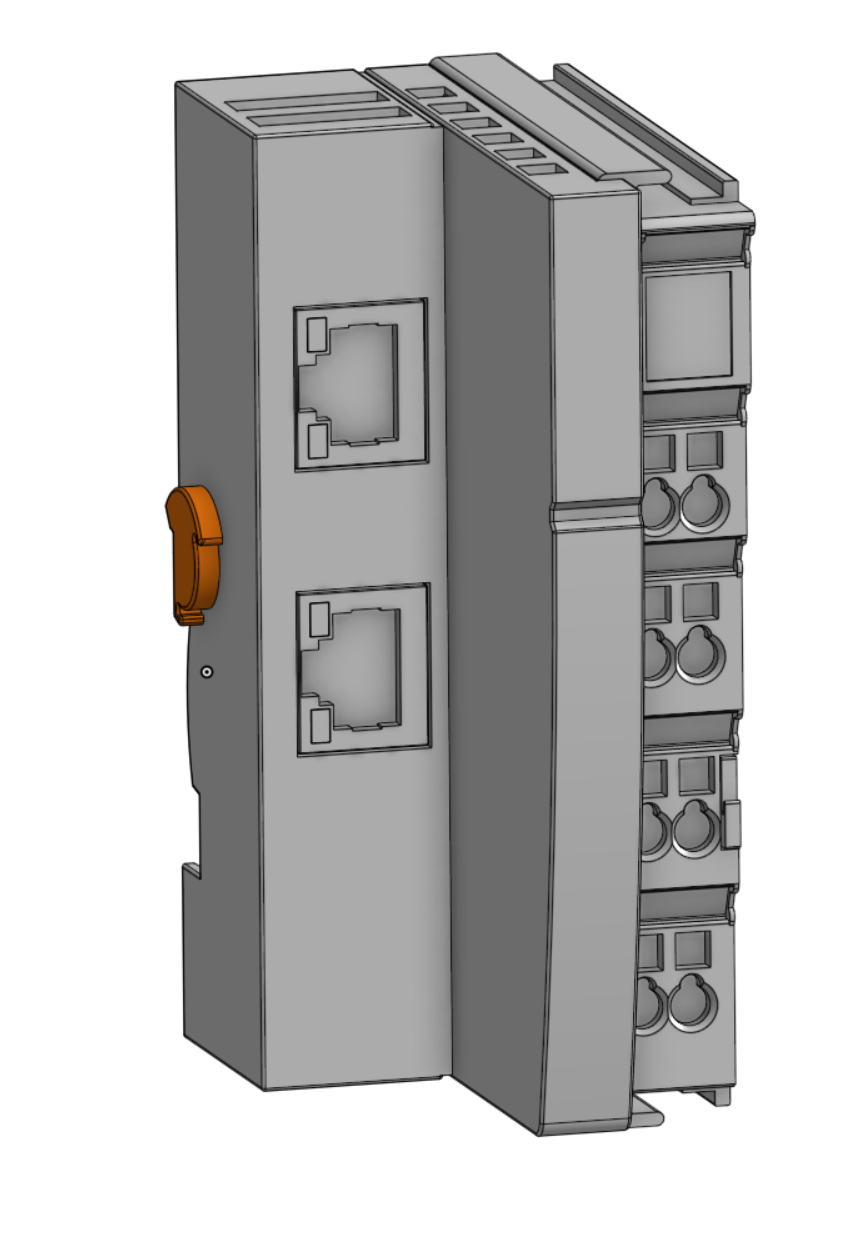
 0
0

